

🎧 Have Chrome Read Web Pages Out Loud on Android
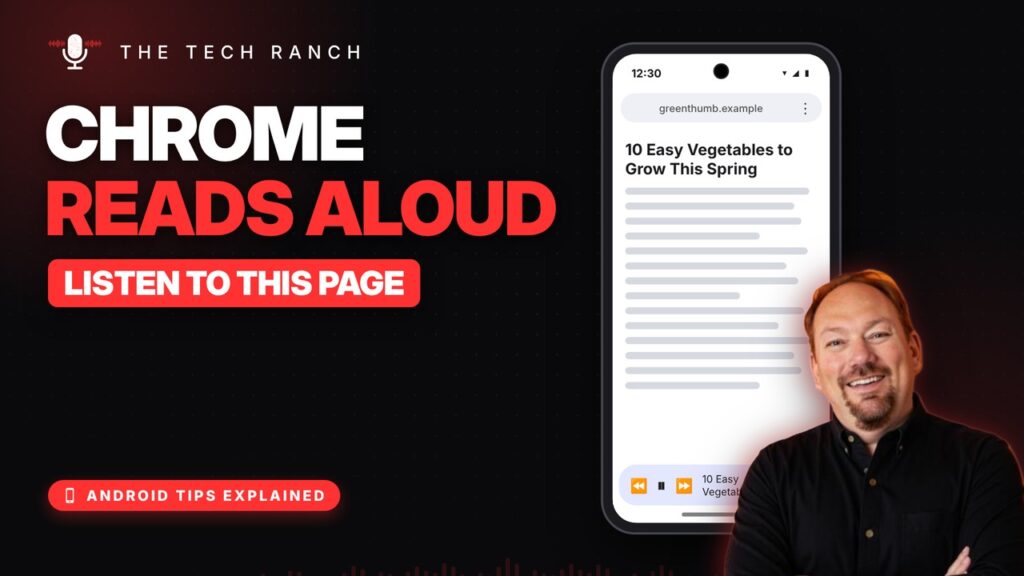
Chrome › ⋮ › Listen to this page. It even reads with the screen off.
🔍 Use Your iPhone as a Magnifying Glass

Swipe down, type Magnifier, and zoom in on tiny print. Free and built in.
🎧 Have Safari Read Web Pages Out Loud on iPhone

Safari can read articles out loud: page menu › Listen to Page.
🎙️ Talk Instead of Typing: Windows Key + H
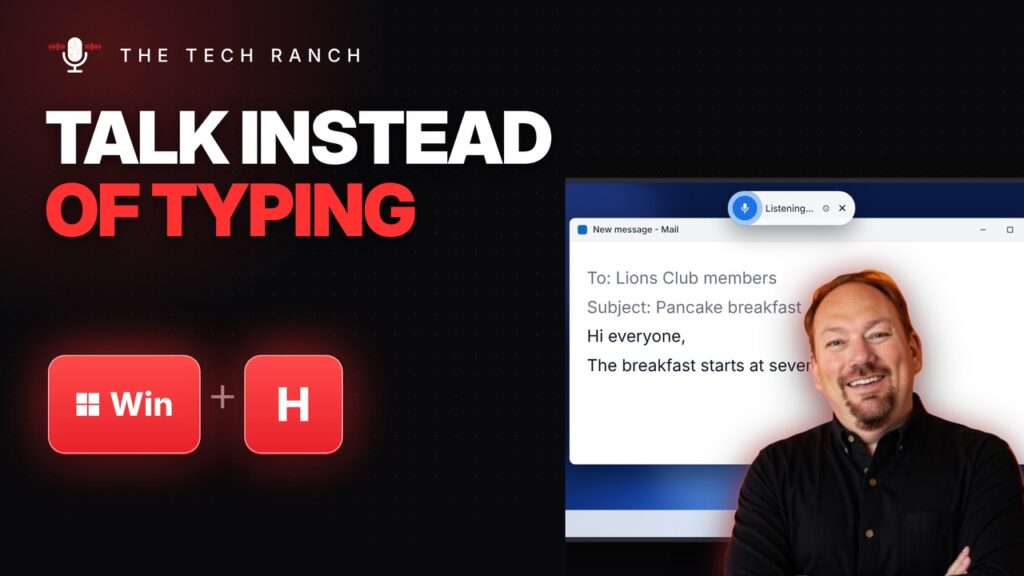
Press Windows key + H to start voice typing. Win + Ctrl + Enter turns on Narrator to read the screen aloud.
📸 Take an iPhone Screenshot with Back Tap
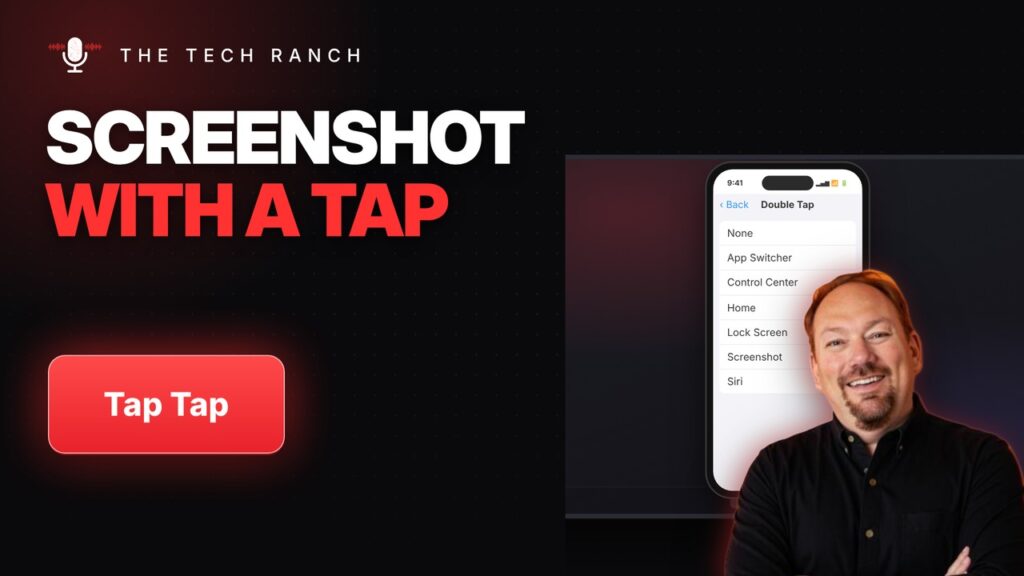
Turn on Back Tap (Settings › Accessibility › Touch) and double-tap the back of your iPhone to take a screenshot.
👓 Bigger Text and Easier Viewing with Windows Key + U
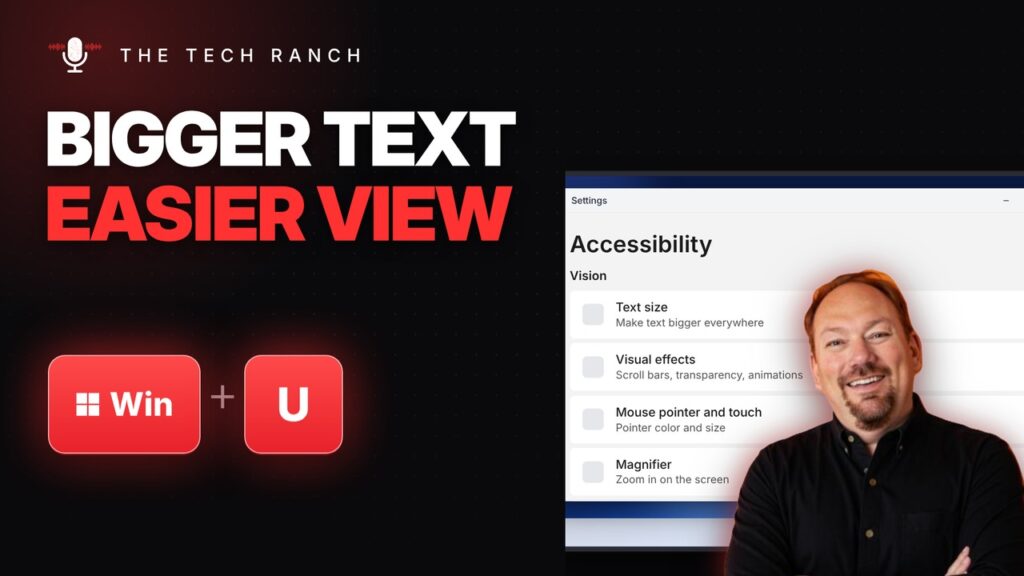
Press the Windows key + U to open Accessibility settings: bigger text, bigger pointer, Magnifier and more.
🔊 Let Edge Read to You with Ctrl + Shift + U

In Microsoft Edge, press Ctrl + Shift + U to have the page read aloud. F9 opens Immersive Reader.
🔍 Zoom In on Anything with Windows Key + Plus

Press the Windows key + Plus to zoom in on anything with Magnifier. Win + Esc turns it off. Windows 10 & 11.
