

🧹 Remove an Unwanted Chrome Suggestion: Shift + Delete

In Chrome, highlight an unwanted address bar suggestion and press Shift + Delete. Works on saved form entries too.
📑 Save All Your Open Tabs at Once: Ctrl + Shift + D
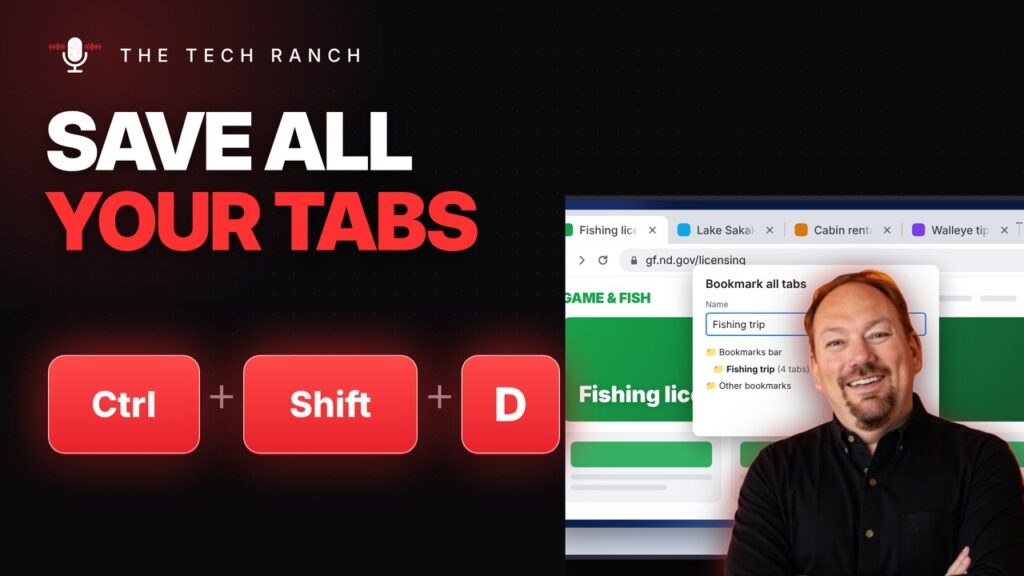
In Chrome, Ctrl + Shift + D saves every open tab into one bookmark folder. Ctrl + Shift + B shows the bookmarks bar.
🐢 Chrome Running Slow? Find the Problem Tab with Shift + Esc
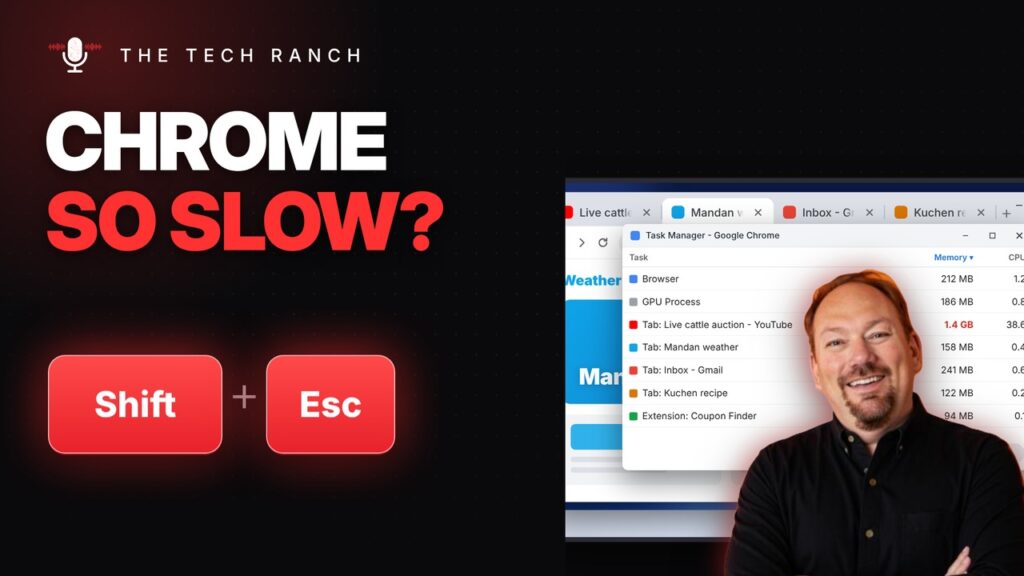
Chrome slow? Press Shift + Esc to open Chrome’s Task Manager and close the tab hogging memory. Alt + F opens the Chrome menu.
⌨️ Fill Out Online Forms Faster with the Tab Key
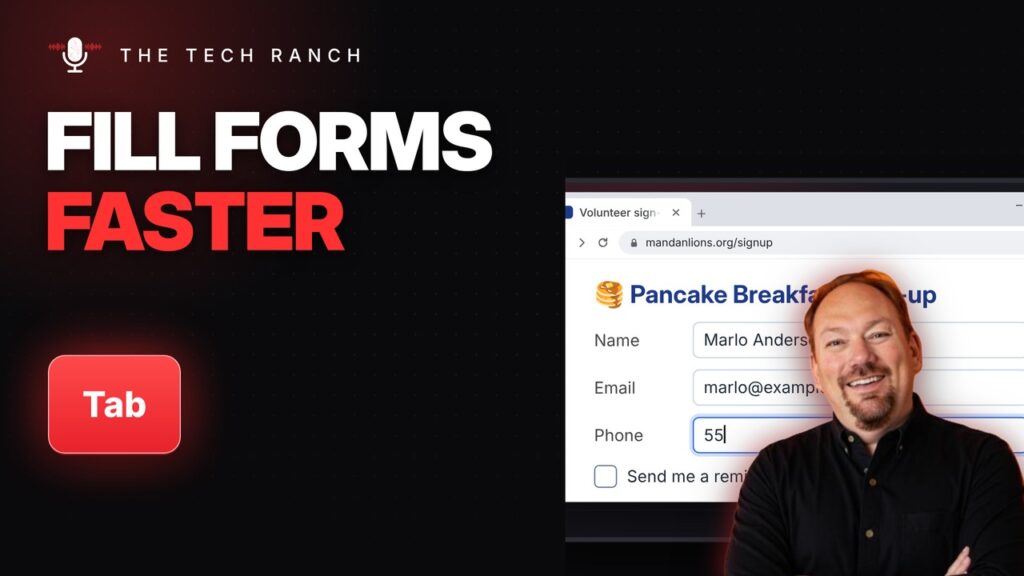
Press Tab to jump to the next box on any form. Shift + Tab goes back. Space checks a checkbox.
🔍 Search Google from Any Page with Ctrl + E
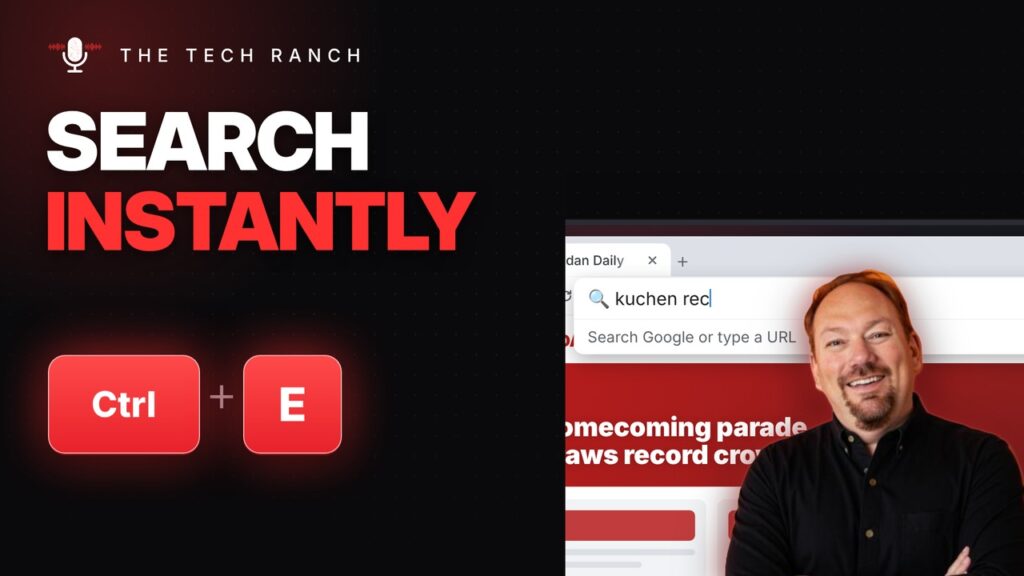
In Chrome, press Ctrl + E (or Ctrl + K) to search Google from any page. Alt + Enter opens it in a new tab.
🗂️ Select Several Browser Tabs at Once with Ctrl + Click
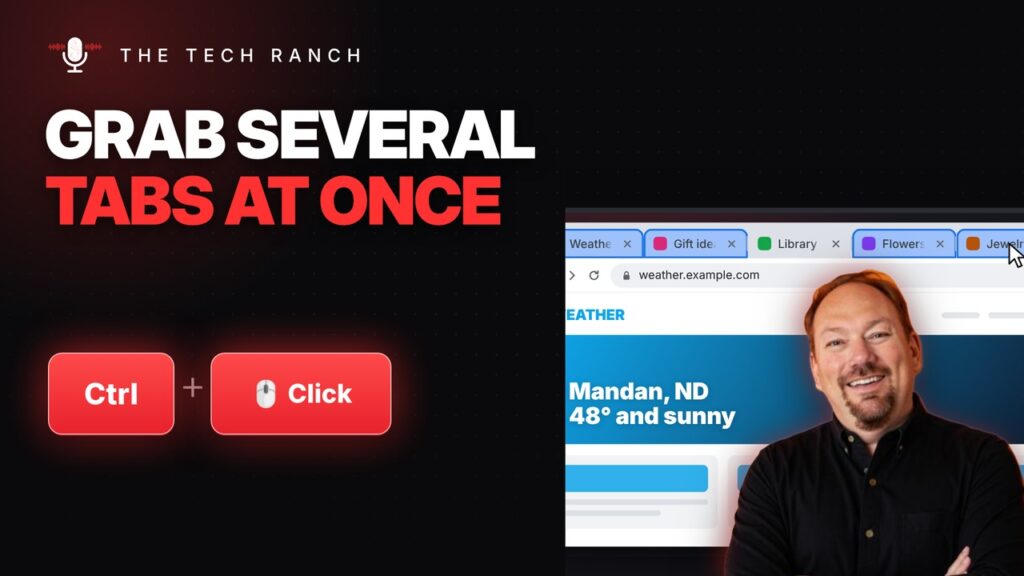
Hold Ctrl and click tabs to select several at once in Chrome or Edge. Shift + click selects a range.
🗙 Close a Whole Browser Window with Ctrl + Shift + W

Press Ctrl + Shift + W to close a whole browser window. Ctrl + Shift + T brings it back. Mac: Command + Shift + W.
🔊 Let Edge Read to You with Ctrl + Shift + U
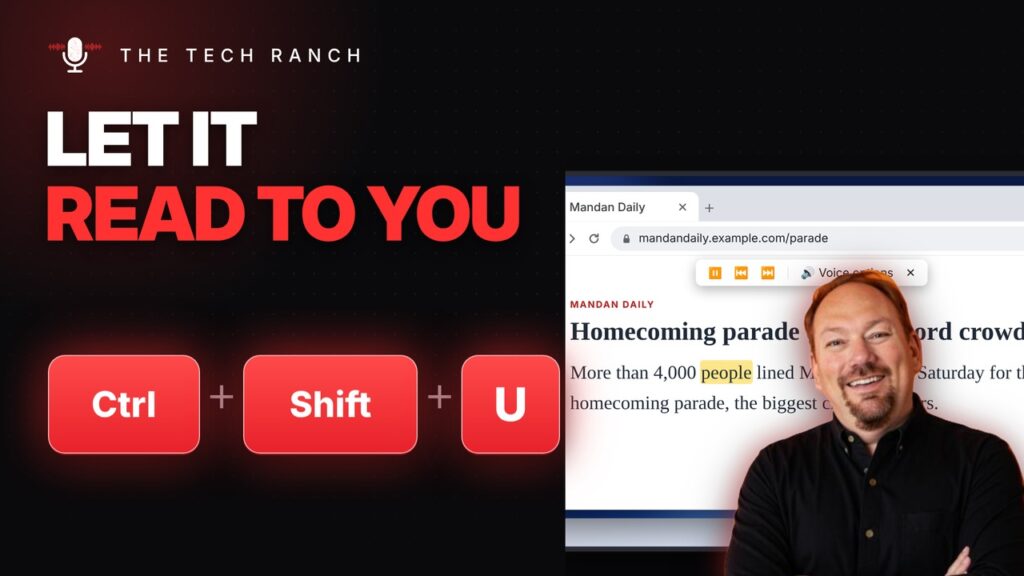
In Microsoft Edge, press Ctrl + Shift + U to have the page read aloud. F9 opens Immersive Reader.
🖥️ Full Screen Browsing with F11

On Windows, press F11 for full screen browsing and F11 again to go back. Mac: Control + Command + F.
🗂️ Search Your Open Tabs in Chrome with Ctrl + Shift + A
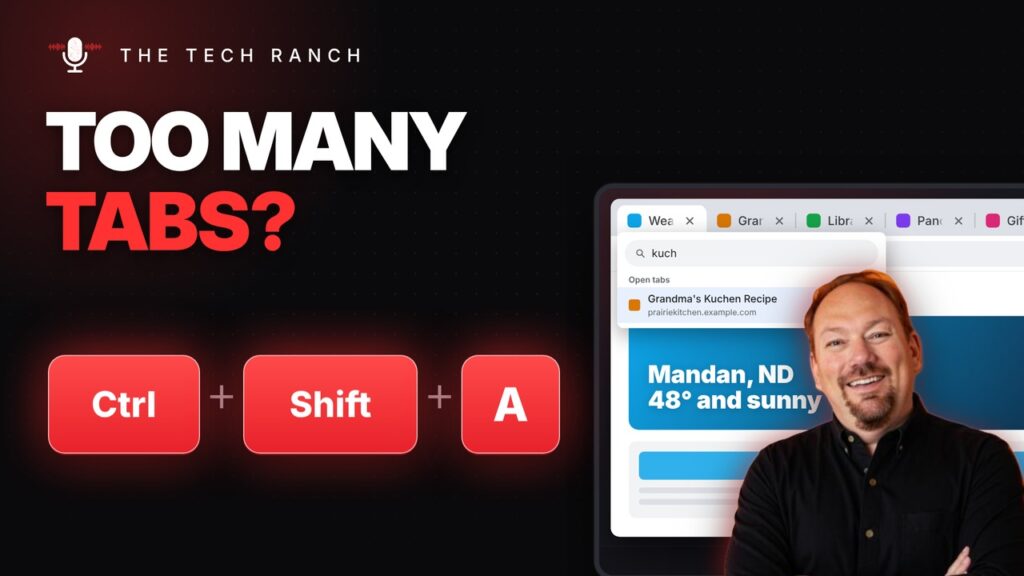
In Chrome, press Ctrl + Shift + A to search your open tabs and jump to one. Mac: Command + Shift + A.
