

🔍 Find Any File Fast in File Explorer: Ctrl + E
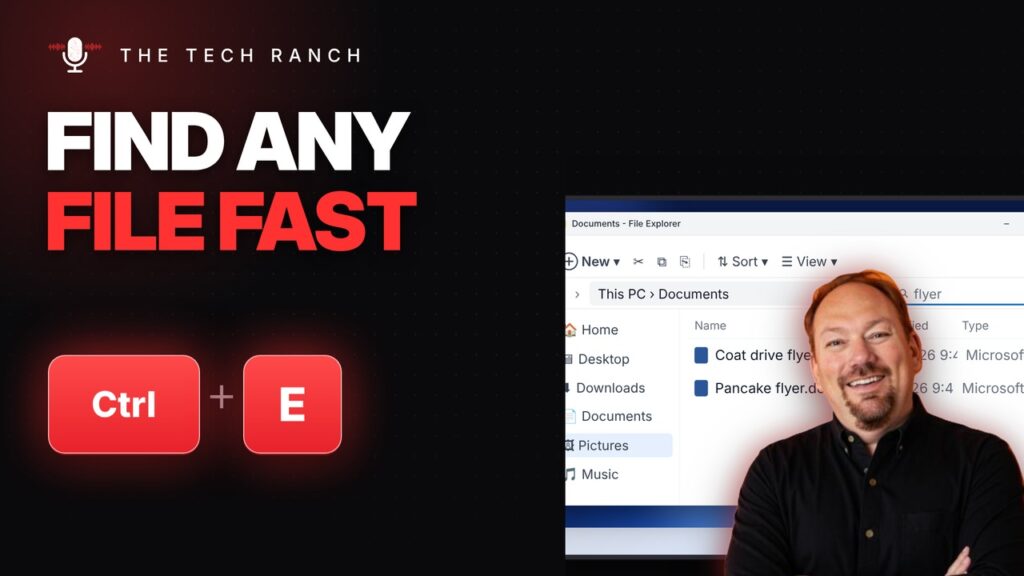
In File Explorer, press Ctrl + E to search the folder you’re in. Ctrl + T opens a new tab in Windows 11.
📍 Copy a File’s Full Location with Ctrl + Shift + C
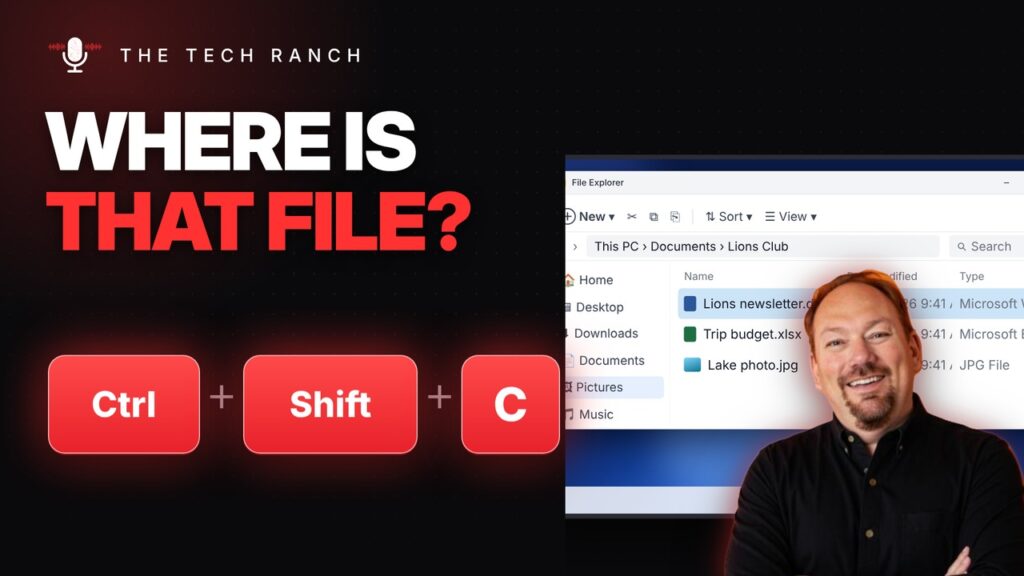
In Windows 11 File Explorer, Ctrl + Shift + C copies a file’s full path. Alt + D jumps to the address bar.
👁️ Preview Files in File Explorer with Alt + P
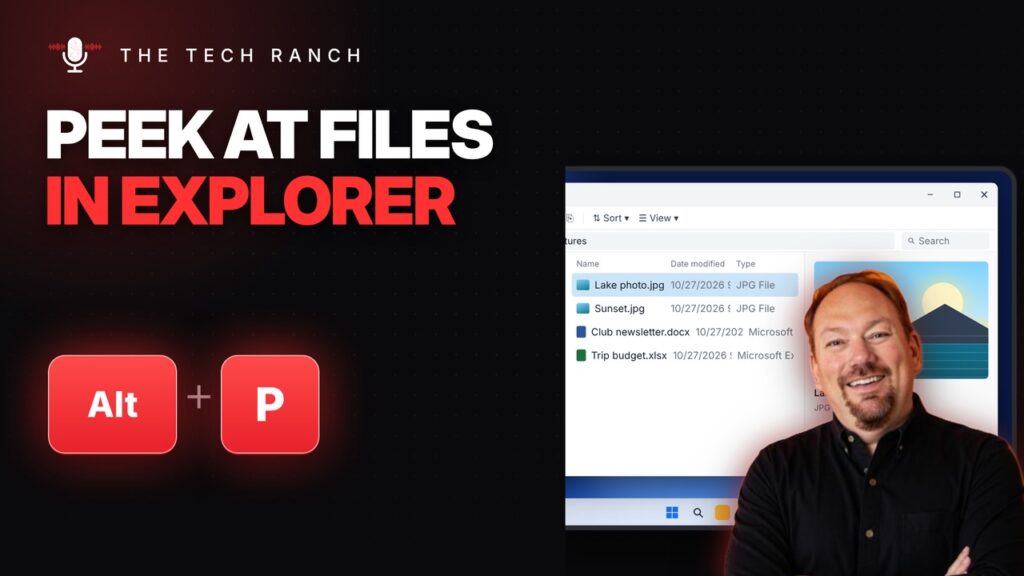
In File Explorer, press Alt + P to preview files without opening them. Ctrl + Shift + 2 shows large icons.
🗑️ Delete a File for Good with Shift + Delete
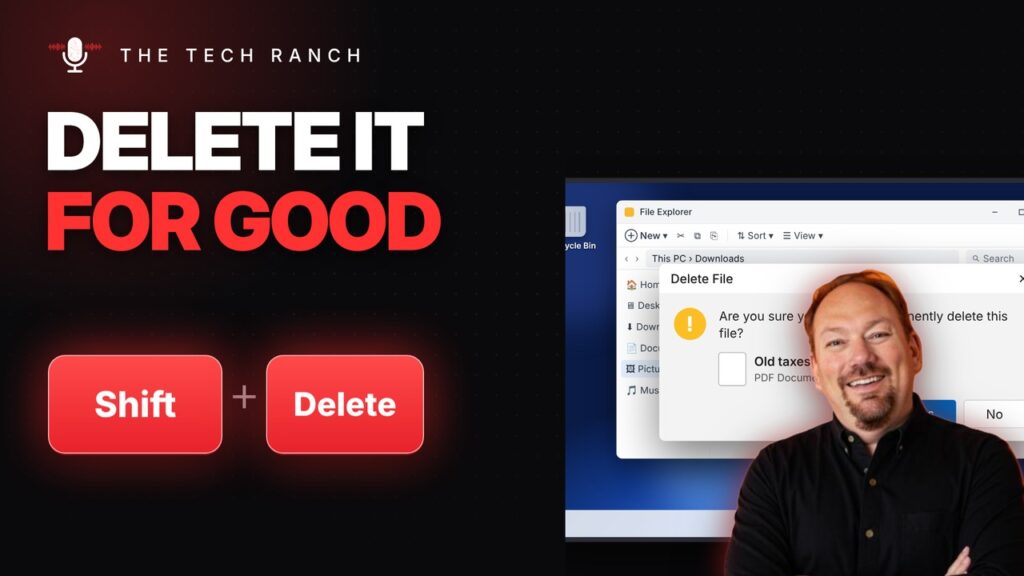
Shift + Delete permanently deletes a file and skips the Recycle Bin. Ctrl + Z undoes a regular delete.
📁 Open File Explorer Instantly with Windows Key + E

Press the Windows key + E to open File Explorer instantly, right to your pinned folders and recent files. Windows 10 & 11.
✏️ Rename Files Fast with F2 (Plus the Tab Trick)
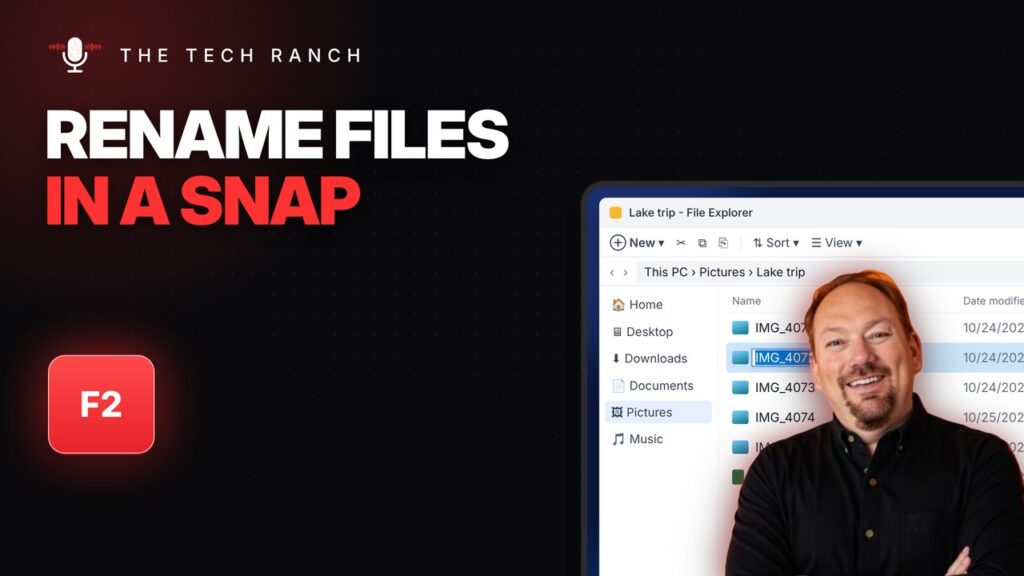
Click a file and press F2 to rename it. Press Tab to jump to the next file, then Enter when you’re done. Windows 10 & 11.
