

✅ Make a Checklist in Google Docs: Ctrl + Shift + 9
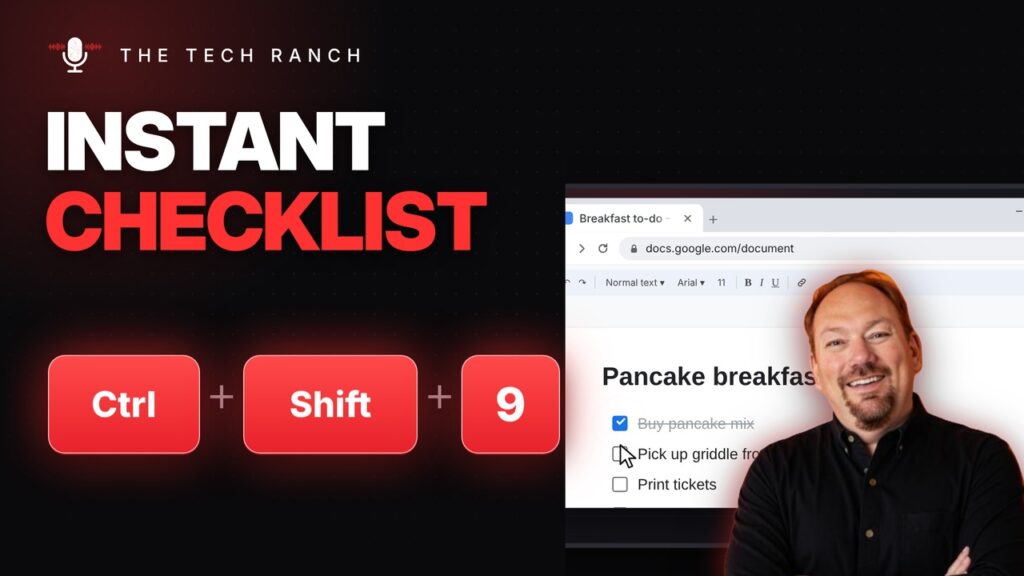
In Google Docs, Ctrl + Shift + 9 makes a checklist. Ctrl + Shift + Up/Down moves a line. Mac: Command + Shift + 9.
🎨 Copy and Paste Formatting in Google Docs: Ctrl + Alt + C / V
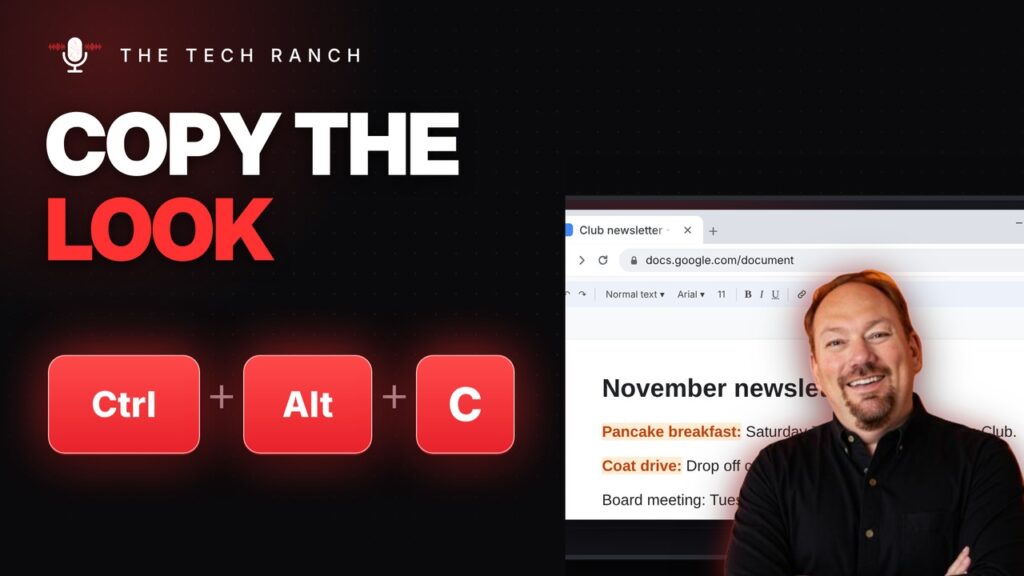
In Google Docs, Ctrl + Alt + C copies formatting and Ctrl + Alt + V pastes it. Ctrl + Alt + X checks spelling.
🕰️ See Every Change in a Google Doc with Version History
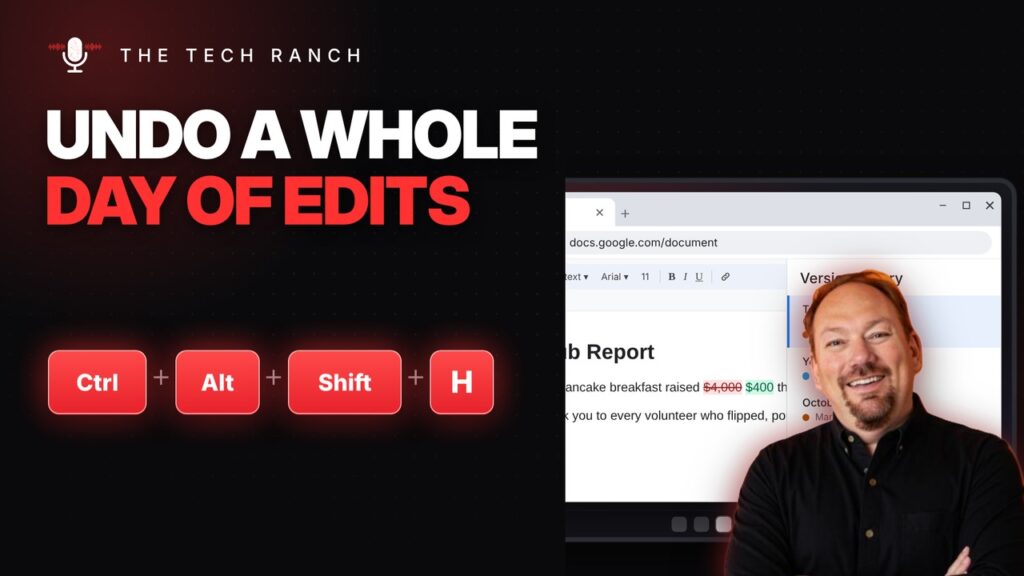
In Google Docs, Ctrl + Alt + Shift + H shows version history. Ctrl + Shift + S starts voice typing.
☑️ Cross Things Off in Google Docs with Alt + Shift + 5

In Google Docs, Alt + Shift + 5 crosses text off with strikethrough. Ctrl + . makes superscript. Mac: Command + Shift + X.
📄 Start a New Page Instantly with Ctrl + Enter

Press Ctrl + Enter to start a new page in Word or Google Docs. Mac: Command + Return.
🔤 Make Text Bigger or Smaller with Ctrl + Shift + > / <

Select text and press Ctrl + Shift + Period to make it bigger or Ctrl + Shift + Comma to shrink it. Docs & Word.
⤒ Jump to the Top or Bottom of a Document with Ctrl + Home / End

Press Ctrl + Home to jump to the top of a document and Ctrl + End for the bottom. Mac: Command + Up/Down.
💬 Add a Comment in Google Docs or Word with Ctrl + Alt + M
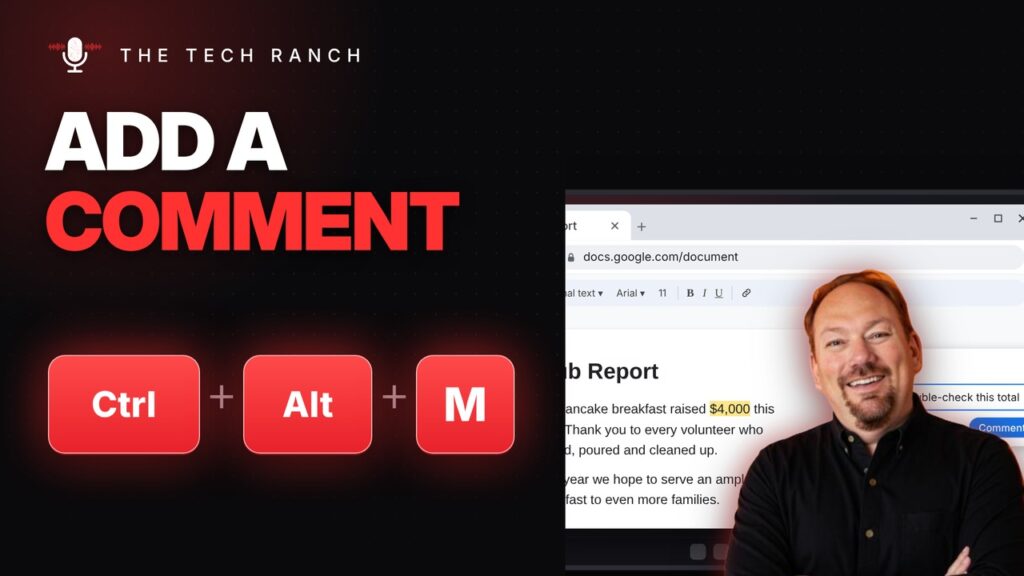
Select text and press Ctrl + Alt + M to add a comment in Google Docs or Word. Mac: Command + Option + M.
🔠 Make Headings in Google Docs with Ctrl + Alt + 1, 2, 3
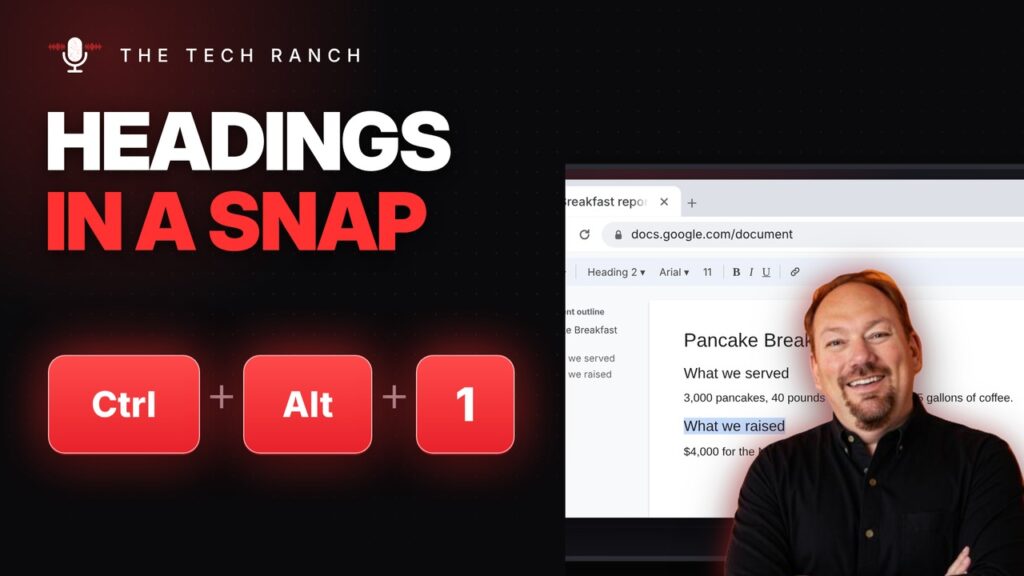
In Google Docs, press Ctrl + Alt + 1, 2 or 3 to make headings. Ctrl + Alt + 0 for normal text. Mac: Command + Option.
↔️ Center Text in Google Docs with Ctrl + Shift + E
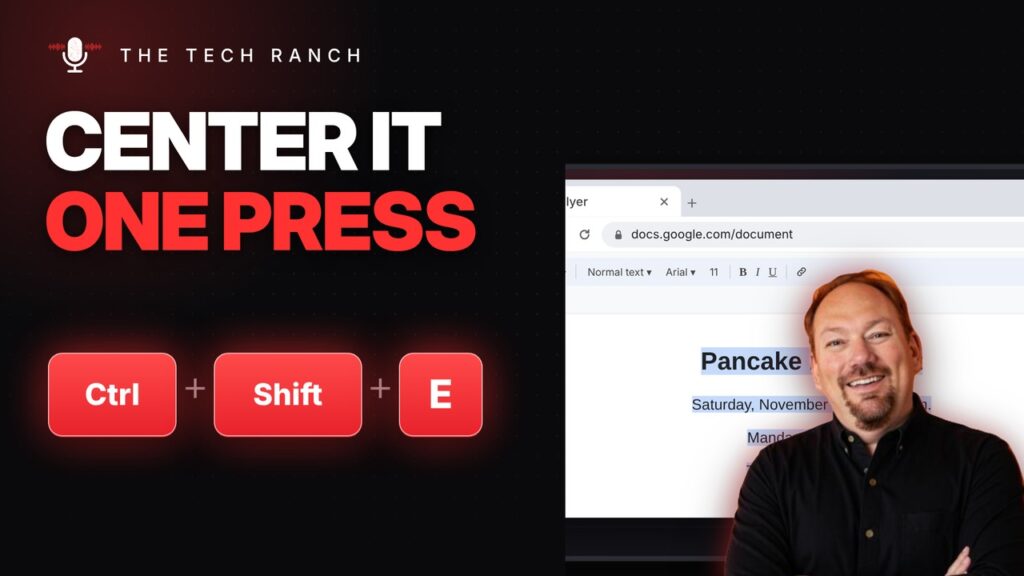
Select text and press Ctrl + Shift + E to center it in Google Docs. Word: Ctrl + E. Mac: Command + Shift + E.
