

🔢 Check Your Word Count in Google Docs with Ctrl + Shift + C
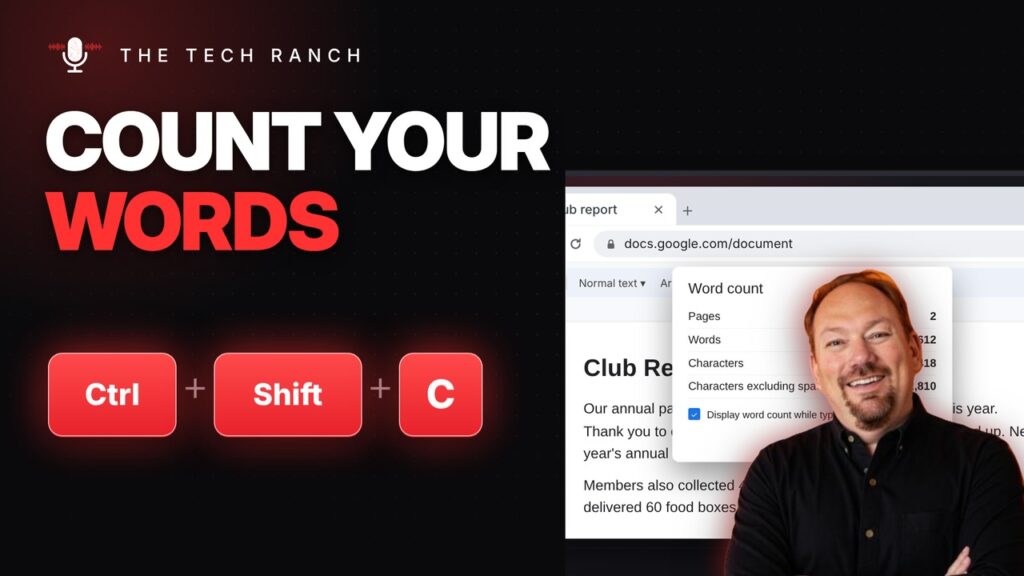
Press Ctrl + Shift + C in Google Docs to see your word count. Mac: Command + Shift + C. Word: Ctrl + Shift + G.
𝗕 Make Text Bold Instantly with Ctrl + B

Select text and press Ctrl + B to make it bold. Press again to undo. Works in Docs, Word, Gmail and more. Mac: Command + B.
📝 Instant Bullet Lists in Google Docs with Ctrl + Shift + 8

In Google Docs, select your lines and press Ctrl + Shift + 8 for bullets or Ctrl + Shift + 7 for numbers. Mac: Command + Shift + 8 / 7.
🔗 Add a Link in One Press with Ctrl + K

Select text, press Ctrl + K, paste the link and press Enter. Works in Google Docs, Word, Gmail and more. Mac: Command + K.
🧹 Paste Without the Mess: Ctrl + Shift + V in Google Docs and Word

Ctrl + Shift + V pastes just the text, matched to your document. It works in Google Docs and Microsoft Word.
