


By Marlo Anderson – The Tech Ranch
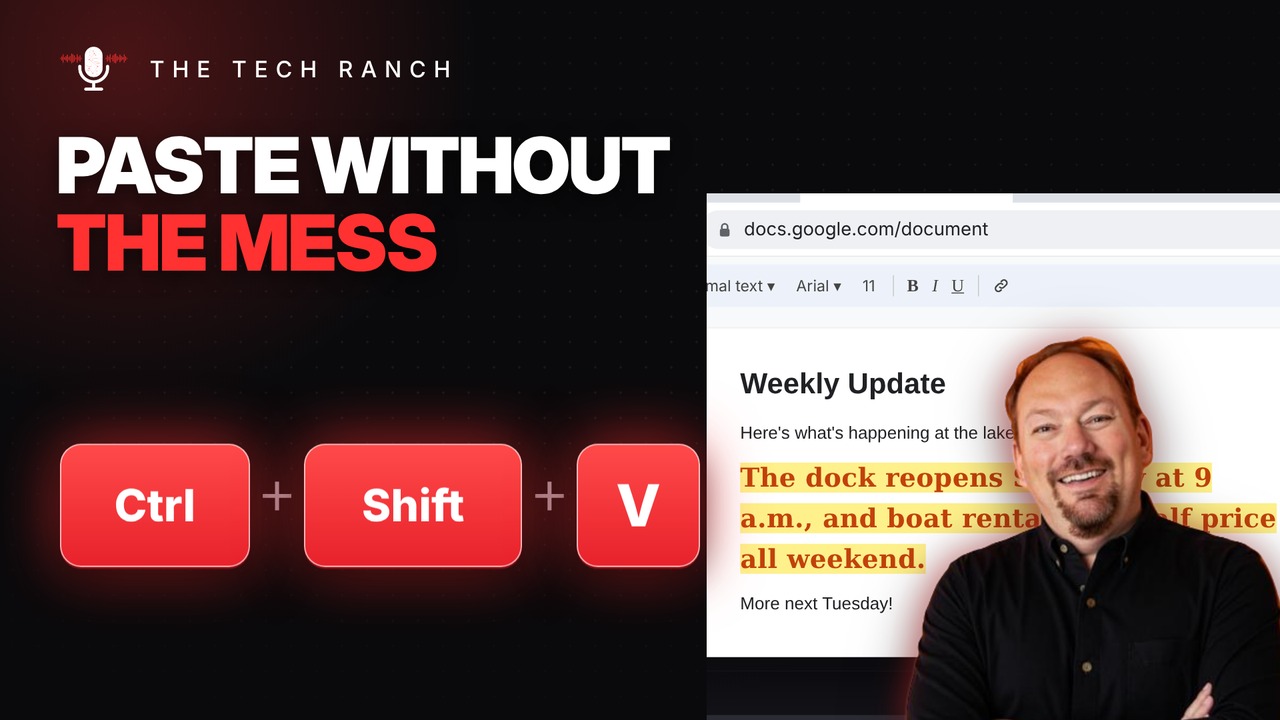
Copy a paragraph from a website, paste it into your document, and suddenly you’ve got a different font, a different size and a yellow highlight you never asked for. Next time, paste with Ctrl + Shift + V instead.
The Shortcut
- Windows and Chromebook: Ctrl + Shift + V
- Mac: Command (⌘) + Shift + V
- Pastes just the text, matched to your document
- Works in Google Docs and Microsoft Word (Microsoft 365)
Already Pasted It?
Press Ctrl + Z to undo, then paste again with Ctrl + Shift + V.
Bonus Tip: Clear the Formatting
Already have a messy paragraph? In Google Docs, select it and press Ctrl + \ (⌘ + \ on a Mac) to clear the formatting. In Microsoft Word, Ctrl + Space does the same job.
More Keyboard Shortcuts, Explained
This is part of my Keyboard Shortcuts Explained series: quick, plain-English tips that make everyday computer work faster. Watch the whole series on YouTube and subscribe to The Tech Ranch so you don’t miss the next one.
Got a shortcut you can’t live without? Tell me in the YouTube comments and it might show up in a future video.








