

⬇️ Where Did That Download Go? Ctrl + J Shows You

Press Ctrl + J to see your downloads in Chrome, newest first. Click Show in folder to find the file. Mac: Command + Shift + J.
🖱️ Open Links in New Tabs with Ctrl + Click

Hold Ctrl and click a link to open it in a new tab without leaving the page. Mac: Command + Click.
🙈 Hide Any App Fast on a Mac with Command + H
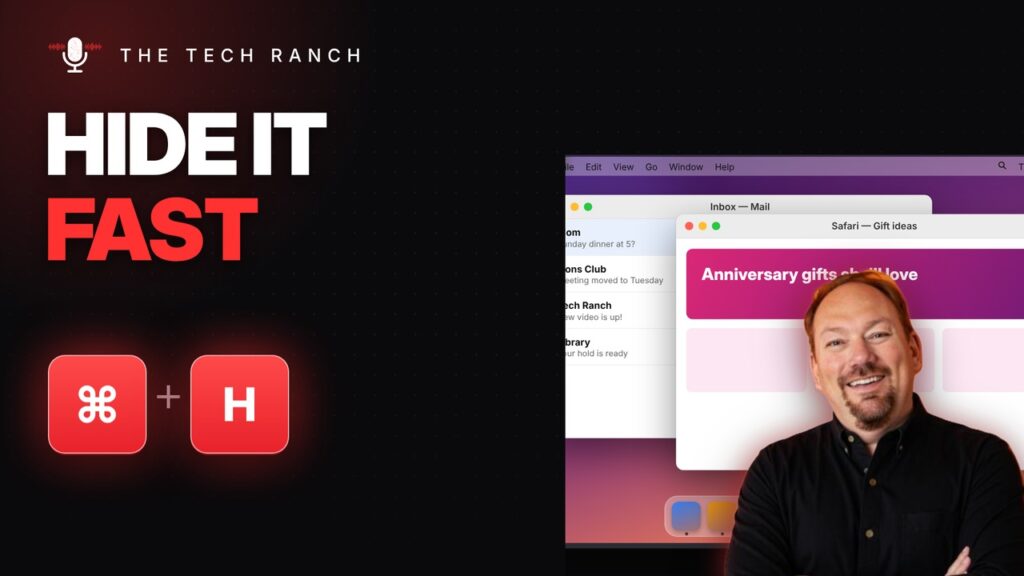
Press Command + H to hide the app you’re using on a Mac. It’s hidden, not closed. Click its Dock icon to bring it back.
😀 Emoji on Your Mac with Control + Command + Space
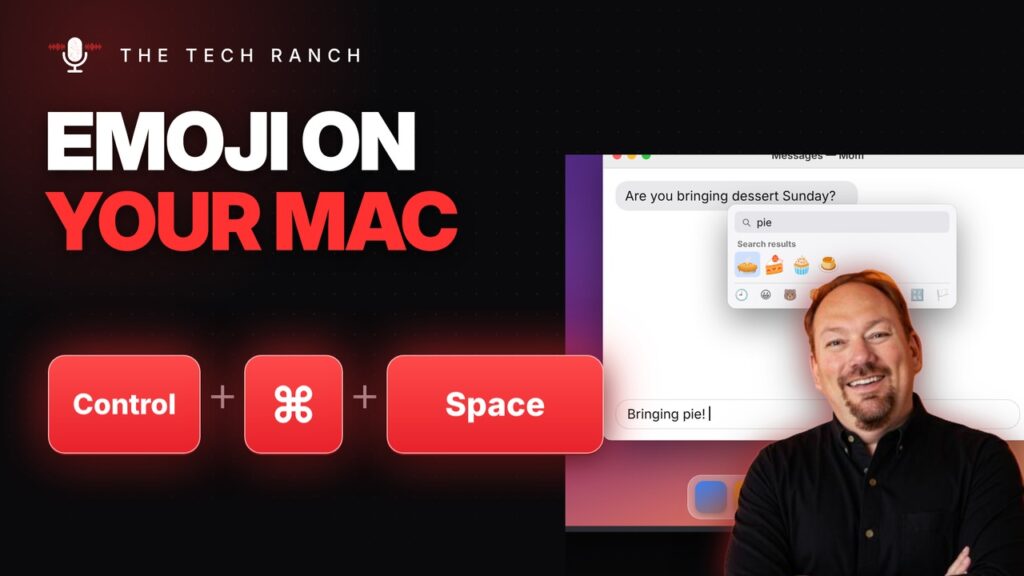
Press Control + Command + Space to open emoji on your Mac. Type to search, click to add. Symbols too.
⚙️ Open Windows Settings Instantly with Windows Key + I
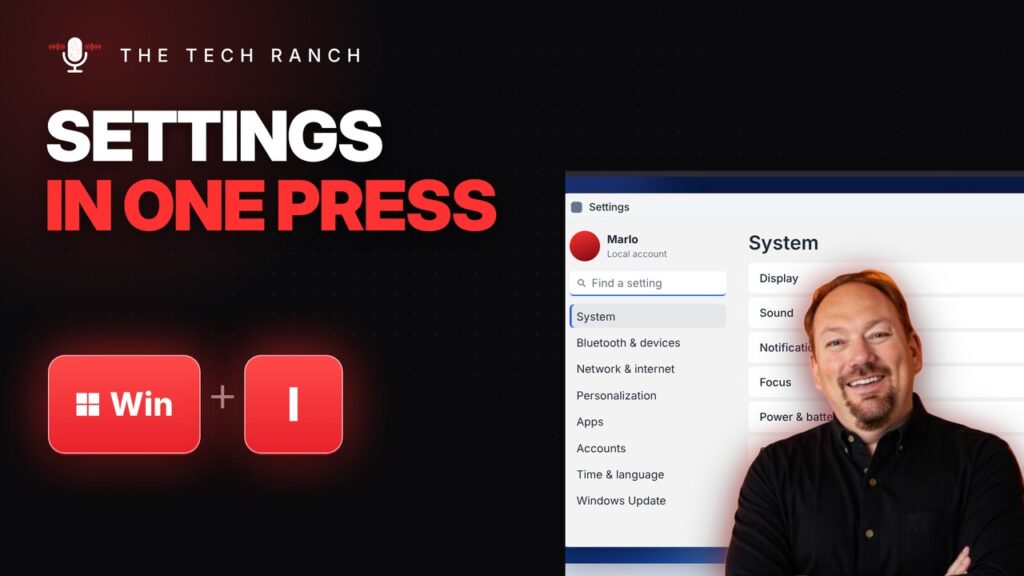
Press the Windows key + I to open Settings instantly, then start typing to find any setting. Windows 10 & 11.
🗂️ Get a Fresh Desktop with Windows Key + Ctrl + D

Press Windows key + Ctrl + D for a fresh, empty desktop. Your other windows wait on Desktop 1. Windows 10 & 11.
▶️ Control YouTube Like a Pro with K, J and L

Watching YouTube on a computer? K pauses and plays, J goes back 10 seconds and L jumps ahead 10 seconds.
⏬ Jump to the Last Row Instantly with Ctrl + Arrow

Press Ctrl + Down Arrow to jump straight to the last row of your data in Google Sheets or Excel. Mac: Command + Arrow.
🔗 Add a Link in One Press with Ctrl + K

Select text, press Ctrl + K, paste the link and press Enter. Works in Google Docs, Word, Gmail and more. Mac: Command + K.
🔲 Select Everything in One Press with Ctrl + A

Press Ctrl + A to select everything at once, then copy, delete or format it. Works on files too. Mac: Command + A.
