

📂 Put Files in a New Folder in One Step: Control + Command + N
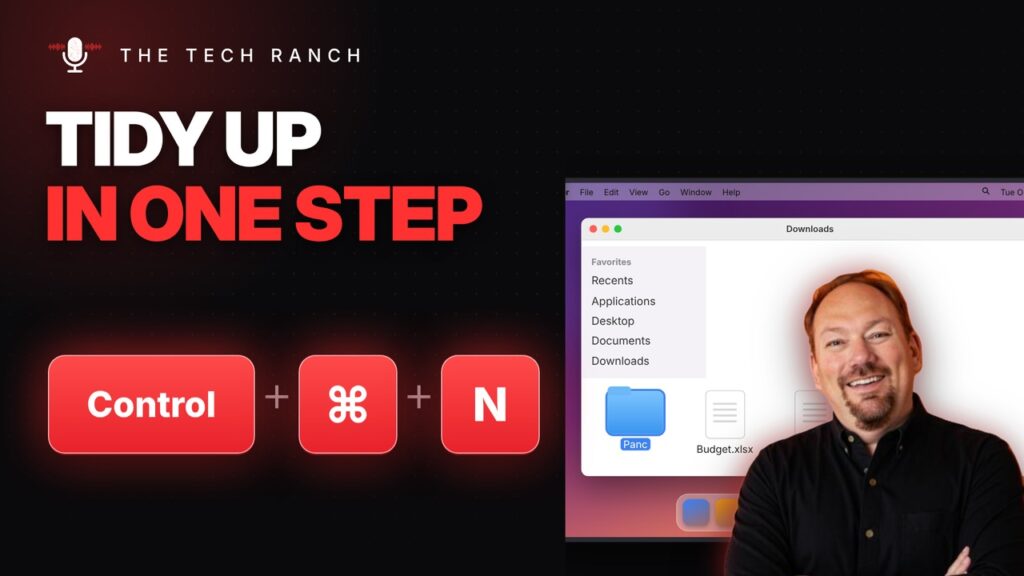
In Finder, select files and press Control + Command + N to put them in a new folder. Command + Shift + H opens Home.
👓 Read Web Pages Without the Clutter: Shift + Command + R

In Safari on a Mac, Shift + Command + R shows just the article. Shift + Command + D saves it to your Reading List.
🖥️ Full Screen on a Mac with Control + Command + F

On a Mac, press Control + Command + F to go full screen. On newer Macs, Globe (fn) + F works too.
🔍 Find Any Menu Item on a Mac with Command + Shift + /

On a Mac, press Command + Shift + / to search every menu in the app you’re using. Option + Shift + volume makes tiny volume steps.
📋 Paste Without the Weird Formatting on a Mac
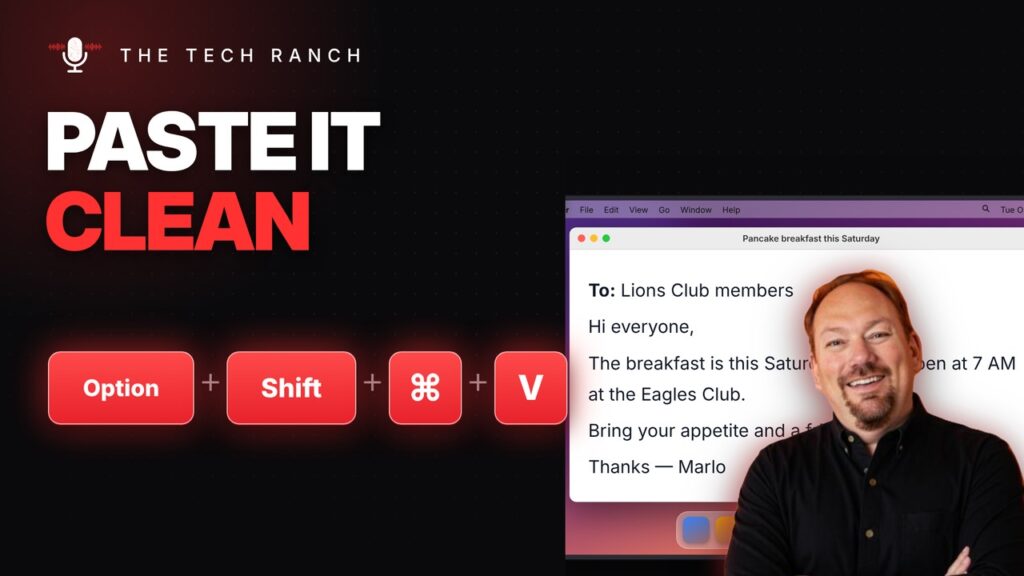
On a Mac, Option + Shift + Command + V pastes text so it matches the style around it. Control + Command + D looks up a word.
↩️ Reopen a Closed Tab in Safari with Command + Shift + T

In Safari, press Command + Shift + T to reopen a closed tab. Command + L jumps to the address bar.
✂️ Cut and Paste Files on a Mac with Command + Option + V
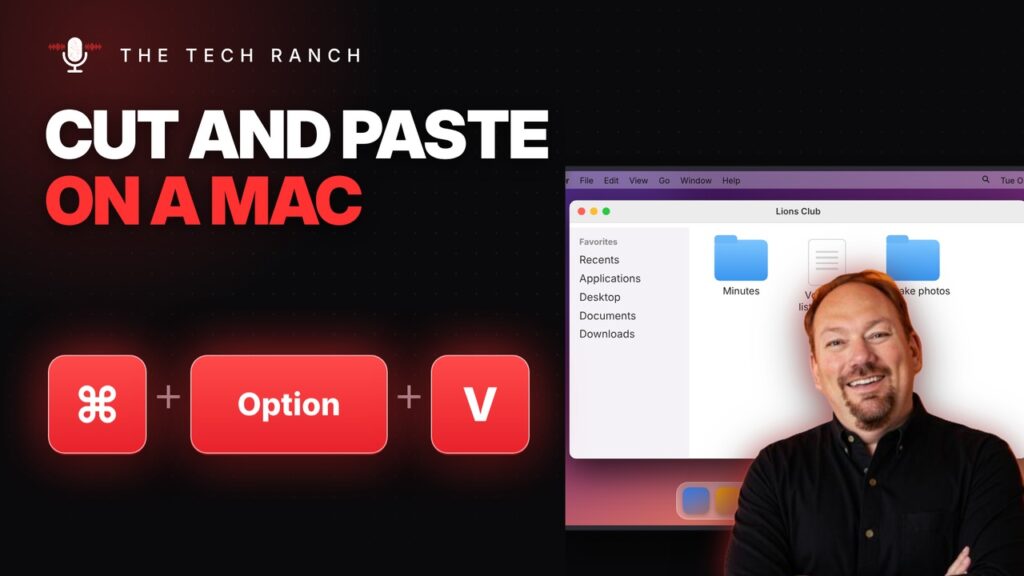
On a Mac, copy a file with Command + C, then press Command + Option + V to move it. Command + F searches Finder.
👻 Show Hidden Files on a Mac with Command + Shift + Period
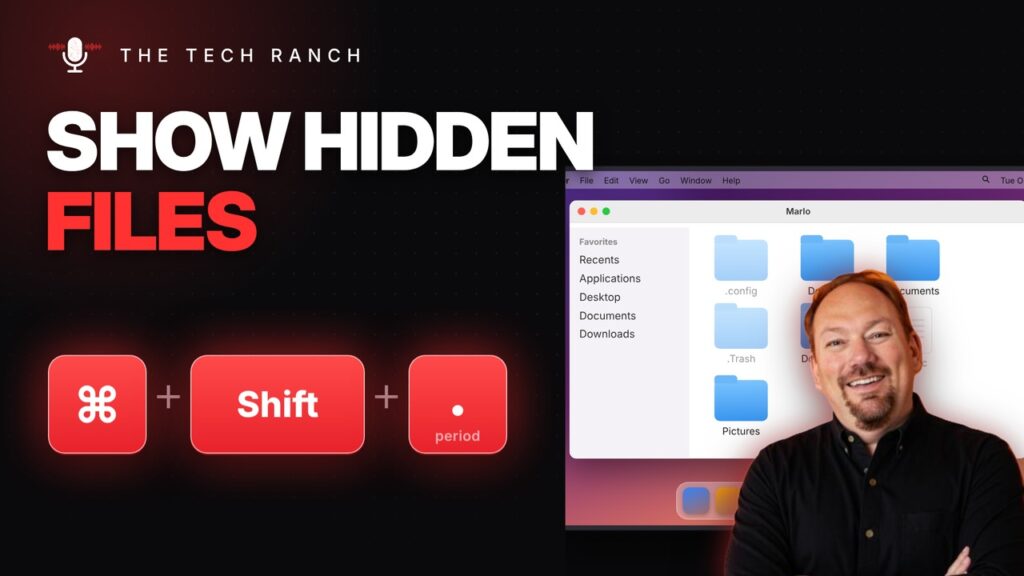
In Finder, press Command + Shift + Period to show hidden files. Command + Shift + G goes to any folder.
⬆️ Go Up One Folder on a Mac with Command + Up Arrow
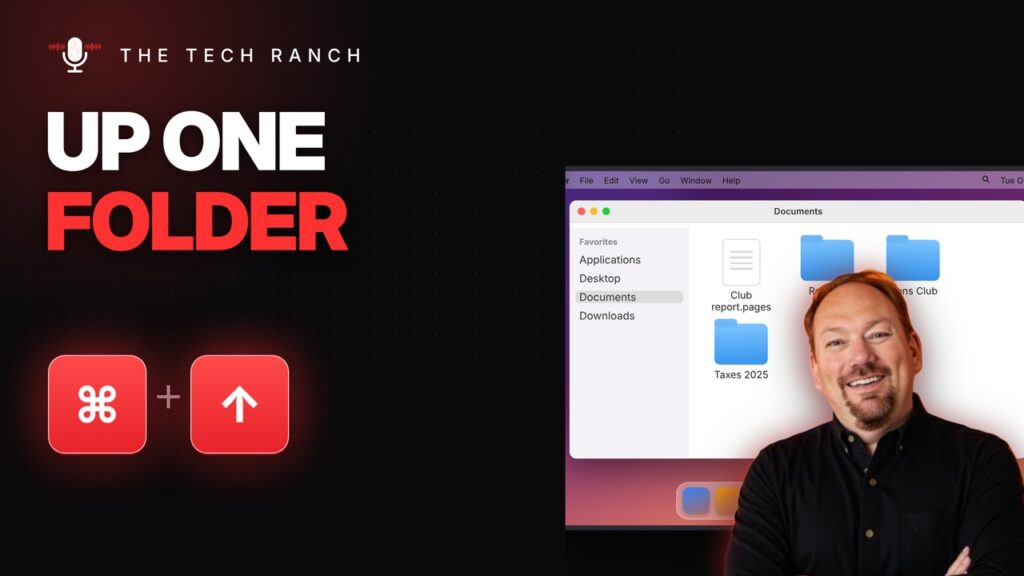
In Finder, press Command + Up Arrow to go up one folder. Command + Down opens the selected item.
📂 Open Your Mac’s Applications Folder with Command + Shift + A

In Finder, press Command + Shift + A to open Applications. Command + Option + L opens Downloads.
