

🪟 Screenshot Just One Window: Alt + Print Screen
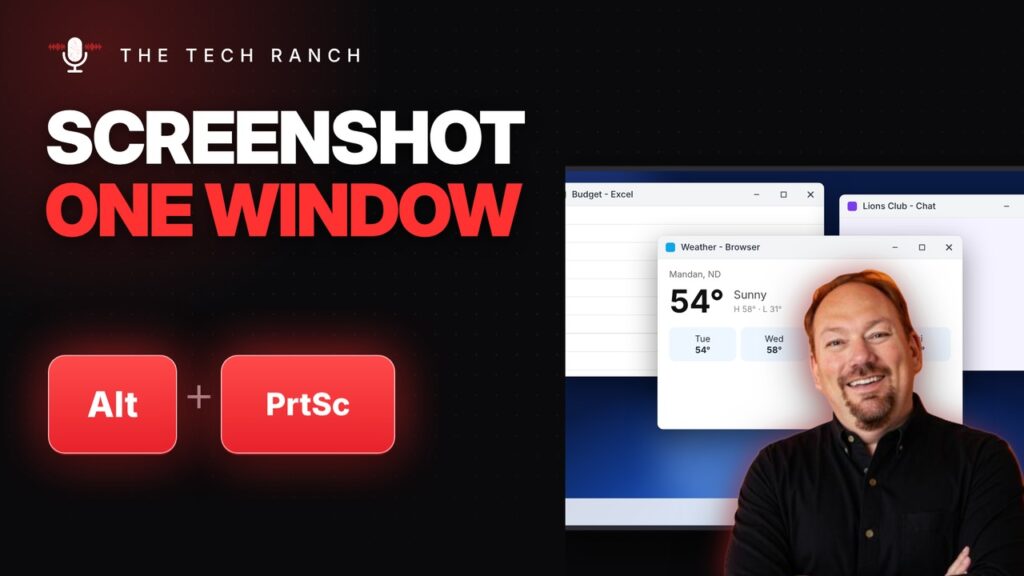
Press Alt + Print Screen to copy a screenshot of just the window you’re in, then Ctrl + V to paste it.
✂️ Screenshot Part of Your Chromebook Screen

On a Chromebook, Ctrl + Shift + Show windows lets you capture part of the screen. Search + V opens clipboard history.
🖥️ Screenshot Your Whole Mac Screen with Command + Shift + 3
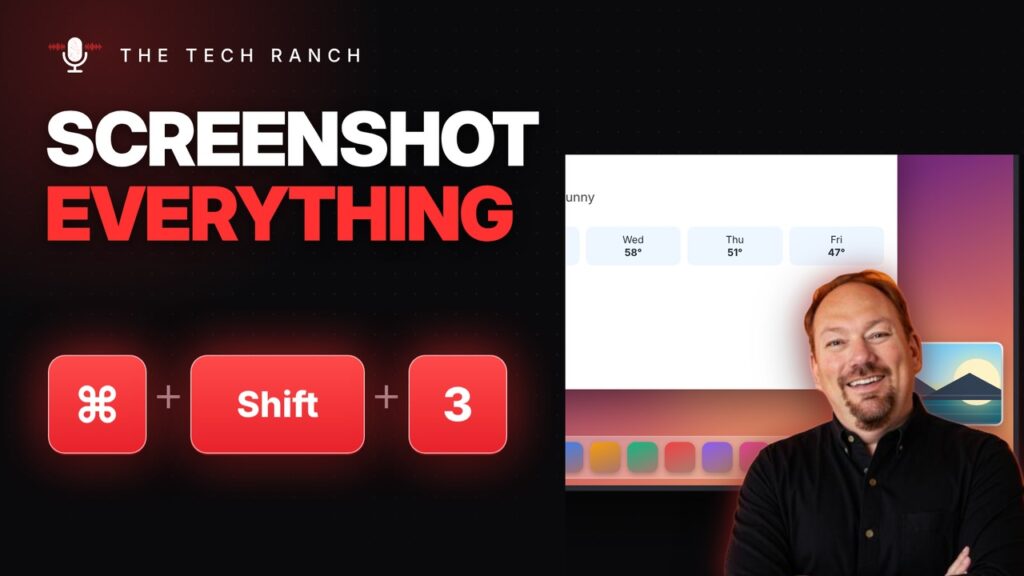
Press Command + Shift + 3 to screenshot your whole Mac screen. It saves to your desktop. Click the preview to mark it up.
✂️ Screenshot Just Part of Your Screen with Win + Shift + S
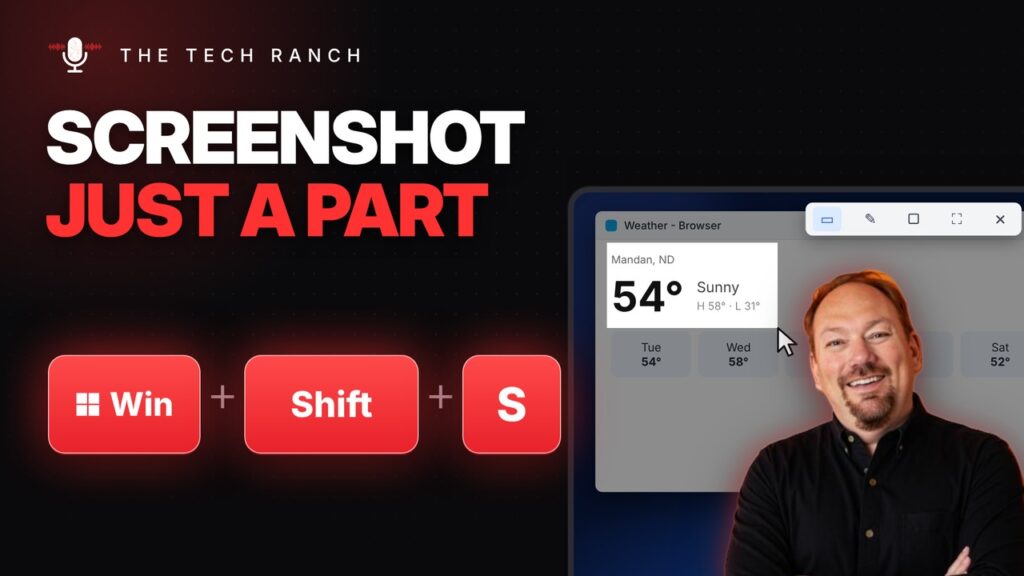
Press Windows key + Shift + S, drag a box, and paste your screenshot anywhere with Ctrl + V. Windows 10 & 11.
📸 Screenshot Just Part of Your Mac Screen with Command + Shift + 4
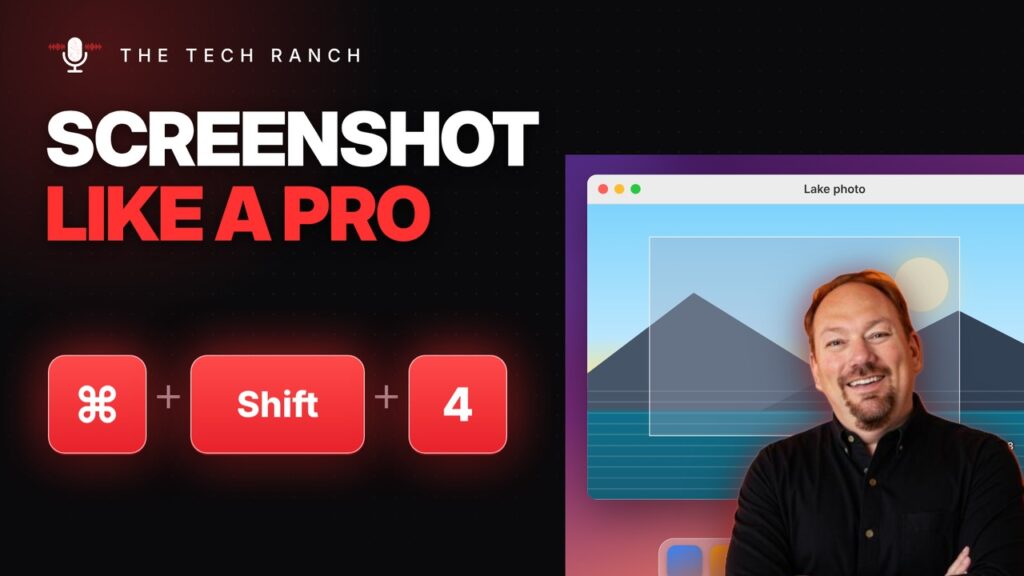
Press Command + Shift + 4 and drag a box to screenshot just part of your Mac screen. Press Space to grab a whole window. It saves right to your desktop.
