

🔒 Lock Your Chromebook Instantly with Search + L
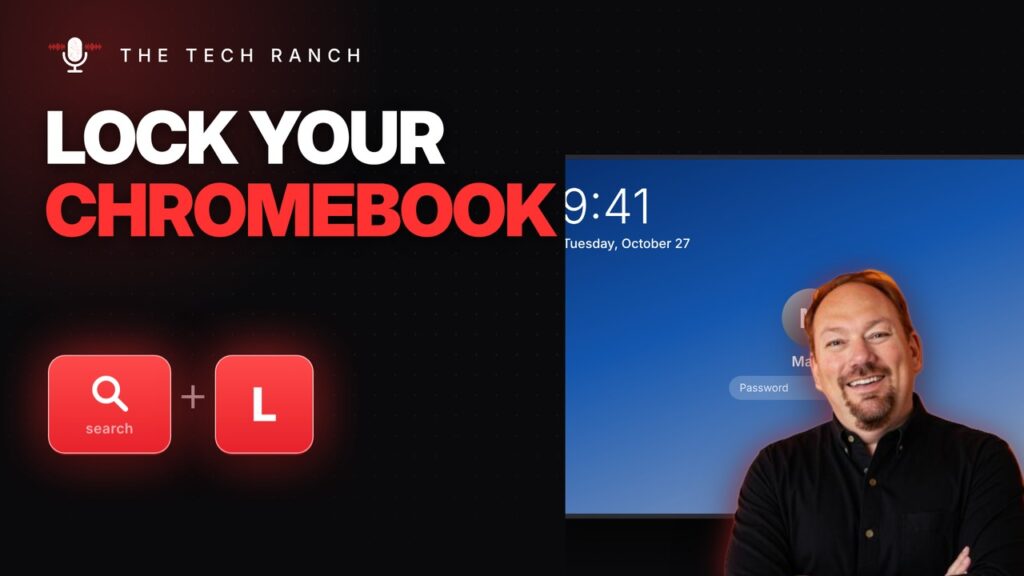
On a Chromebook, press Search + L (or Launcher + L) to lock the screen. Ctrl + Show windows takes a screenshot.
🗙 Close a Whole Browser Window with Ctrl + Shift + W

Press Ctrl + Shift + W to close a whole browser window. Ctrl + Shift + T brings it back. Mac: Command + Shift + W.
📄 Start a New Page Instantly with Ctrl + Enter

Press Ctrl + Enter to start a new page in Word or Google Docs. Mac: Command + Return.
📥 Clean Up Your Gmail Inbox Fast: Press E to Archive

Turn on Gmail keyboard shortcuts, then press E to archive emails and / to jump to search.
✏️ Edit an Excel Cell Without the Mouse: Press F2
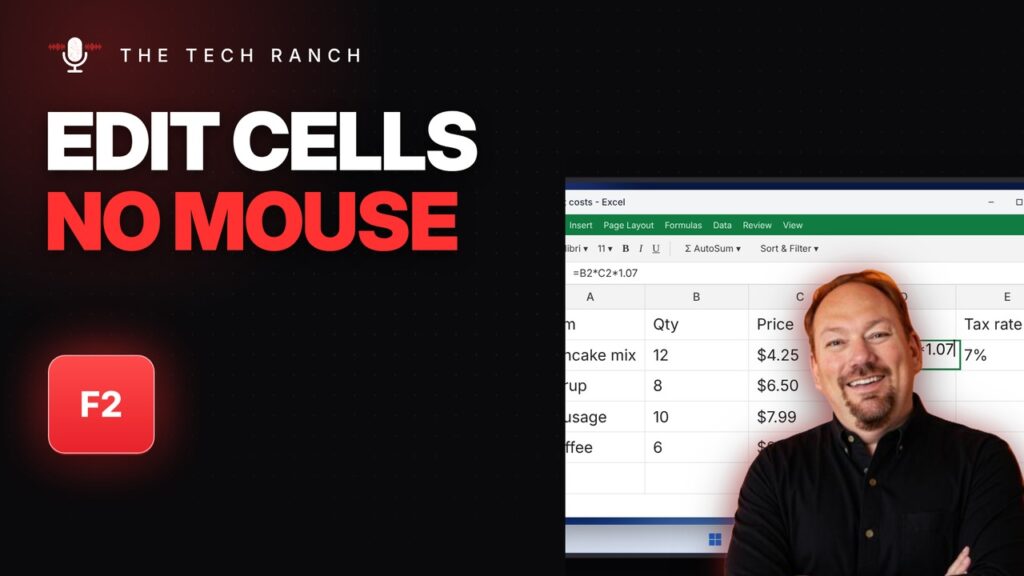
In Excel, press F2 to edit the cell you’re on. While typing a formula, F4 locks a reference with $ signs.
🔇 Mute Yourself in Microsoft Teams with Ctrl + Shift + M
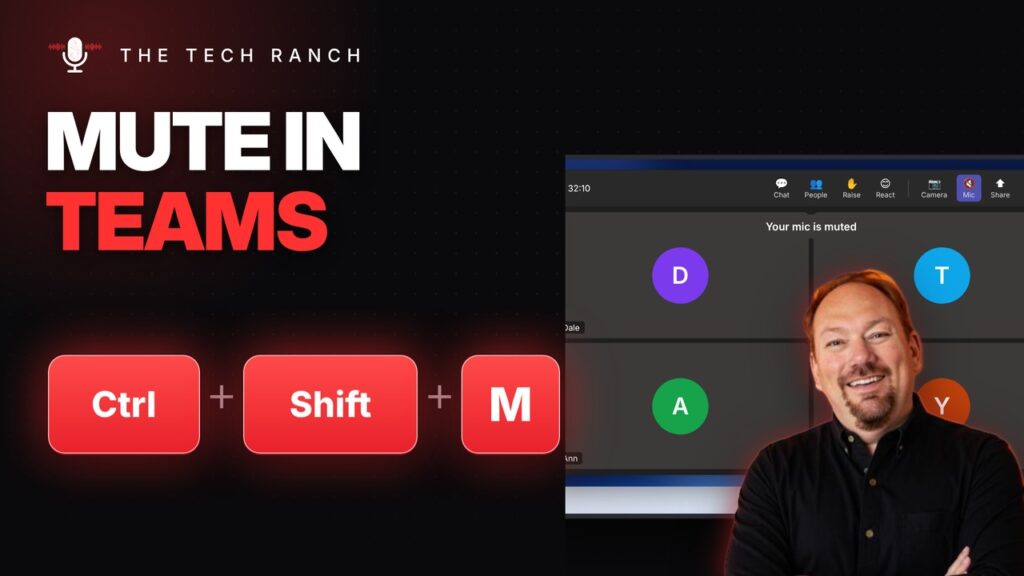
In Microsoft Teams, press Ctrl + Shift + M to mute and unmute. Ctrl + Shift + K raises your hand.
⬆️ Go Up One Folder on a Mac with Command + Up Arrow
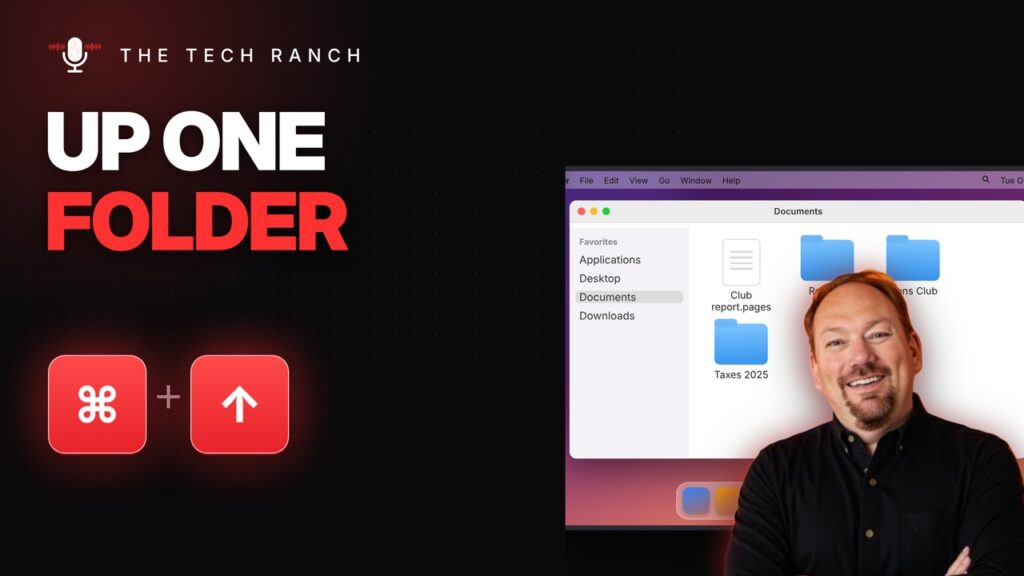
In Finder, press Command + Up Arrow to go up one folder. Command + Down opens the selected item.
📂 Open Your Mac’s Applications Folder with Command + Shift + A
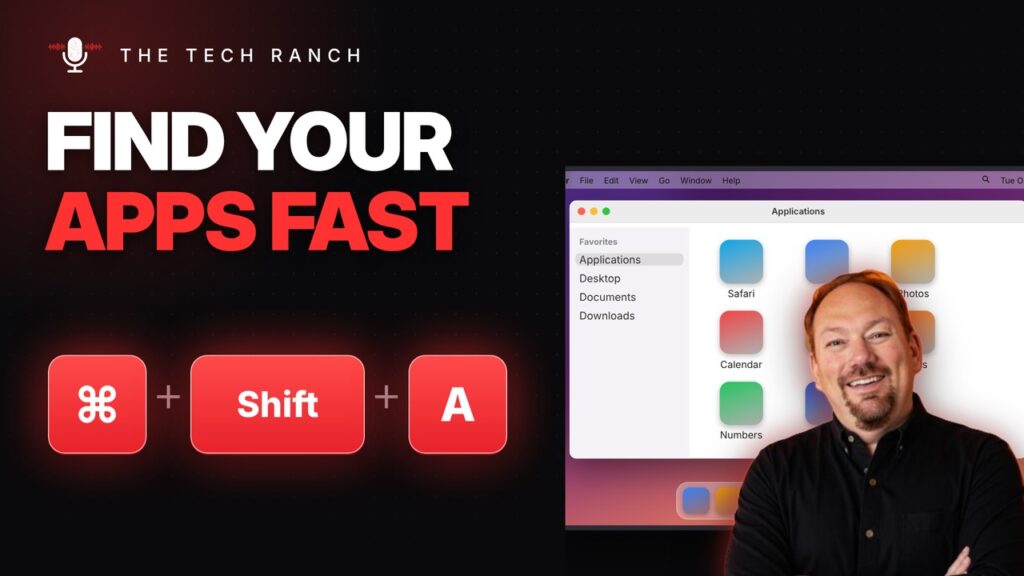
In Finder, press Command + Shift + A to open Applications. Command + Option + L opens Downloads.
👁️ Preview Files in File Explorer with Alt + P
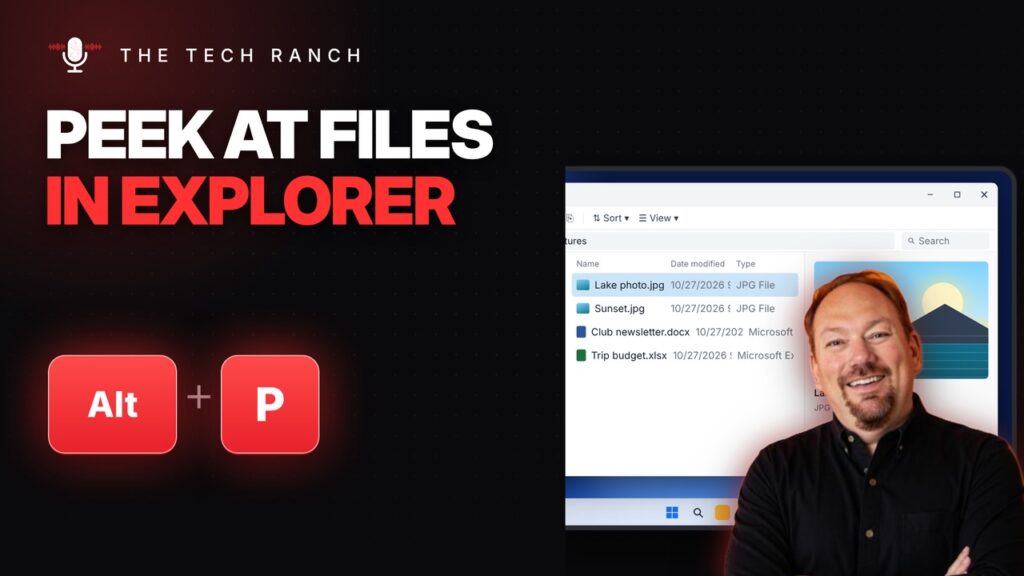
In File Explorer, press Alt + P to preview files without opening them. Ctrl + Shift + 2 shows large icons.
🔔 See Every Notification with Windows Key + N
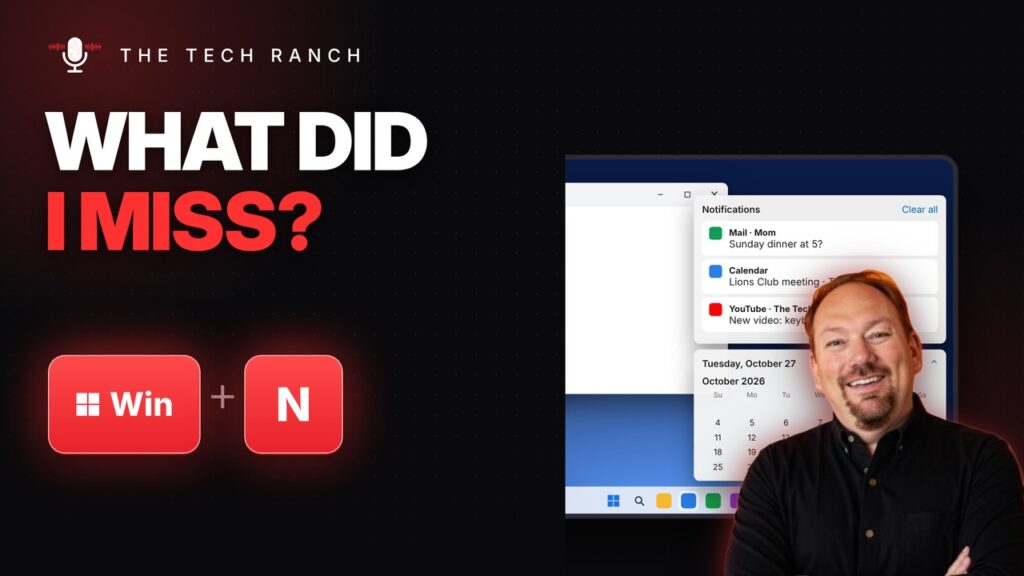
On Windows 11, press the Windows key + N to see every notification and a calendar. Win + W opens Widgets.
