

🎙️ Talk Instead of Typing: Windows Key + H
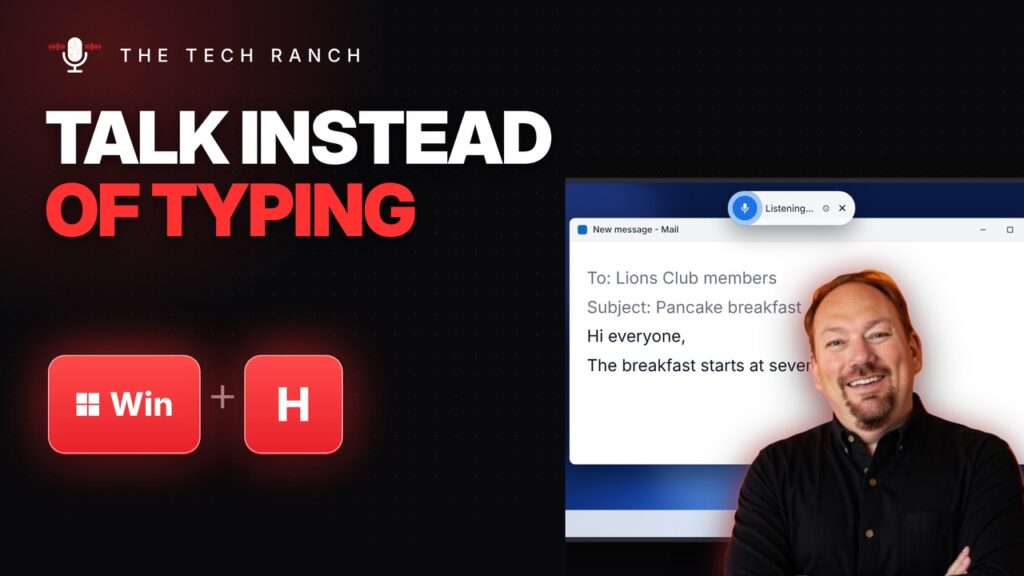
Press Windows key + H to start voice typing. Win + Ctrl + Enter turns on Narrator to read the screen aloud.
🔇 Mute Yourself in Google Meet with Ctrl + D

In Google Meet, press Ctrl + D to mute or unmute. Ctrl + E turns your camera off. Mac: Command + D / E.
🔍 Search YouTube Without the Mouse: Press /

On YouTube, press / to jump to the search box. In a playlist, Shift + P goes back a video.
🔎 Find Any Email in Outlook with Ctrl + E
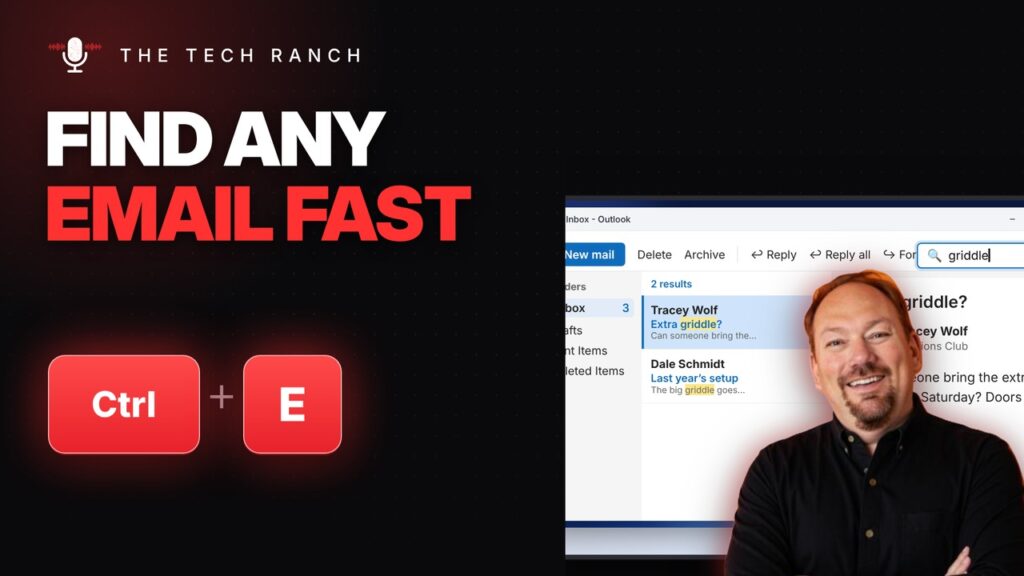
In Outlook, press Ctrl + E to search your email. Ctrl + U marks an email unread; Ctrl + Q marks it read.
🪟 Screenshot Just One Window: Alt + Print Screen
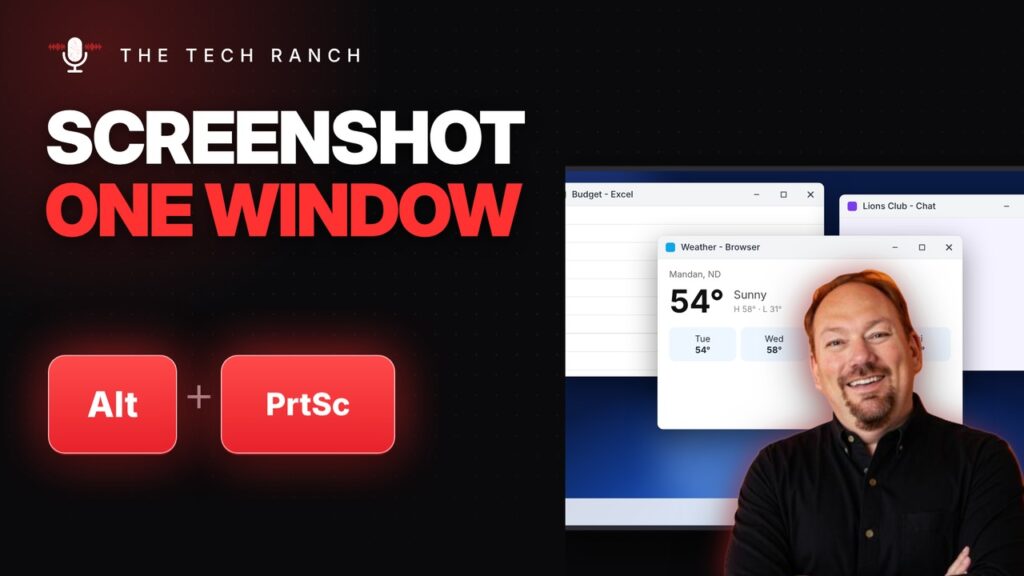
Press Alt + Print Screen to copy a screenshot of just the window you’re in, then Ctrl + V to paste it.
🖥️ Full Screen on a Mac with Control + Command + F

On a Mac, press Control + Command + F to go full screen. On newer Macs, Globe (fn) + F works too.
🐢 Chrome Running Slow? Find the Problem Tab with Shift + Esc
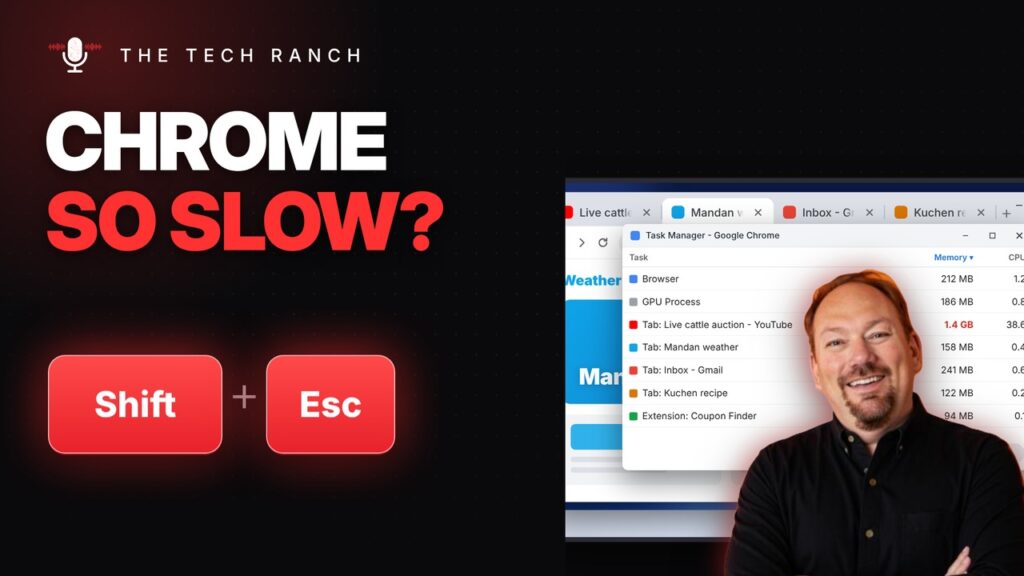
Chrome slow? Press Shift + Esc to open Chrome’s Task Manager and close the tab hogging memory. Alt + F opens the Chrome menu.
📷 Turn Your Camera Off in Teams with Ctrl + Shift + O
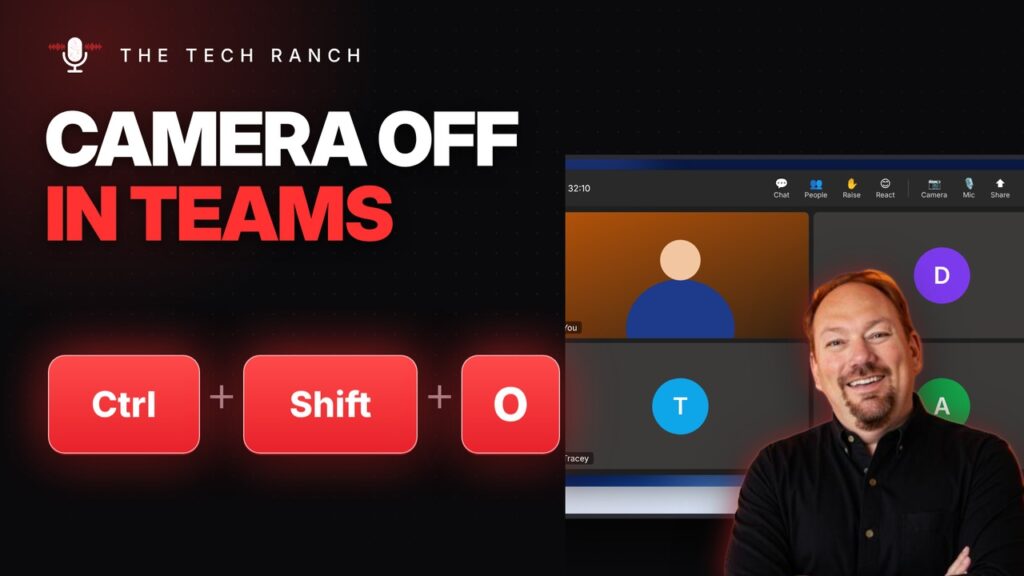
In Microsoft Teams, press Ctrl + Shift + O to turn your camera on or off. Ctrl + Shift + E shares your screen.
❄️ Keep Your Headings in View: Freeze the Top Row in Excel

In Excel, press Alt, W, F, R (one at a time) to freeze the top row. Alt, W, F, C freezes the first column.
🧹 Clear Messy Formatting in Word with Ctrl + Space

In Word, select text and press Ctrl + Space to clear the formatting. Ctrl + Q resets the paragraph.
