

🖱️ Right-Click Without a Mouse: Shift + F10
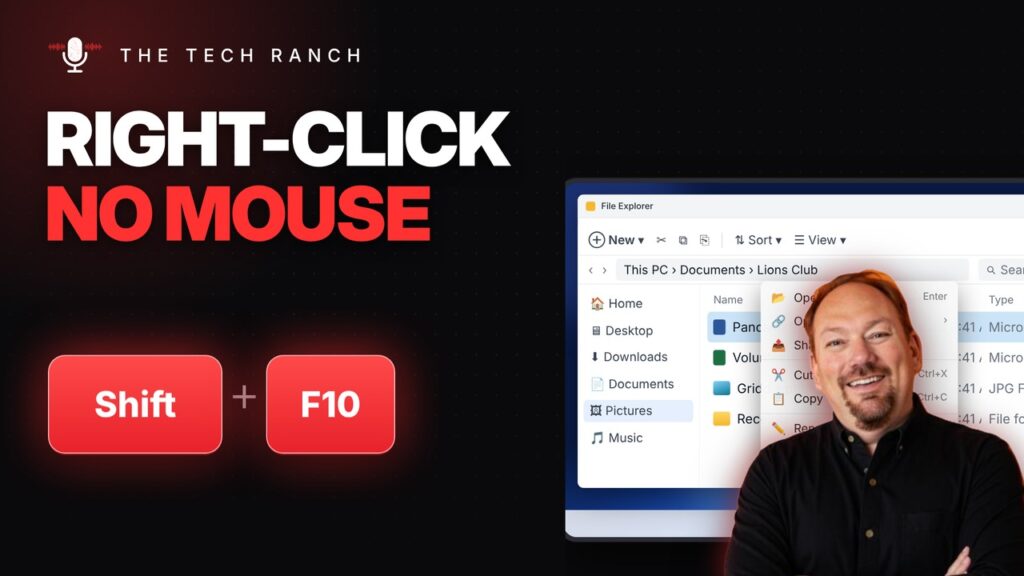
Press Shift + F10 to open the right-click menu without a mouse. Alt + Enter opens a file’s Properties.
↵ New Line Without Sending: Shift + Enter

In chats, press Shift + Enter for a new line without sending. In Excel, Shift + Enter moves up a cell.
💾 Never Lose Your Work Again: Ctrl + S
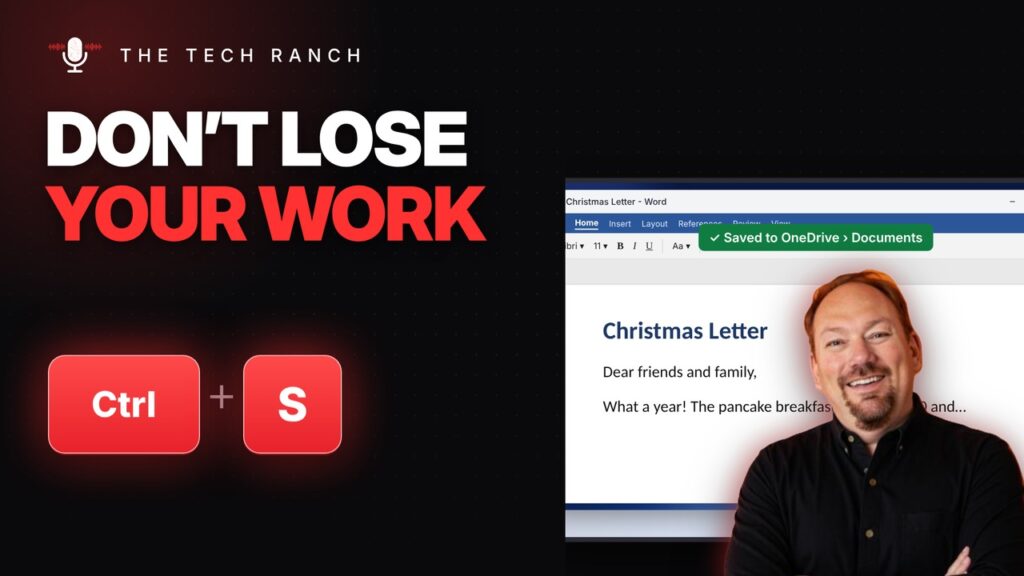
Press Ctrl + S to save your work, and press it often. Ctrl + N starts a new document. Mac: Command + S / N.
💬 Find Any Message in Microsoft Teams with Ctrl + E
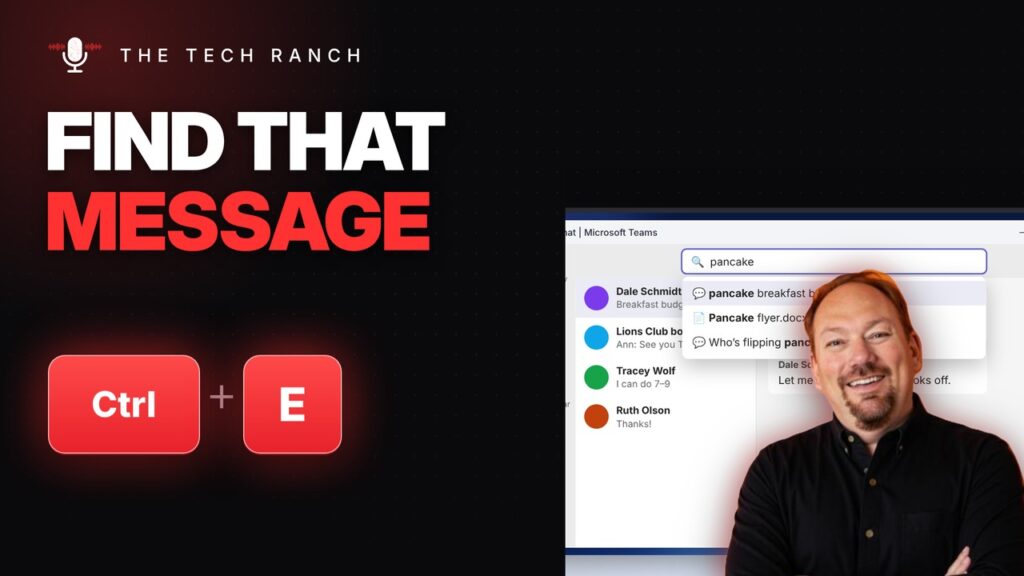
In Microsoft Teams, Ctrl + E jumps to search. Ctrl + . shows every shortcut.
🔎 Find Anything in a Spreadsheet with Ctrl + F
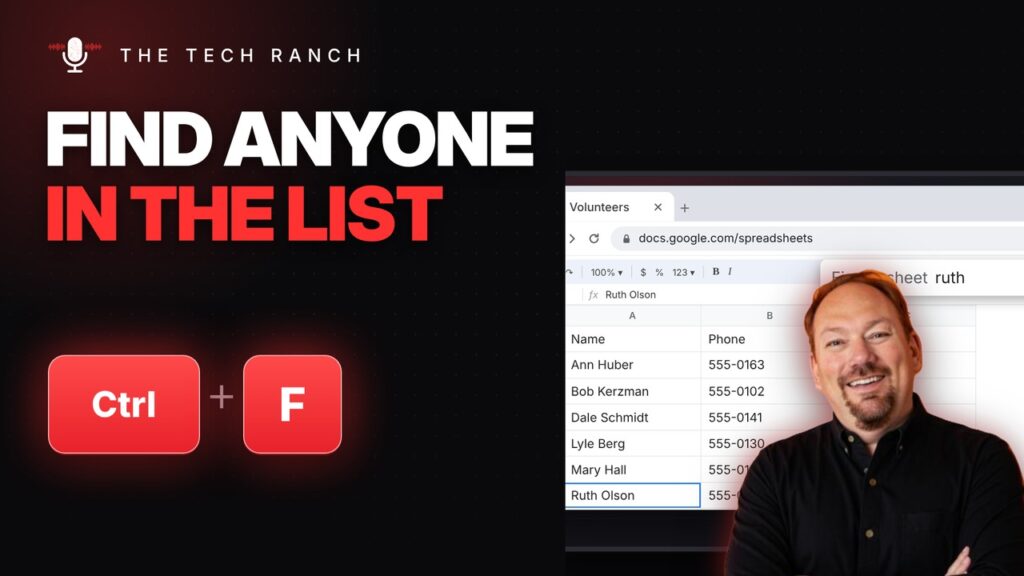
In Google Sheets or Excel, Ctrl + F finds anything. Ctrl + K adds a link to a cell.
• Make a Bulleted List in Word with Ctrl + Shift + L

In Word, select lines and press Ctrl + Shift + L for bullets. Ctrl + ] and Ctrl + [ change text size.
🔍 Search Google from Any Page with Ctrl + E

In Chrome, press Ctrl + E (or Ctrl + K) to search Google from any page. Alt + Enter opens it in a new tab.
🗂️ Select Several Browser Tabs at Once with Ctrl + Click

Hold Ctrl and click tabs to select several at once in Chrome or Edge. Shift + click selects a range.
↩️ Reopen a Closed Tab in Safari with Command + Shift + T

In Safari, press Command + Shift + T to reopen a closed tab. Command + L jumps to the address bar.
📸 Take an iPhone Screenshot with Back Tap

Turn on Back Tap (Settings › Accessibility › Touch) and double-tap the back of your iPhone to take a screenshot.
