

👥 See Everyone in a Zoom Meeting: Alt + F2
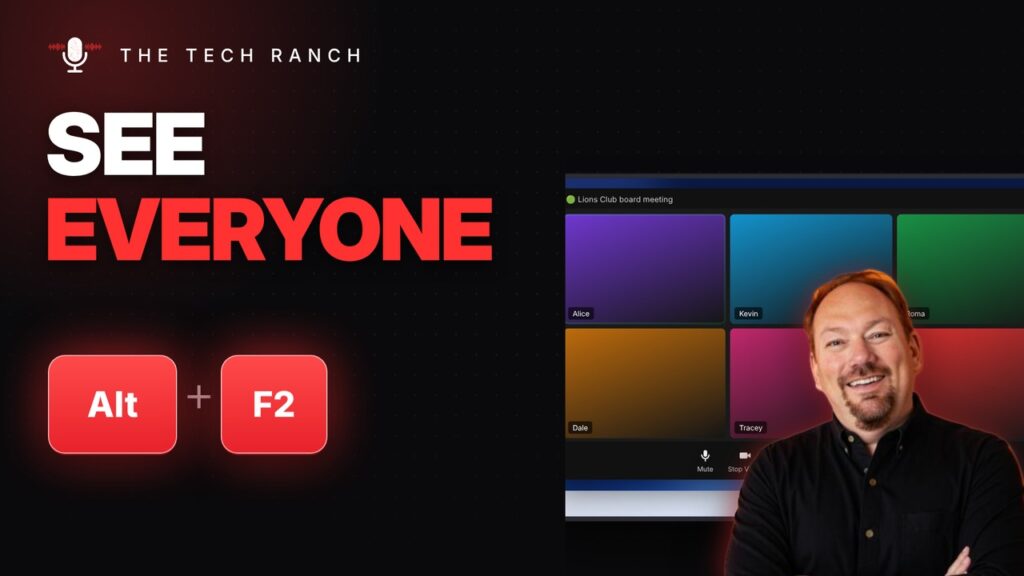
In Zoom on Windows, Alt + F2 shows Gallery view and Alt + F1 shows Speaker view. Mac: Command + Shift + W.
🔇 Mute Everyone in a Zoom Meeting: Alt + M
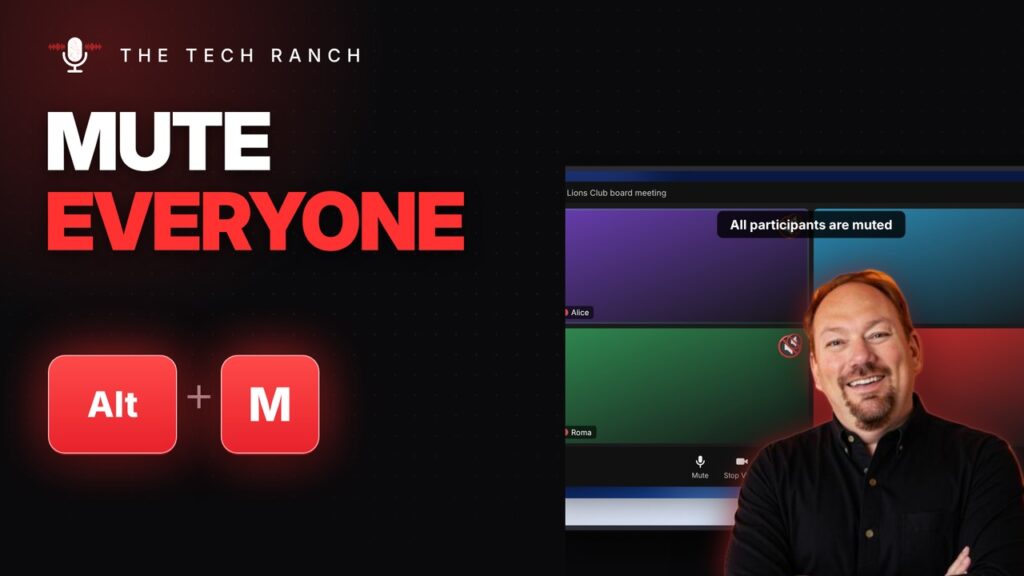
Hosting on Zoom? Press Alt + M to mute everyone except you. Alt + U shows the participants list.
🔇 Mute Yourself in Google Meet with Ctrl + D
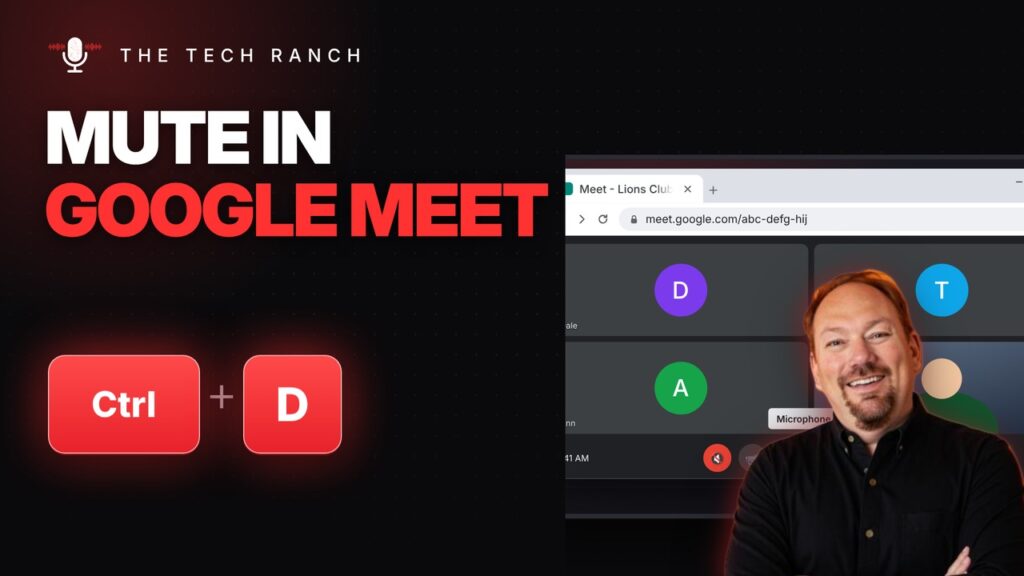
In Google Meet, press Ctrl + D to mute or unmute. Ctrl + E turns your camera off. Mac: Command + D / E.
📷 Turn Your Camera Off in Teams with Ctrl + Shift + O
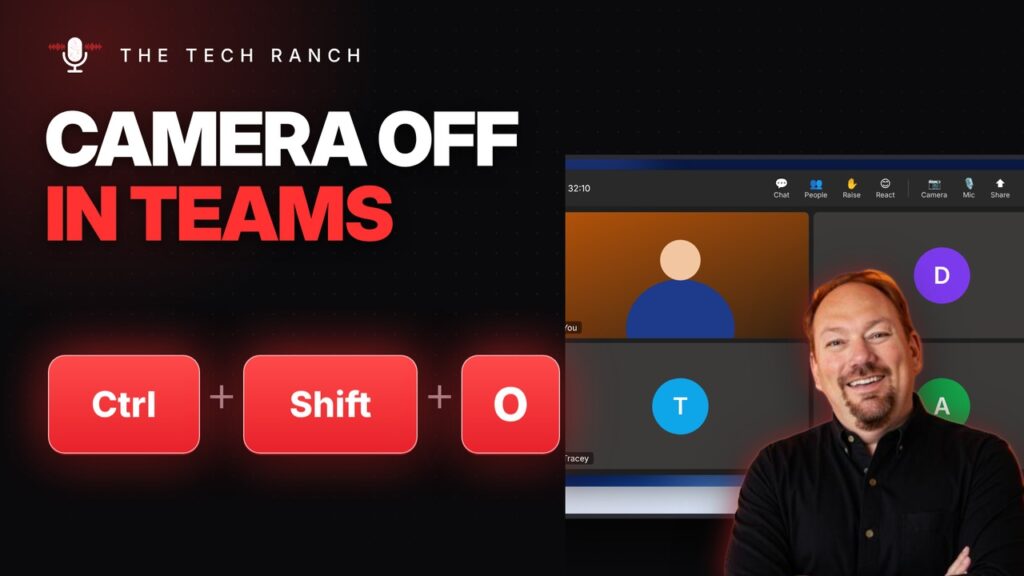
In Microsoft Teams, press Ctrl + Shift + O to turn your camera on or off. Ctrl + Shift + E shares your screen.
⏺️ Record a Zoom Meeting Instantly: Alt + R
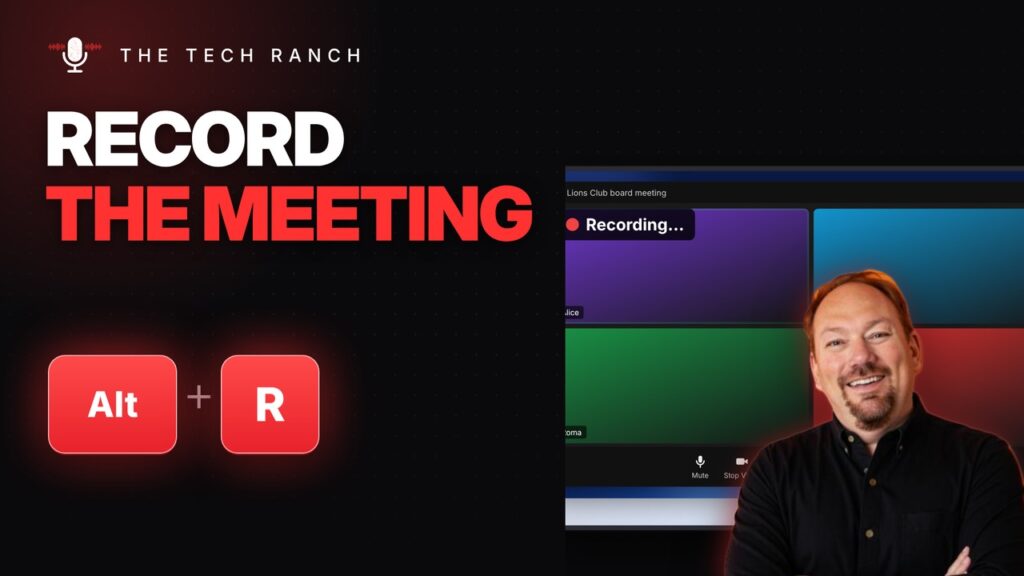
In Zoom on Windows, press Alt + R to start or stop recording. Mac: Command + Shift + R. Alt + H shows the chat.
🎙️ Talk Without Unmuting in Zoom: Hold the Space Bar
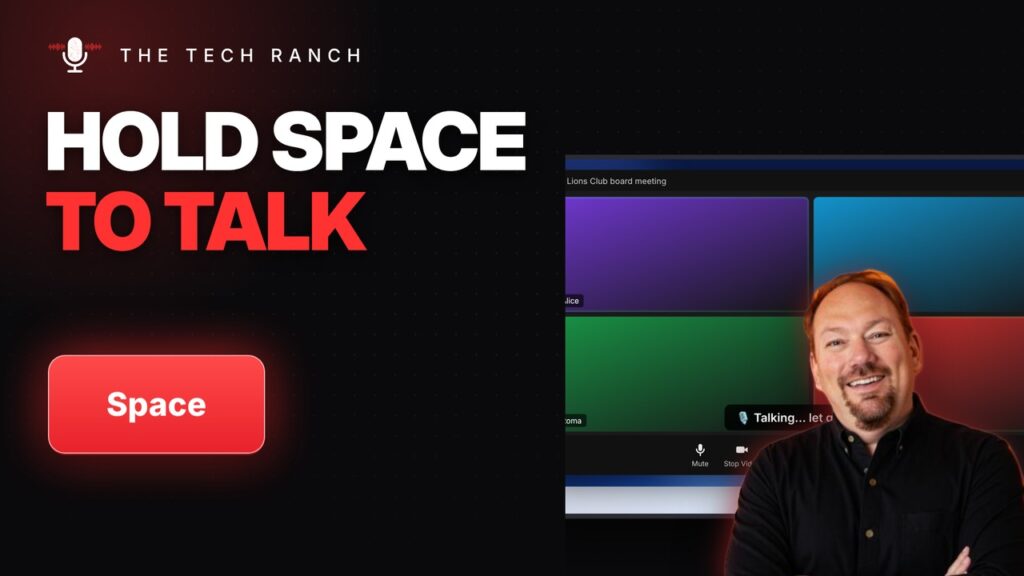
In Zoom, hold the Space bar to talk while muted, then let go to mute again. Alt + F goes full screen.
🔇 Mute Yourself in Microsoft Teams with Ctrl + Shift + M
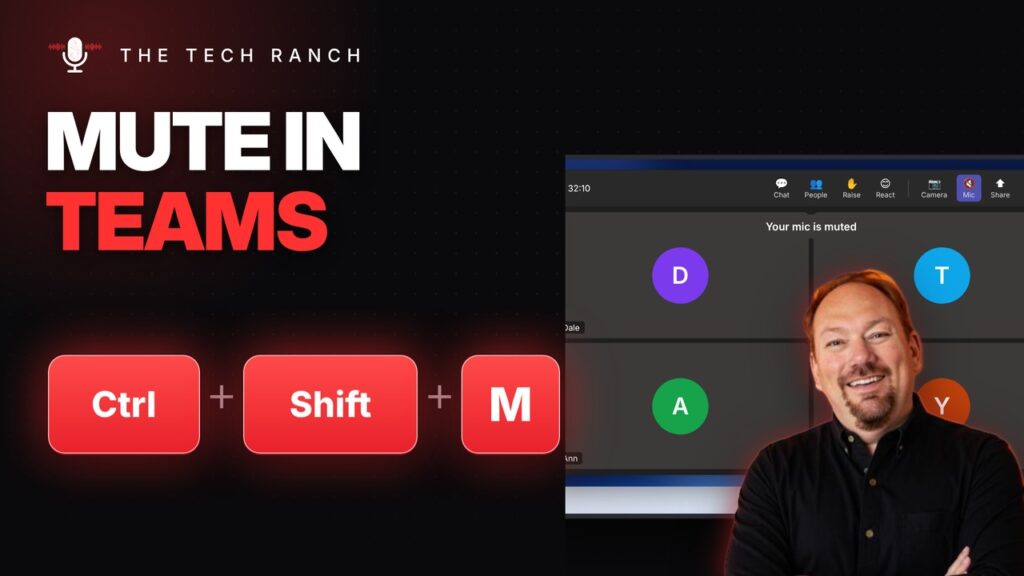
In Microsoft Teams, press Ctrl + Shift + M to mute and unmute. Ctrl + Shift + K raises your hand.
🖥️ Share Your Screen in Zoom with Alt + S
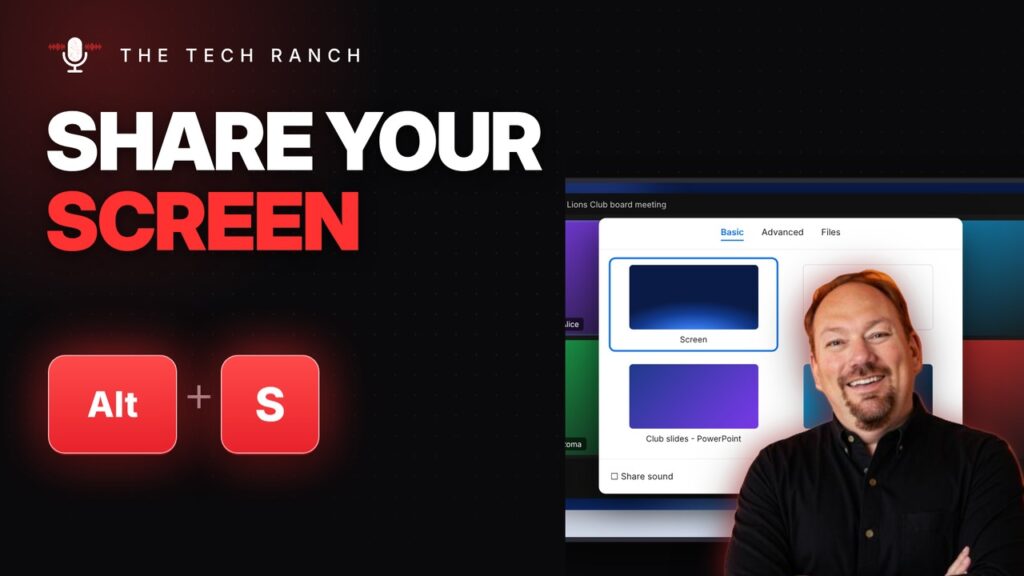
In Zoom, press Alt + S to share your screen and Alt + Y to raise your hand. Mac: Command + Shift + S / Option + Y.
🔇 Mute Yourself in Zoom Instantly with Alt + A
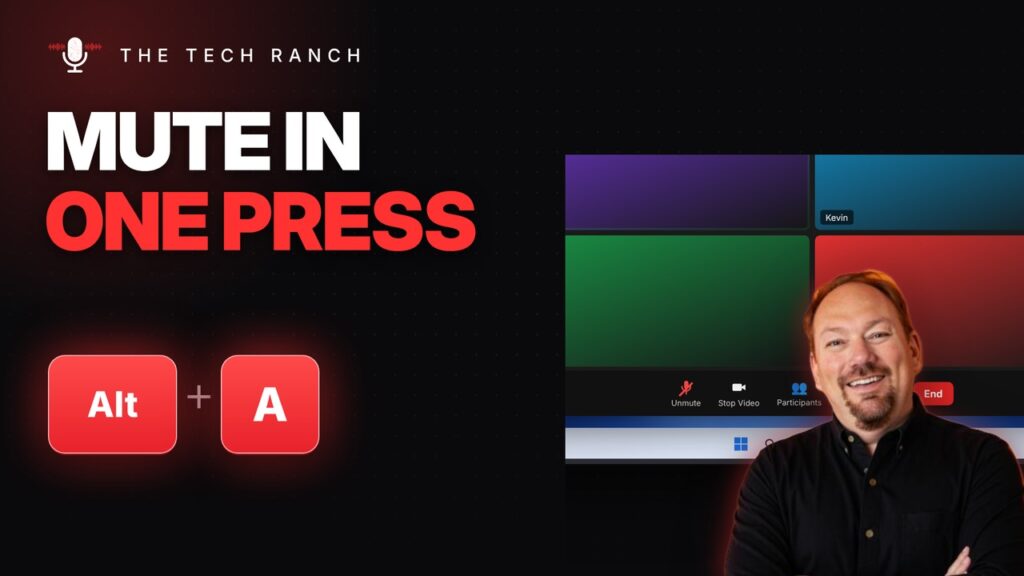
Press Alt + A to mute or unmute yourself in Zoom. Mac: Command + Shift + A. Teams: Ctrl + Shift + M.
