


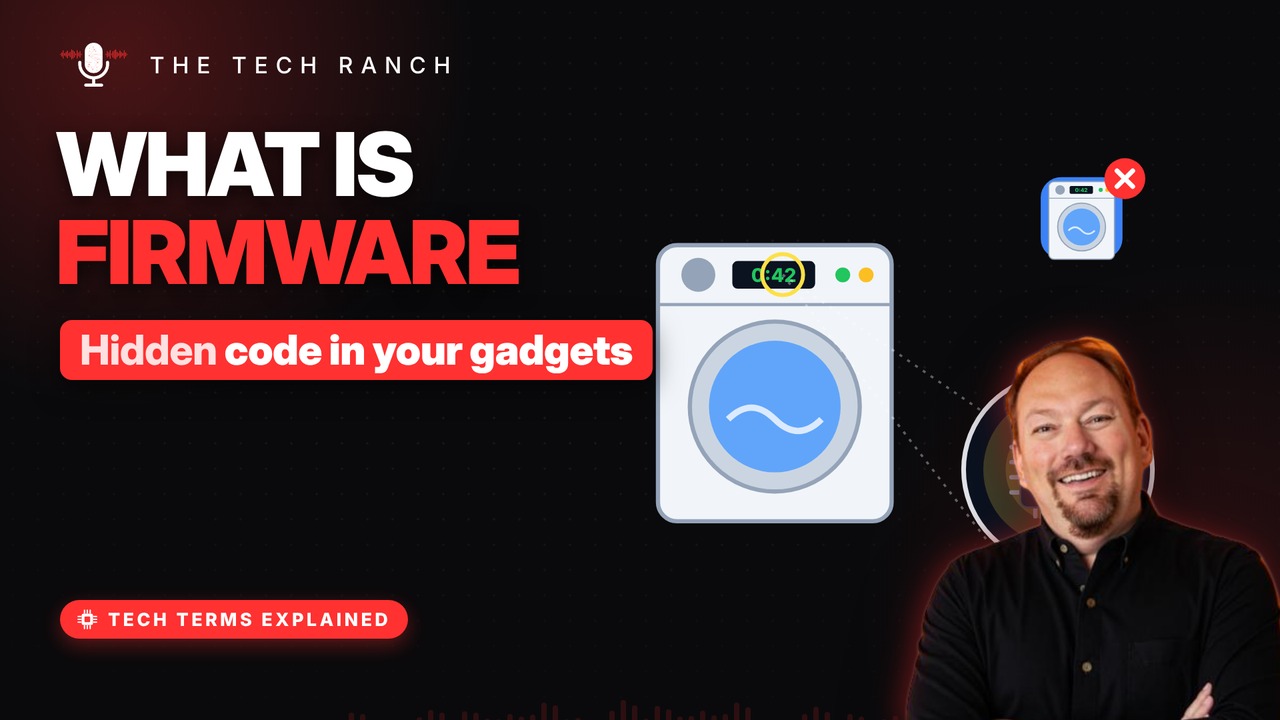
Firmware is the software built right into your gadgets’ chips, from routers and TVs to cars and washing machines. This animated explainer shows how firmware differs from hardware and software, why firmware updates matter for security, and why you should never pull the plug mid-update.
Software built into hardware
Firmware is software built right into a device. It’s stored on a chip that keeps data without power. It tells the hardware how to do its basic job. Think of it as the device’s instincts.
Between hard and soft
Hardware: the physical parts you can touch. Software: apps you add and delete. Firmware sits in between: fixed, but updatable. A computer writer named it that in 1967.
It’s in everything
Routers, printers, TVs, cameras and cars. Washing machines use it to time each cycle. Even keyboards, mice and thumb drives. A computer’s startup code, the BIOS, is firmware.
Why firmware updates matter
Makers send firmware updates to fix glitches. Many also patch security holes. Some devices update on their own; many don’t. Routers and cameras are worth checking now and then.
Don’t pull the plug
During an update, the old firmware gets replaced. Cut the power midway and the device may not start. That’s called bricking: it’s as useful as a brick. Plug it in, keep it on, and let it finish.
Bonus: Why it’s called ‘flashing’
Updating firmware is often called ‘flashing.’. The firmware chip gets erased and rewritten. Some devices save the old version in case it fails.
More Tech Terms, Explained
This is part of my Tech Terms Explained series: everyday tech words, explained in plain English, with simple animations. Watch the whole series on YouTube and subscribe to The Tech Ranch so you don’t miss the next one.
Found this helpful? Give the video a thumbs up on YouTube. Got a tech word you’d like explained? Ask in the YouTube comments and it might be the next video.