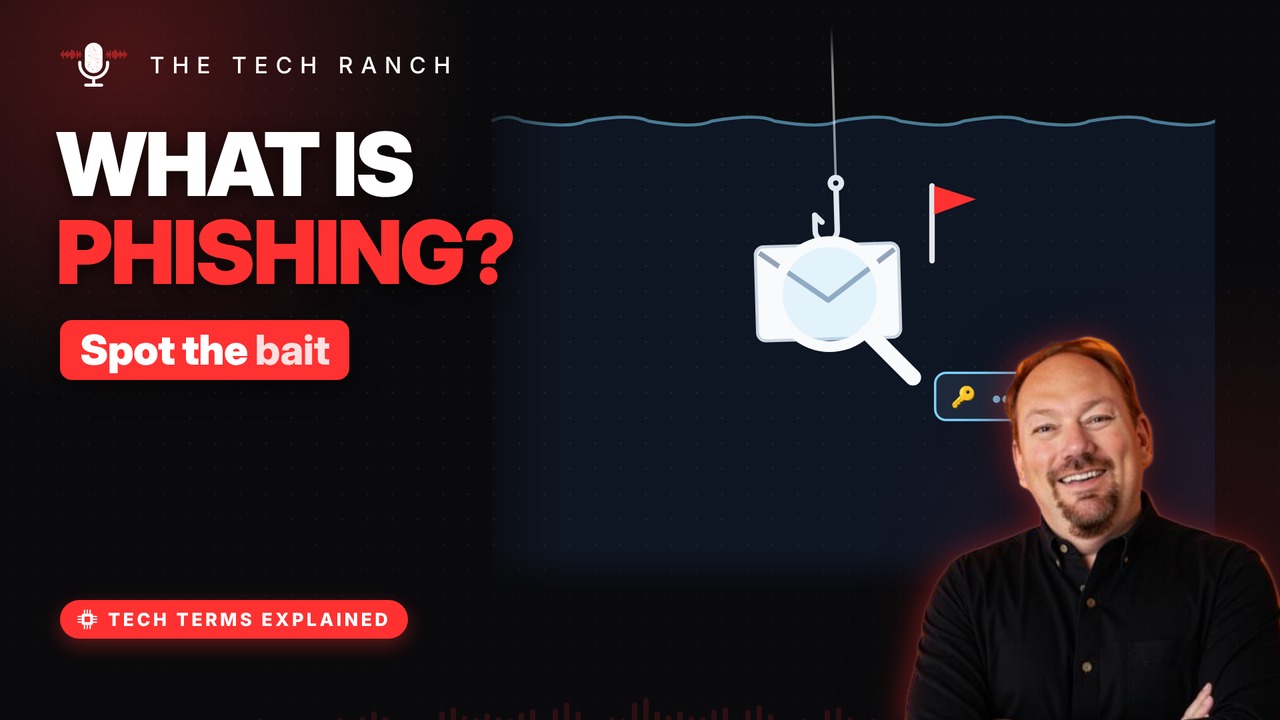
Phishing is a fake message that pretends to come from someone you trust so you’ll click, pay or log in. Learn why it’s spelled with a PH, the red flags to watch for in emails, texts and calls, and what to do instead of clicking.
Fishing for you
Phishing: fake messages pretending to be trusted. From a ‘bank,’ a ‘delivery company,’ a ‘boss’. The goal: get you to click, pay or log in. They’re after passwords, money or personal info.
Why the PH?
The word took off in the mid-1990s. Scammers used it on early AOL. PH nods to ‘phreaking’ — hacking phone systems. Same old bait trick, new spelling.
Spot the red flags
Urgency: ‘Your account will be closed today!’. A ‘problem’ with your account or payment. A generic greeting like ‘Dear Customer’. Links or attachments you didn’t expect.
Not just email
Smishing: phishing by text message. Vishing: phishing by phone call. A QR code can lead to a fake site too. Same bait, different hook.
What to do instead
Don’t click — open the app or type the site yourself. Call using a number you already know is real. Forward scam texts to 7726 (SPAM). Clicked and logged in? Change that password now.
Bonus: Report phishing emails
Forward phishing emails to reportphishing@apwg.org. Report scams to the FTC at ftc.gov/complaint. Then delete the message.
More Tech Terms, Explained
This is part of my Tech Terms Explained series: everyday tech words, explained in plain English, with simple animations. Watch the whole series on YouTube and subscribe to The Tech Ranch so you don’t miss the next one.
Found this helpful? Give the video a thumbs up on YouTube. Got a tech word you’d like explained? Ask in the YouTube comments and it might be the next video.