


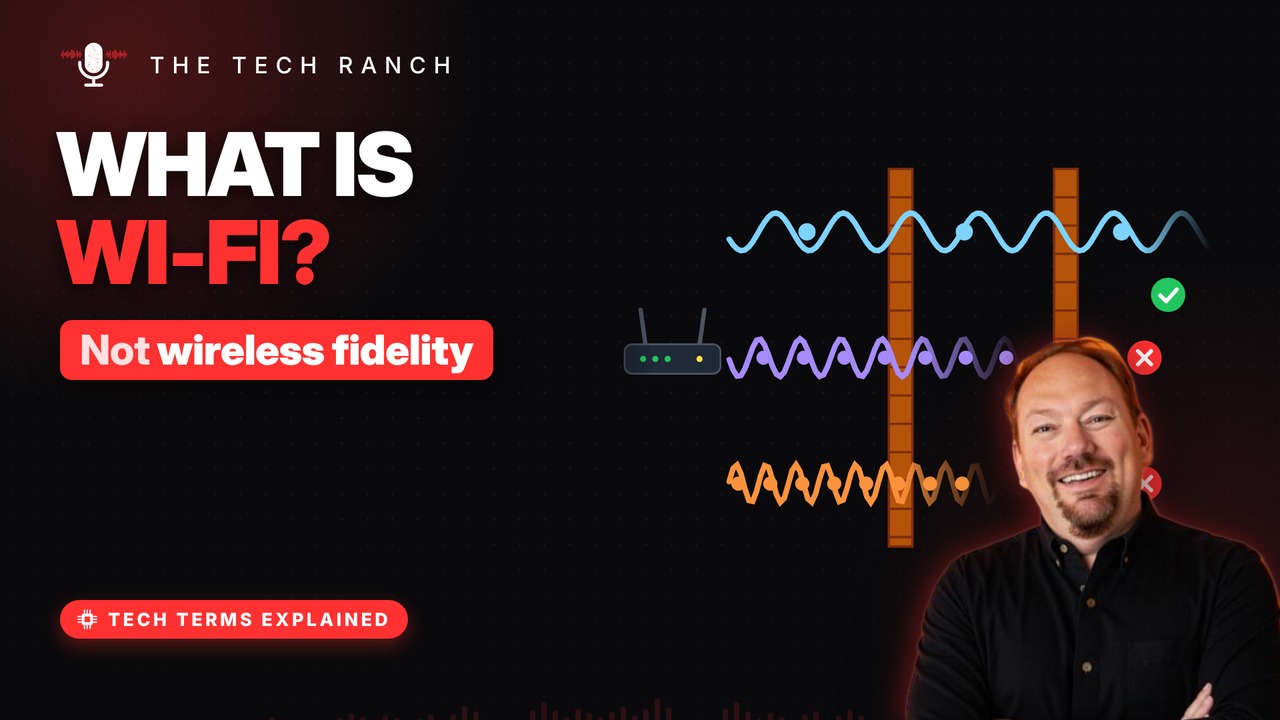
Wi-Fi is simply two-way radio for your data. See how your router turns the internet into radio waves, why 2.4 GHz reaches farther than 5 or 6 GHz, why the microwave can slow things down, and why the name Wi-Fi doesn’t actually stand for anything.
It’s just radio
Your router is a small radio station. It turns data into invisible radio waves. Your phone’s antenna catches them and decodes them. Like a car radio — except both sides talk.
Three radio lanes
Wi-Fi uses three radio bands: 2.4, 5 and 6 GHz. GHz = billions of wave wiggles per second. 2.4 GHz reaches farther and through more walls. 5 and 6 GHz carry more data but fade sooner.
Why the microwave matters
Microwave ovens run at about 2.45 GHz. That’s right inside Wi-Fi’s 2.4 GHz band. A running microwave can interfere with Wi-Fi. Fix: move the router away, or use 5 GHz.
The numbers on the box
Since 2018, Wi-Fi versions get simple numbers. Wi-Fi 4, 5, 6 replaced codes like 802.11ac. Bigger number = newer generation. Router and device both need it to get the perks.
The name means nothing
Wi-Fi is not short for ‘wireless fidelity’. A branding firm made up the name in 1999. It’s a catchy play on ‘hi-fi’ stereo. The old name: IEEE 802.11b Direct Sequence.
Bonus: Find your router’s sweet spot
Put the router up high and out in the open. Walls, floors and doorways weaken the signal. Keep it away from the microwave.
More Tech Terms, Explained
This is part of my Tech Terms Explained series: everyday tech words, explained in plain English, with simple animations. Watch the whole series on YouTube and subscribe to The Tech Ranch so you don’t miss the next one. Short on time? Here’s the quick Short version.
Found this helpful? Give the video a thumbs up on YouTube. Got a tech word you’d like explained? Ask in the YouTube comments and it might be the next video.