

🧊 Frozen App? Ctrl + Shift + Esc Opens Task Manager Instantly
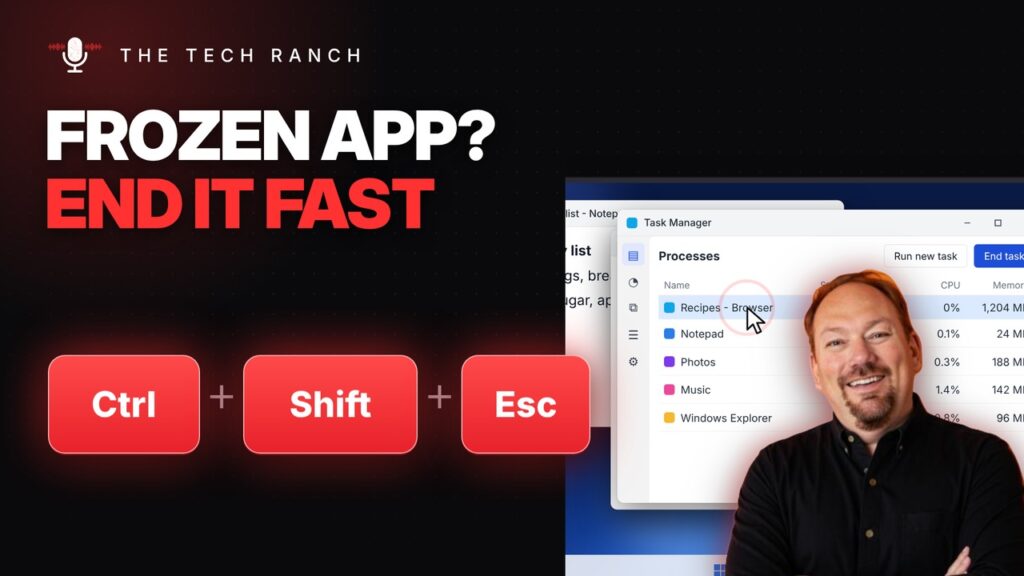
App frozen? Press Ctrl + Shift + Esc to open Task Manager, select the stuck app and click End task. No restart needed. Windows 10 & 11.
🔀 Switch Windows Instantly with Alt + Tab

Hold Alt and tap Tab to flip through your open windows, then let go to switch. A quick tap jumps back to the last one. Windows 10 & 11.
🖥️ Show Your Desktop Instantly with Windows Key + D

Press the Windows key + D to show your desktop instantly. Press it again to bring your windows back. Works on Windows 10 and 11.
📅 Insert Today’s Date in One Press: Ctrl + ; in Google Sheets and Excel
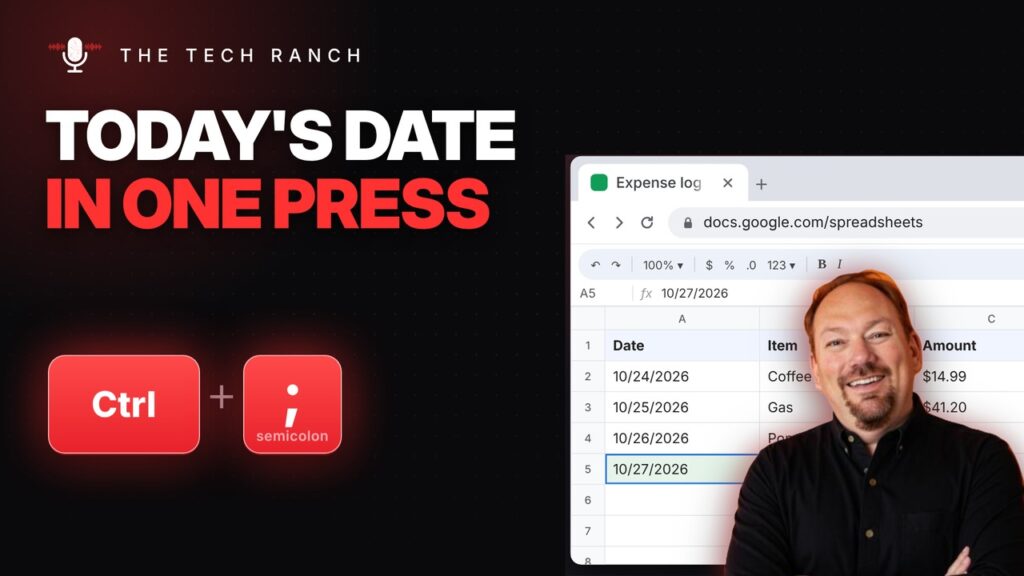
Click a cell and press Ctrl + ; to insert today’s date in Google Sheets or Excel. Unlike =TODAY(), it stays put and won’t change tomorrow.
⌨️ Skip the Mouse: Ctrl + L Jumps Straight to Your Browser’s Address Bar

Press Ctrl + L to jump straight to the address bar, then type a site or a search and press Enter. Alt + D and F6 work too. On a Mac, press Command + L.
😀 Emoji on Your PC: Windows Key + Period Opens the Emoji Panel
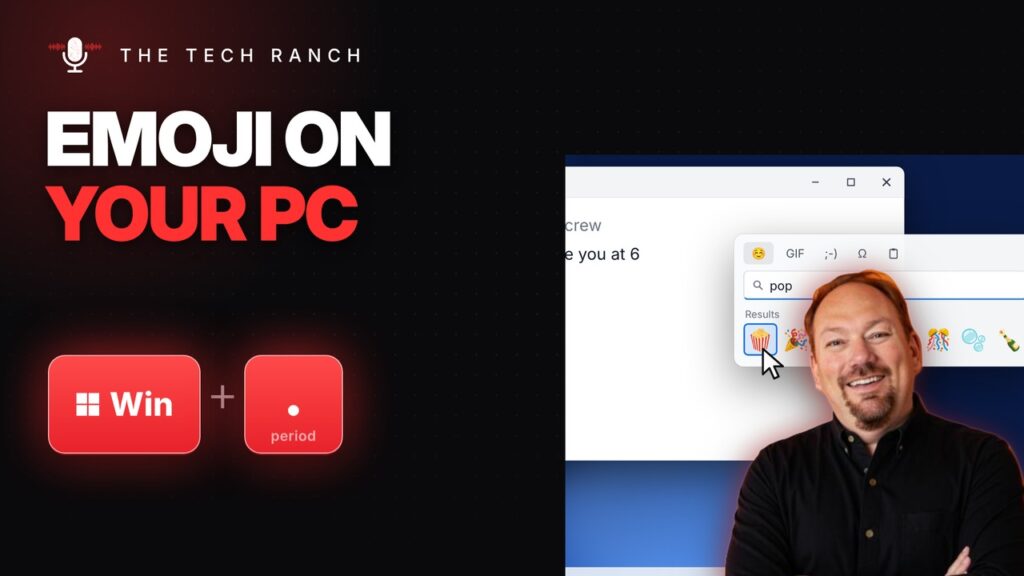
Press the Windows key + Period to open the emoji panel in almost any app. Type to search, then click to insert. Symbols too. Works on Windows 10 and 11.
📸 Screenshot Just Part of Your Mac Screen with Command + Shift + 4

Press Command + Shift + 4 and drag a box to screenshot just part of your Mac screen. Press Space to grab a whole window. It saves right to your desktop.
🪟 Snap Windows Side by Side with the Windows Key + Arrow Keys

Press the Windows key + an arrow to snap a window to half the screen, then let Snap Assist fill the other side. Works on Windows 10 and 11.
🧹 Paste Without the Mess: Ctrl + Shift + V in Google Docs and Word
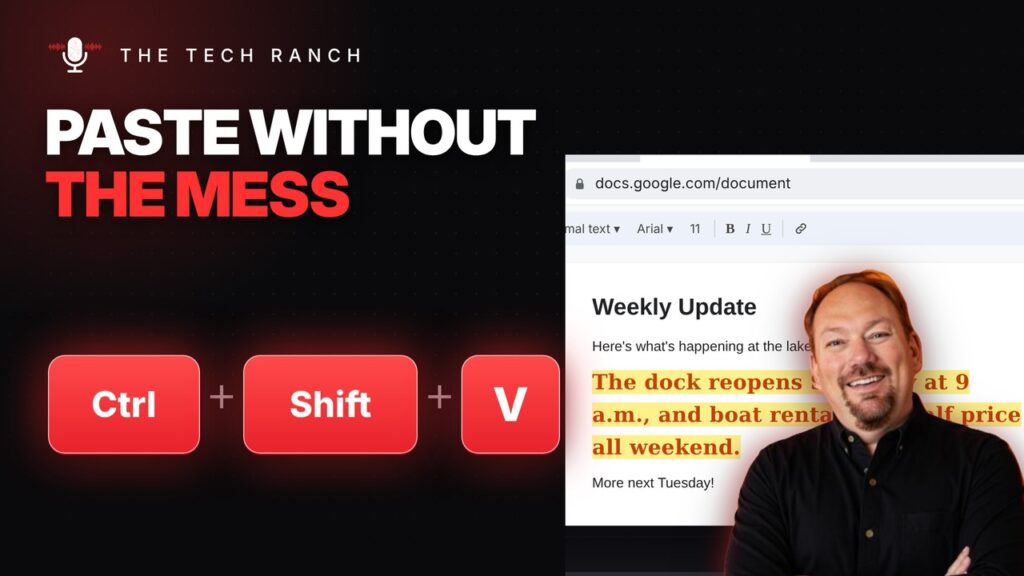
Ctrl + Shift + V pastes just the text, matched to your document. It works in Google Docs and Microsoft Word.
🗂️ Too Many Tabs? Ctrl + a Number Jumps Right to the One You Want

Ctrl + 1 to 8 jumps straight to that tab in Chrome, and Ctrl + 9 always goes to the last one. On a Mac, use Command.
