


By Marlo Anderson – The Tech Ranch
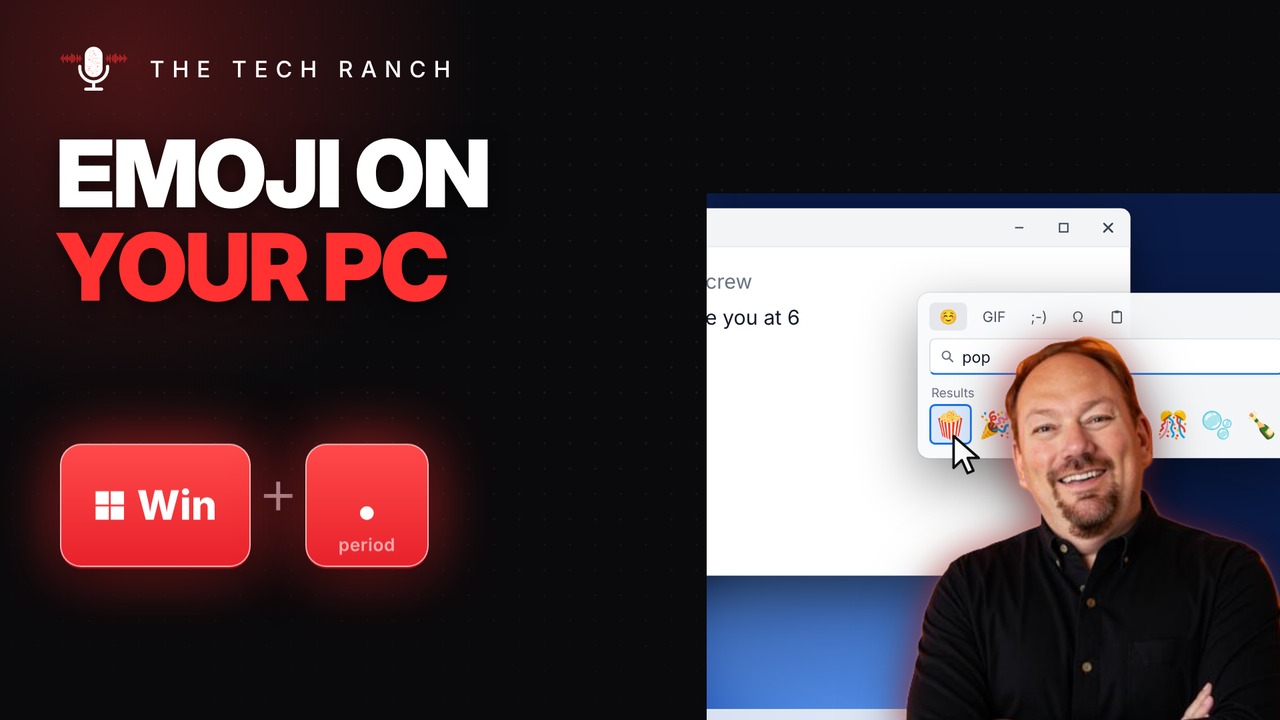
You don’t need to grab your phone to add an emoji to an email or a chat. On Windows, press Windows key + Period (.) and the emoji panel pops up right where you’re typing.
The Shortcut
- Windows key + . (period): opens the emoji panel
- Start typing to search, like “pizza” or “party”
- Click an emoji to insert it
- Windows key + ; (semicolon) works too
- Works on Windows 10 and Windows 11
Symbols, Too
The panel isn’t just emoji. Open the symbols tab (Ω) for things like the degree sign °, the euro sign €, ™ and fractions like ½. No more hunting for the right Alt code.
Bonus Tip: Talk Instead of Type with Win + H
Press Windows key + H to start voice typing (it’s called dictation on Windows 10). Just talk, and Windows types what you say into email, documents, chats and most other apps.
More Keyboard Shortcuts, Explained
This is part of my Keyboard Shortcuts Explained series: quick, plain-English tips that make everyday computer work faster. Watch the whole series on YouTube and subscribe to The Tech Ranch so you don’t miss the next one.
Got a shortcut you can’t live without? Tell me in the YouTube comments and it might show up in a future video.








