


By Marlo Anderson – The Tech Ranch
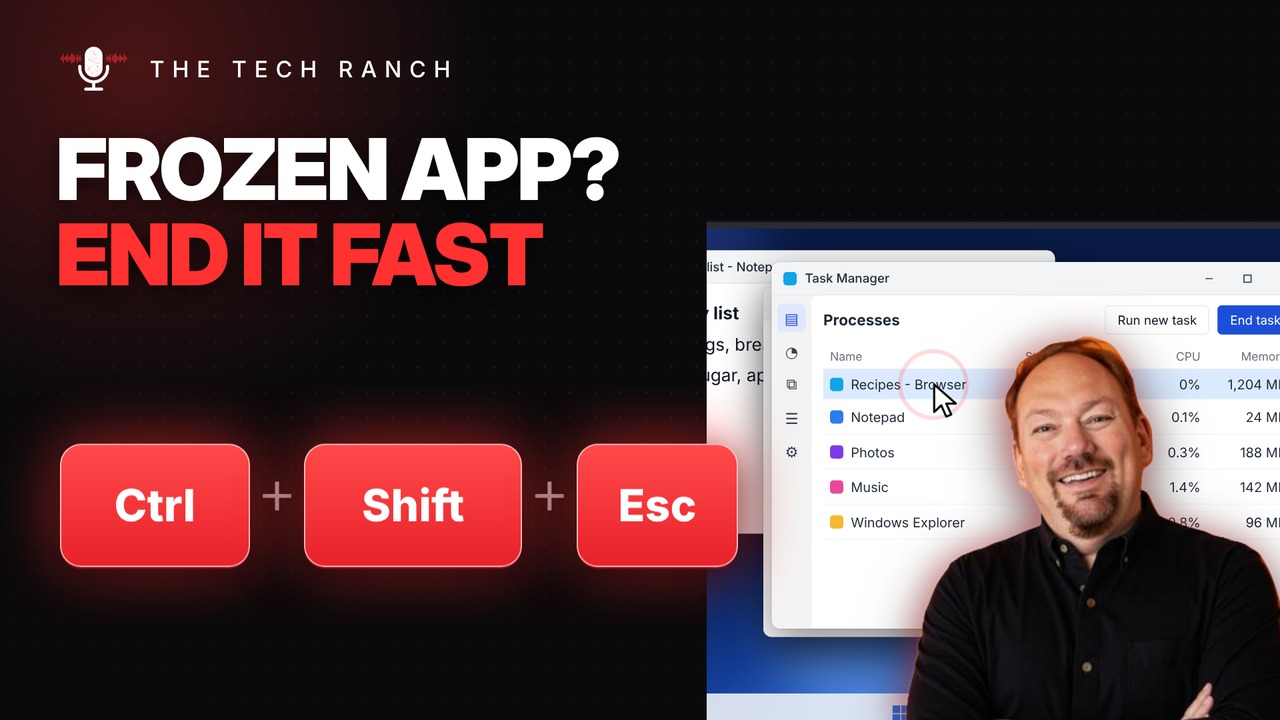
An app freezes, the title bar says Not Responding, and clicking does nothing. Before you restart your whole computer, press Ctrl + Shift + Esc. Task Manager opens right away so you can close just the app that’s stuck.
The Shortcut
- Ctrl + Shift + Esc: opens Task Manager directly
- Find the app marked Not responding
- Select it and click End task
- Works on Windows 10 and Windows 11
Heads Up
Ending a task closes that app right away, so anything you haven’t saved in it will be lost. Give a frozen app a minute first; sometimes it catches up on its own.
Bonus Tip: Ctrl + Alt + Delete
Press Ctrl + Alt + Delete to open the security screen. From there you can lock your PC, switch users, sign out, change your password or open Task Manager. It’s the classic three-finger salute, and it works even when things freeze.
On a Mac?
Press ⌘ + Option + Esc to open Force Quit.
More Keyboard Shortcuts, Explained
This is part of my Keyboard Shortcuts Explained series: quick, plain-English tips that make everyday computer work faster. Watch the whole series on YouTube and subscribe to The Tech Ranch so you don’t miss the next one. Short on time? Here’s the quick Short version.
Found this helpful? Give the video a thumbs up on YouTube. Got a shortcut you can’t live without? Tell me in the YouTube comments and it might show up in a future video.








