


By Marlo Anderson – The Tech Ranch
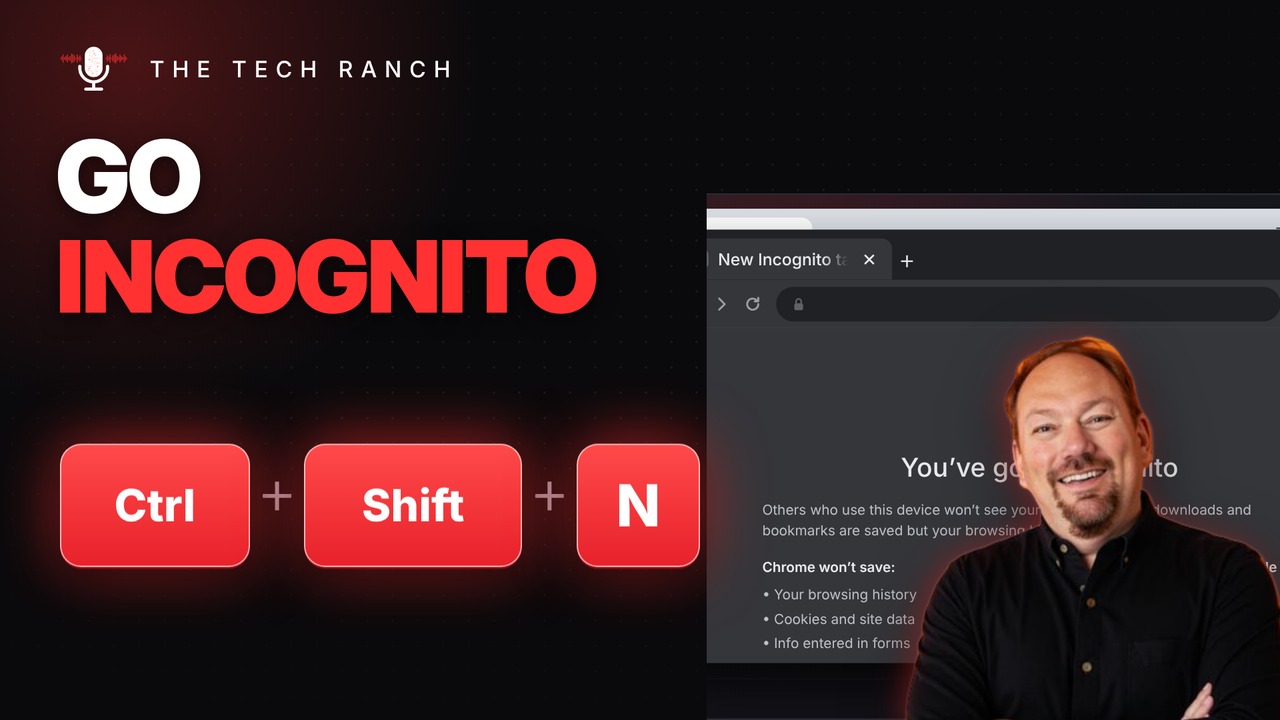
Shopping for a surprise gift on a shared computer? Press Ctrl + Shift + N to open an Incognito window in Chrome. When you close it, your browsing from that window isn’t saved to your history.
The Shortcut
- Ctrl + Shift + N: Incognito in Chrome, InPrivate in Edge
- Ctrl + Shift + P: private window in Firefox
- Mac: ⌘ + Shift + N
What Incognito Does (and Doesn’t) Do
Chrome won’t save your browsing history, cookies or info entered in forms from an Incognito window. Downloads and bookmarks you make are still kept. And you’re not invisible: the websites you visit, your employer or school, and your internet provider can still see your activity.
Bonus Tip: Clear Your Browsing Data
Press Ctrl + Shift + Delete to open Delete browsing data. Pick a time range and choose what to clear: history, cookies or cached files. On a Mac, press ⌘ + Shift + Delete.
More Keyboard Shortcuts, Explained
This is part of my Keyboard Shortcuts Explained series: quick, plain-English tips that make everyday computer work faster. Watch the whole series on YouTube and subscribe to The Tech Ranch so you don’t miss the next one. Short on time? Here’s the quick Short version.
Found this helpful? Give the video a thumbs up on YouTube. Got a shortcut you can’t live without? Tell me in the YouTube comments and it might show up in a future video.








