
🔊 Let Edge Read to You with Ctrl + Shift + U
In Microsoft Edge, press Ctrl + Shift + U to have the page read aloud. F9 opens Immersive Reader.


In Microsoft Edge, press Ctrl + Shift + U to have the page read aloud. F9 opens Immersive Reader.
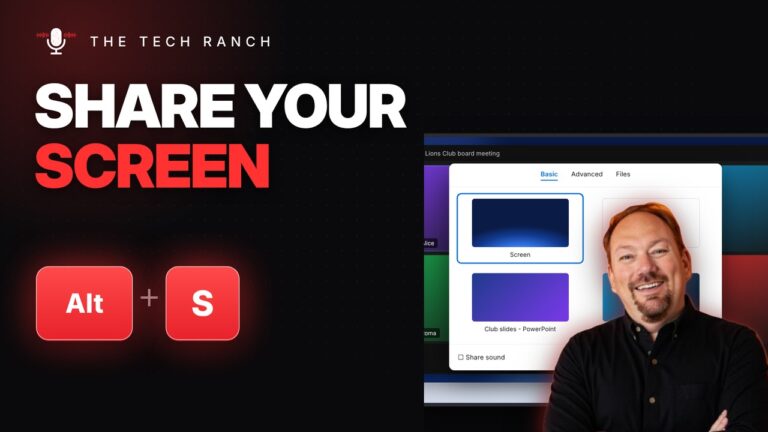
In Zoom, press Alt + S to share your screen and Alt + Y to raise your hand. Mac: Command +
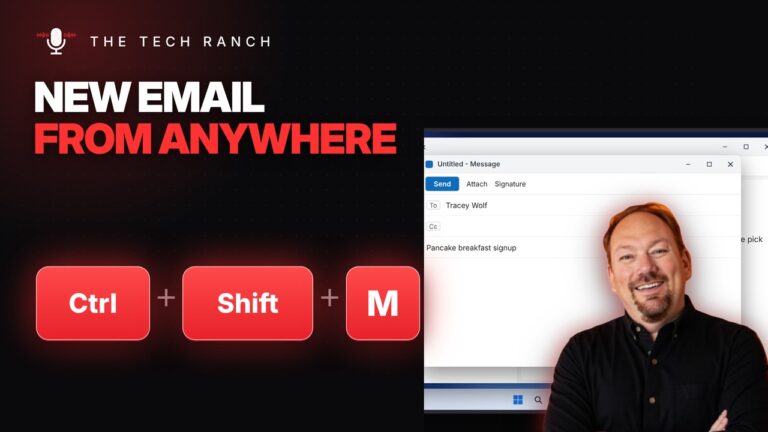
In Outlook, press Ctrl + Shift + M for a new email from anywhere. Ctrl + Shift + A makes a

Hold Shift and press the arrow keys to select text exactly, letter by letter or line by line. Any computer.

Select text and press Ctrl + Alt + M to add a comment in Google Docs or Word. Mac: Command +

On Windows, press F11 for full screen browsing and F11 again to go back. Mac: Control + Command + F.
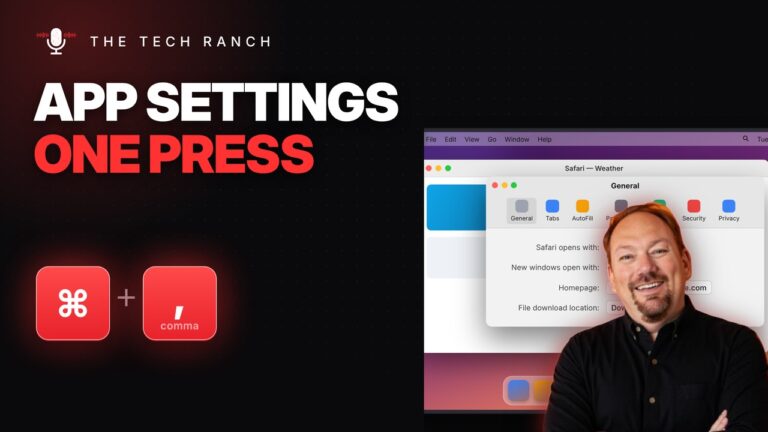
On a Mac, press Command + Comma to open Settings for the app you’re using. Command + Option + D hides
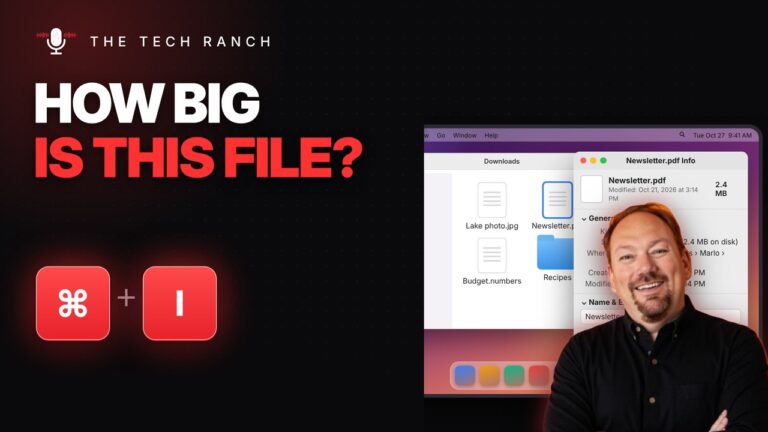
Select a file in Finder and press Command + I to see its size and details. Command + D makes a

On Windows 11, press Win + Ctrl + V to pick speakers, headphones or TV. Win + Alt + K mutes

Press the Windows key + G to open Game Bar and record your screen. Win + Alt + R starts and








