
↔️ Center Text in Google Docs with Ctrl + Shift + E
Select text and press Ctrl + Shift + E to center it in Google Docs. Word: Ctrl + E. Mac: Command


Select text and press Ctrl + Shift + E to center it in Google Docs. Word: Ctrl + E. Mac: Command

In Outlook, press Ctrl + R to reply and Ctrl + Shift + R to reply all. Mac: Command + R.

On YouTube, press F for full screen and F again (or Esc) to go back. C turns captions on and off.
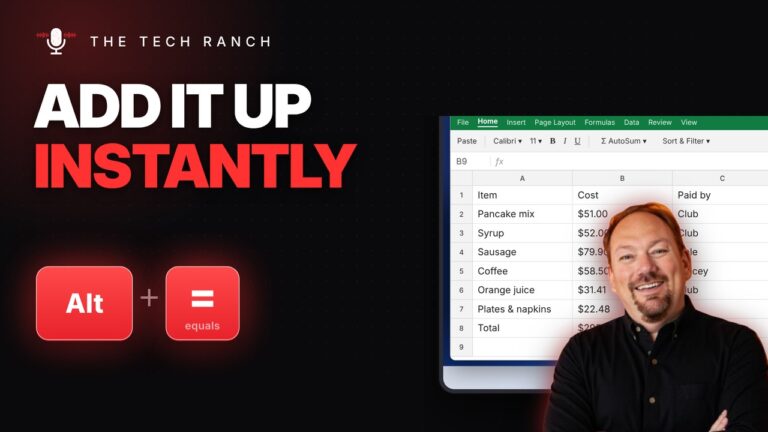
In Excel, click below your numbers and press Alt + = to AutoSum, then Enter. Mac: Command + Shift + T.
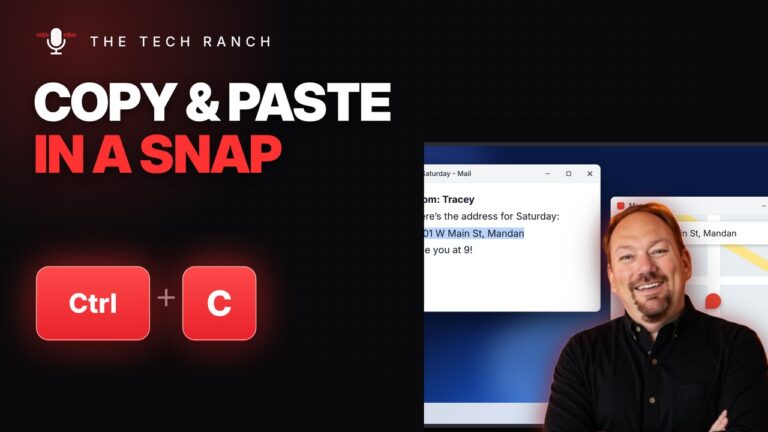
Select text, press Ctrl + C to copy and Ctrl + V to paste. Ctrl + X cuts to move it.
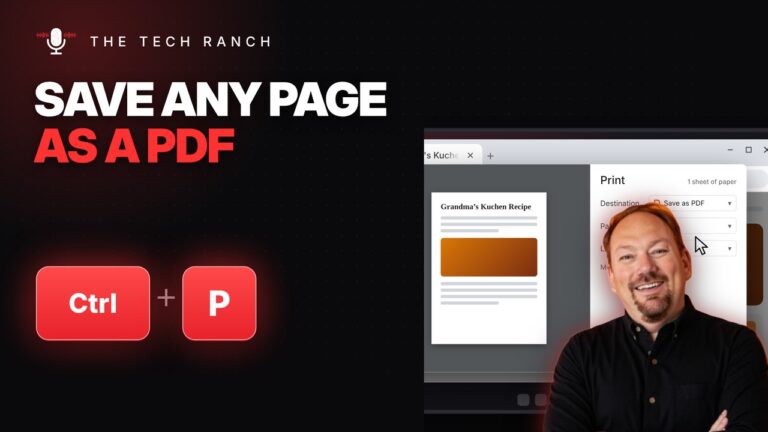
Press Ctrl + P to print, or set Destination to Save as PDF to keep a copy. Mac: Command + P.
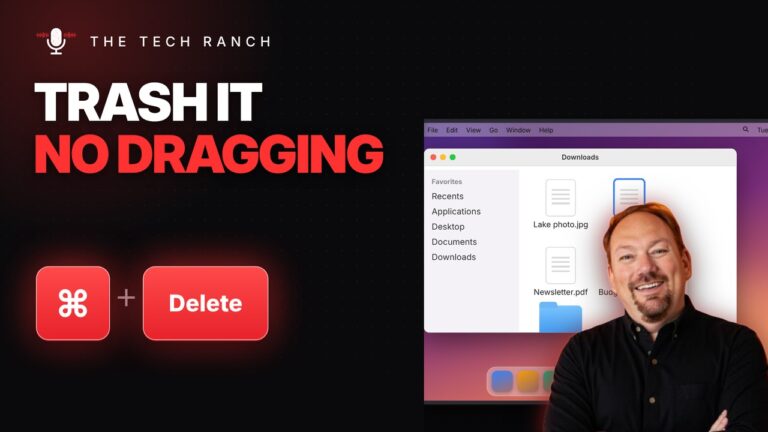
Select a file in Finder and press Command + Delete to move it to the Trash. Command + Z puts it

Press Control + Command + Q to lock your Mac instantly. Your apps stay open. On Windows: Win + L.

Press the Windows key + P to pick Duplicate, Extend and more for a TV, projector or second monitor. Win +

Press the Windows key + Up Arrow to maximize any window. Win + Down puts it back. Windows 10 & 11.