


By Marlo Anderson – The Tech Ranch
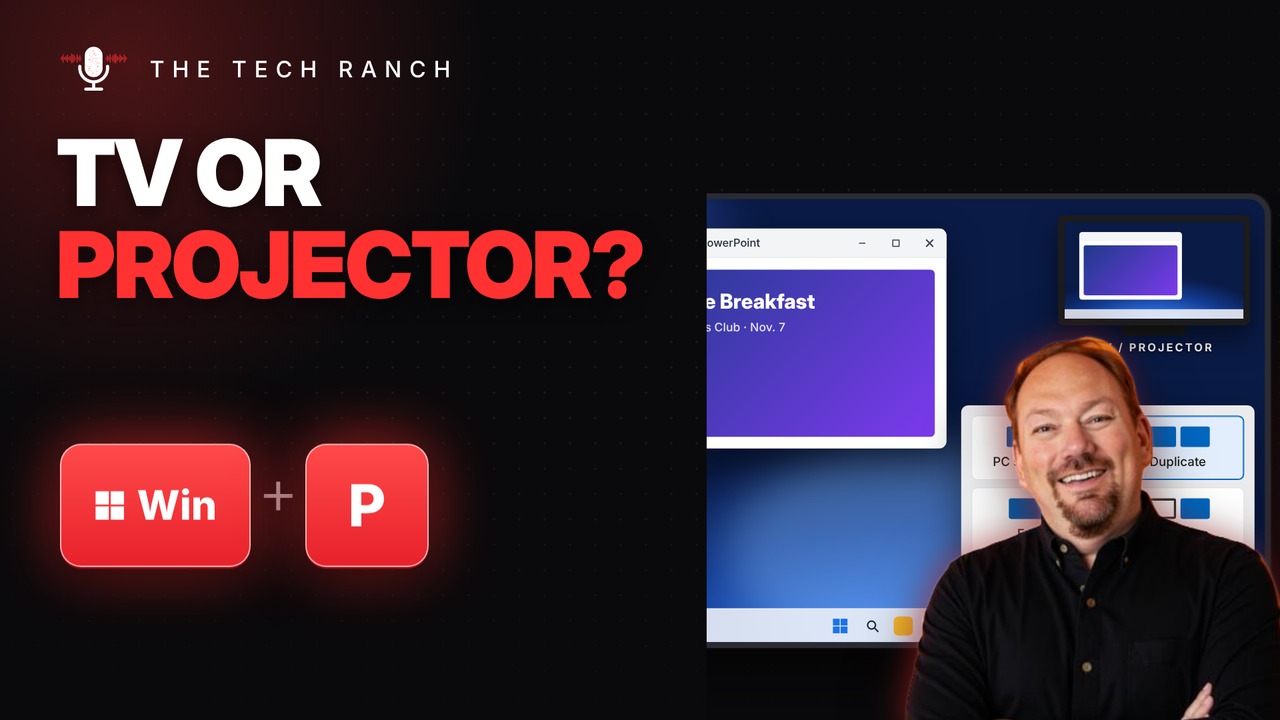
Plugged into the projector at the club meeting and the screen stays blank? Press Windows key + P and pick how your screen should show up.
The Shortcut
- PC screen only: just your laptop
- Duplicate: the same picture on both screens
- Extend: more room, like one big desktop
- Second screen only: just the TV or projector
- Works on Windows 10 and Windows 11
Bonus Tip: Cast Without a Cable
Press Windows key + K to find wireless displays, like a smart TV that supports Miracast. Pick it from the list and your screen shows up on the TV.
More Keyboard Shortcuts, Explained
This is part of my Keyboard Shortcuts Explained series: quick, plain-English tips that make everyday computer work faster. Watch the whole series on YouTube and subscribe to The Tech Ranch so you don’t miss the next one. Short on time? Here’s the quick Short version.
Found this helpful? Give the video a thumbs up on YouTube. Got a shortcut you can’t live without? Tell me in the YouTube comments and it might show up in a future video.








