

✏️ Edit an Excel Cell Without the Mouse: Press F2
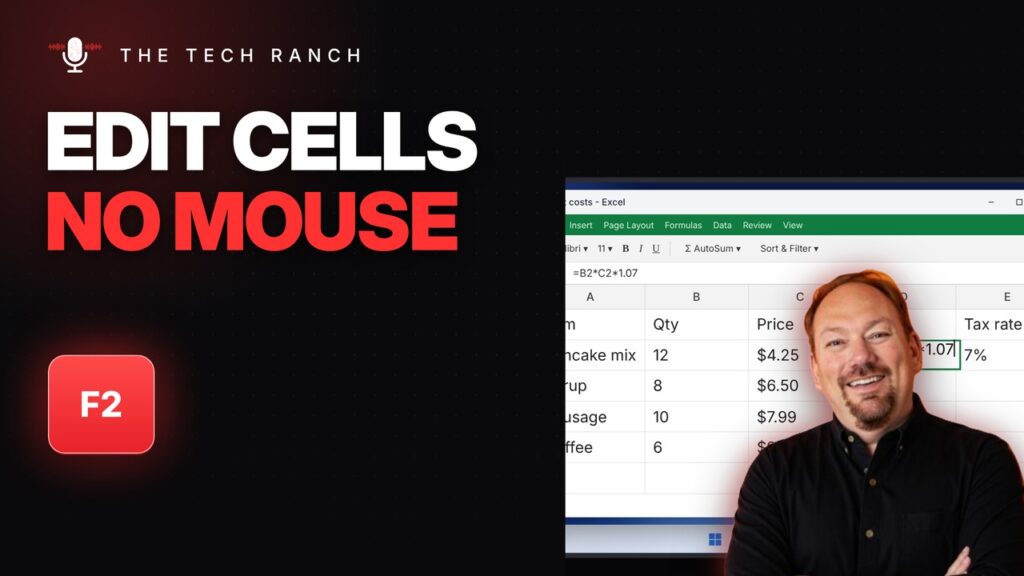
In Excel, press F2 to edit the cell you’re on. While typing a formula, F4 locks a reference with $ signs.
🔇 Mute Yourself in Microsoft Teams with Ctrl + Shift + M
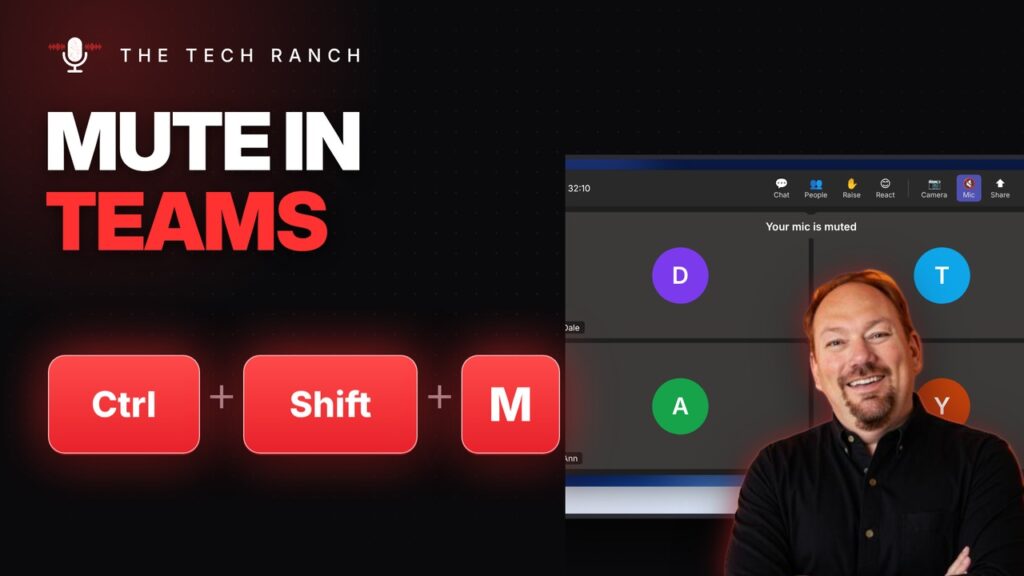
In Microsoft Teams, press Ctrl + Shift + M to mute and unmute. Ctrl + Shift + K raises your hand.
⬆️ Go Up One Folder on a Mac with Command + Up Arrow
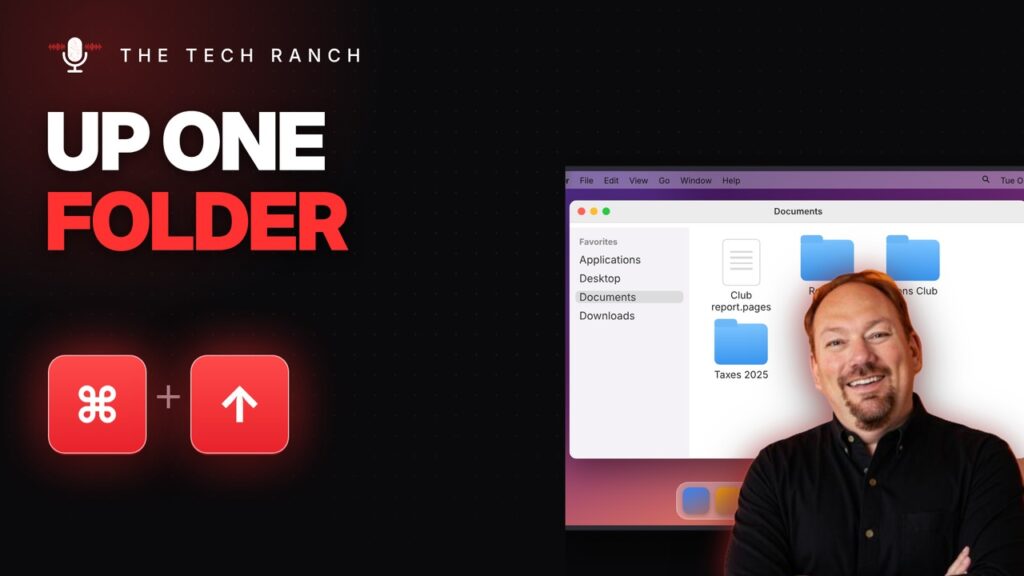
In Finder, press Command + Up Arrow to go up one folder. Command + Down opens the selected item.
📂 Open Your Mac’s Applications Folder with Command + Shift + A

In Finder, press Command + Shift + A to open Applications. Command + Option + L opens Downloads.
👁️ Preview Files in File Explorer with Alt + P
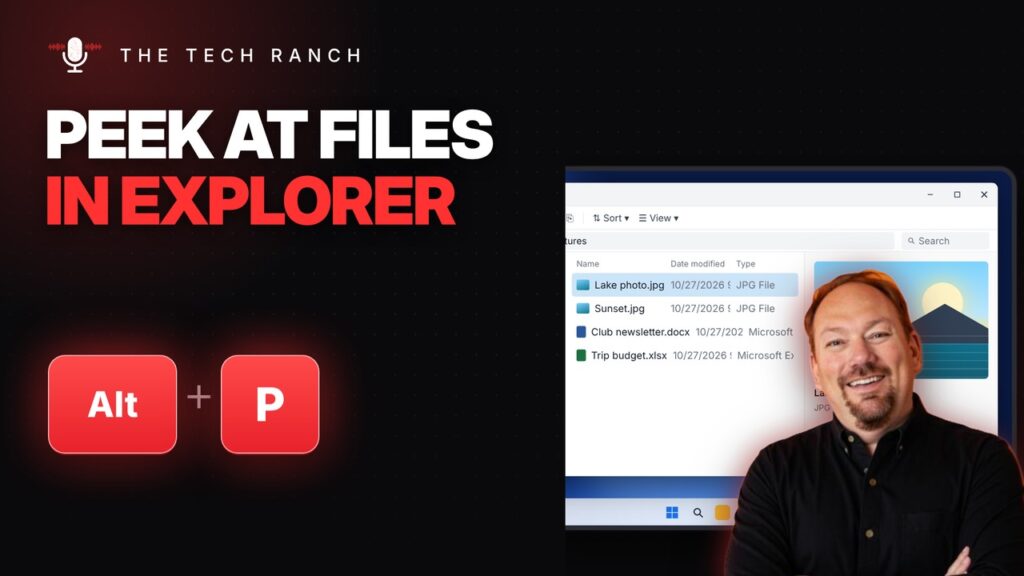
In File Explorer, press Alt + P to preview files without opening them. Ctrl + Shift + 2 shows large icons.
🔔 See Every Notification with Windows Key + N

On Windows 11, press the Windows key + N to see every notification and a calendar. Win + W opens Widgets.
🔤 Make Text Bigger or Smaller with Ctrl + Shift + > / <

Select text and press Ctrl + Shift + Period to make it bigger or Ctrl + Shift + Comma to shrink it. Docs & Word.
🖥️ Fix a Frozen or Glitchy Screen with Win + Ctrl + Shift + B

Press Win + Ctrl + Shift + B to restart the graphics driver and fix a frozen or glitchy screen. Apps stay open.
⬇️ Select a Whole Column with Ctrl + Space
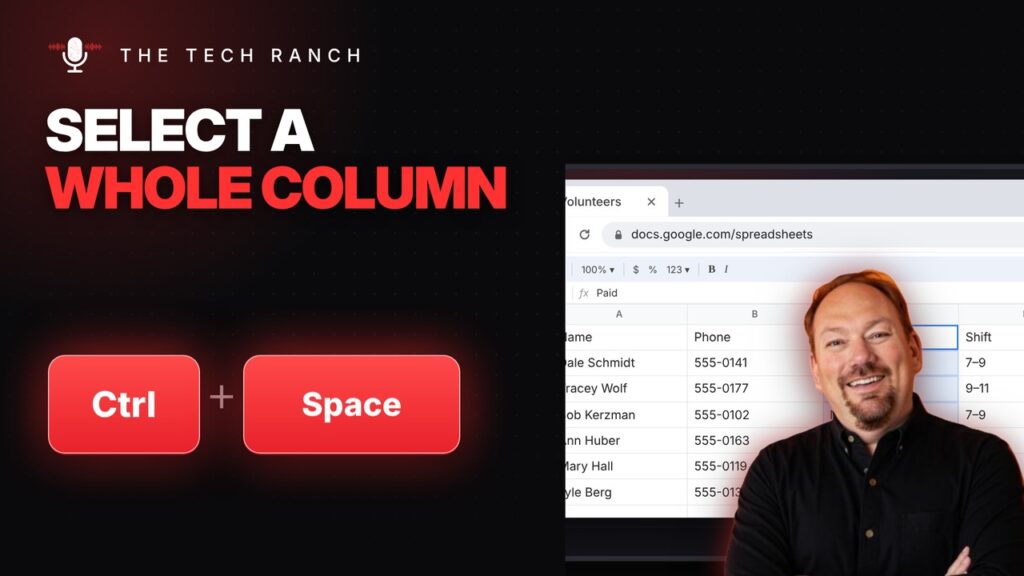
In Google Sheets or Excel, press Ctrl + Space to select a whole column and Shift + Space for a whole row.
💲 Format Numbers as Dollars with Ctrl + Shift + 4

Select cells and press Ctrl + Shift + 4 for currency format in Google Sheets or Excel. Ctrl + Shift + 5 for percent.
