
⌫ Delete a Whole Word at Once with Ctrl + Backspace
Hold Ctrl and press Backspace to delete a whole word at a time. Works almost everywhere you type. Mac: Option +


Hold Ctrl and press Backspace to delete a whole word at a time. Works almost everywhere you type. Mac: Option +

Press Ctrl + D to bookmark the page you’re on. Rename it and click Done. Works in Chrome, Edge and Firefox.
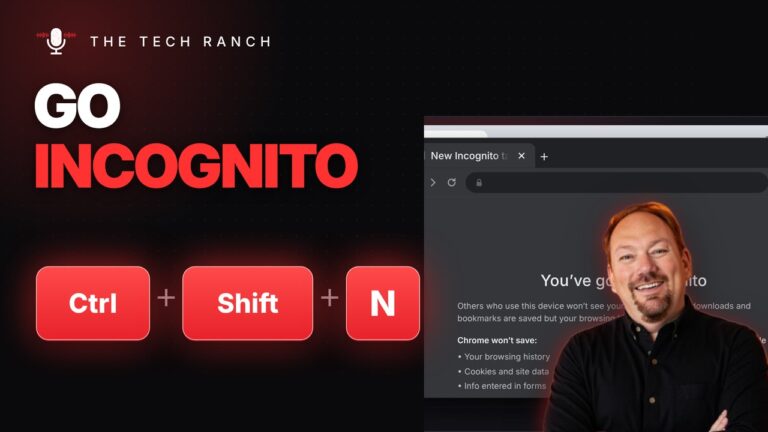
Press Ctrl + Shift + N to open an Incognito window. Your history isn’t saved there, but you’re not invisible online.

Press Ctrl + F, type a word and every match lights up. Press Enter for the next one. Works in browsers,

Spinning wheel won’t stop? Press Command + Option + Esc, pick the app that’s not responding and click Force Quit.

Hold Command and tap Tab to switch apps on a Mac. Let go to jump to the one you picked. A
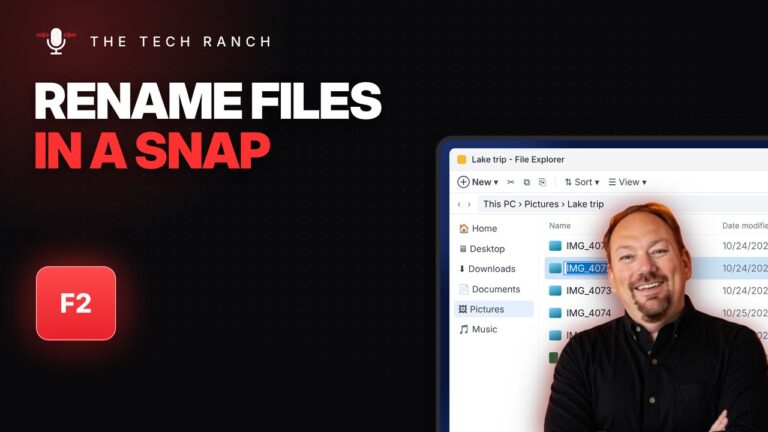
Click a file and press F2 to rename it. Press Tab to jump to the next file, then Enter when you’re

App frozen? Press Ctrl + Shift + Esc to open Task Manager, select the stuck app and click End task. No

Hold Alt and tap Tab to flip through your open windows, then let go to switch. A quick tap jumps back

Press the Windows key + D to show your desktop instantly. Press it again to bring your windows back. Works on








