
⚙️ Open Any App’s Settings on a Mac with Command + Comma
On a Mac, press Command + Comma to open Settings for the app you’re using. Command + Option + D hides


On a Mac, press Command + Comma to open Settings for the app you’re using. Command + Option + D hides

Select a file in Finder and press Command + I to see its size and details. Command + D makes a

On Windows 11, press Win + Ctrl + V to pick speakers, headphones or TV. Win + Alt + K mutes

Press the Windows key + G to open Game Bar and record your screen. Win + Alt + R starts and

In Google Docs, press Ctrl + Alt + 1, 2 or 3 to make headings. Ctrl + Alt + 0 for

On YouTube, press 0–9 to jump through a video: 5 is halfway, 0 starts over. M mutes.

In PowerPoint, select a slide and press Ctrl + D to duplicate it. Ctrl + M adds a new slide.

In Excel, press Alt + Enter to start a new line inside the same cell. Ctrl + Enter fills every selected

In Chrome, press Ctrl + Shift + A to search your open tabs and jump to one. Mac: Command + Shift
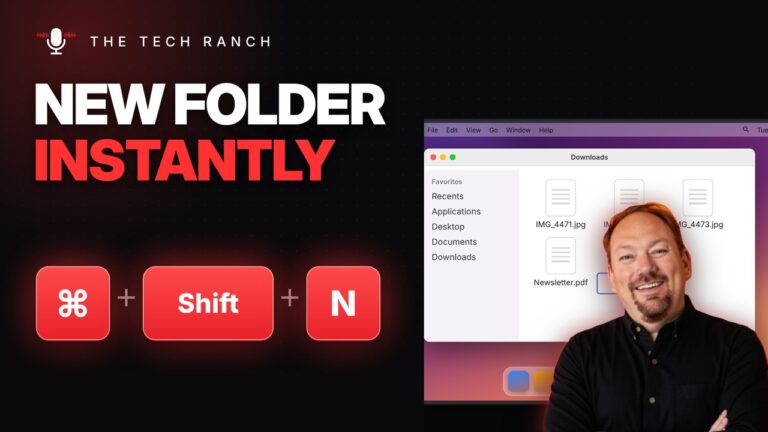
In Finder, press Command + Shift + N for a new folder. Select a file and press Return to rename it.