
📂 Open Your Mac’s Applications Folder with Command + Shift + A
In Finder, press Command + Shift + A to open Applications. Command + Option + L opens Downloads.


In Finder, press Command + Shift + A to open Applications. Command + Option + L opens Downloads.
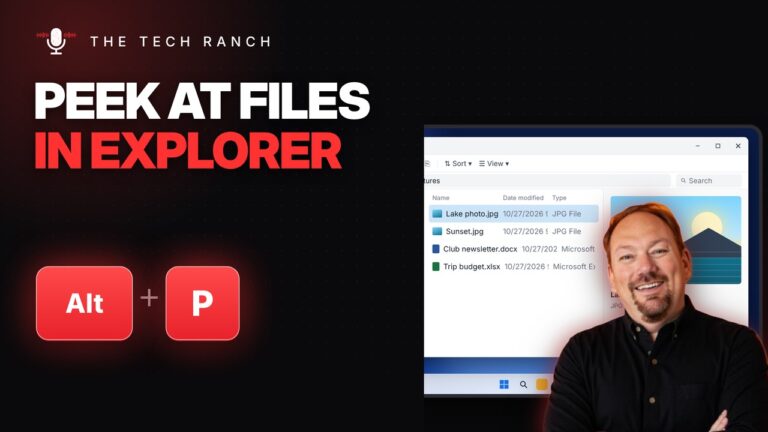
In File Explorer, press Alt + P to preview files without opening them. Ctrl + Shift + 2 shows large icons.
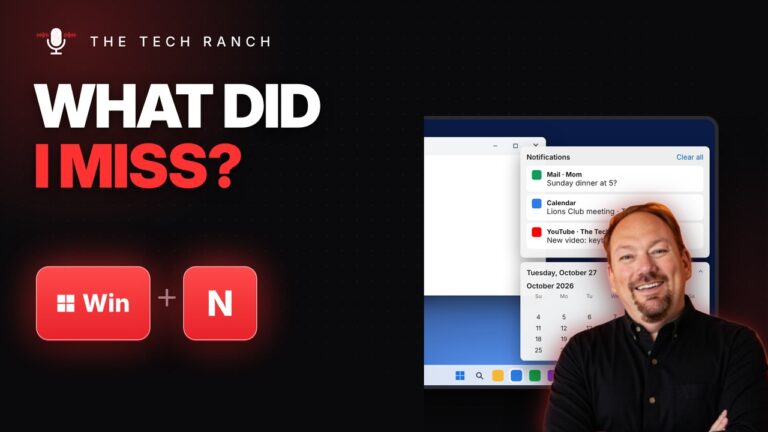
On Windows 11, press the Windows key + N to see every notification and a calendar. Win + W opens Widgets.

Select text and press Ctrl + Shift + Period to make it bigger or Ctrl + Shift + Comma to shrink

Press Win + Ctrl + Shift + B to restart the graphics driver and fix a frozen or glitchy screen. Apps
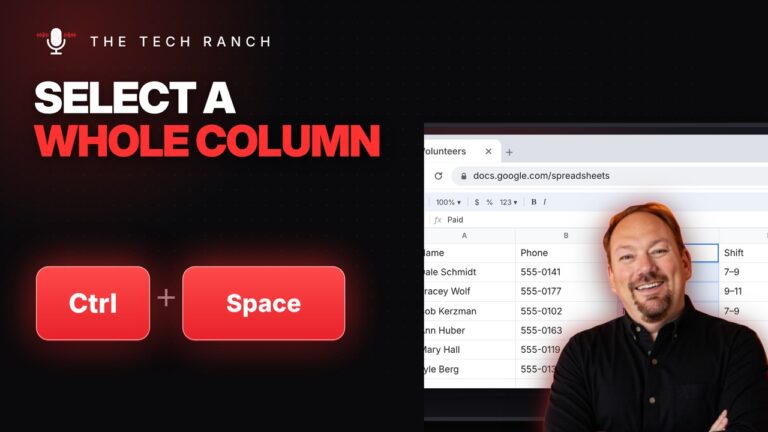
In Google Sheets or Excel, press Ctrl + Space to select a whole column and Shift + Space for a whole

Select cells and press Ctrl + Shift + 4 for currency format in Google Sheets or Excel. Ctrl + Shift +

In Word, select text and press Shift + F3 to cycle UPPERCASE, lowercase and Capitalize Each Word.

Press Ctrl + Home to jump to the top of a document and Ctrl + End for the bottom. Mac: Command

Double-click any word to select it instantly. Triple-click to select a whole paragraph.