
🔒 Lock Your Mac Instantly with Control + Command + Q
Press Control + Command + Q to lock your Mac instantly. Your apps stay open. On Windows: Win + L.


Press Control + Command + Q to lock your Mac instantly. Your apps stay open. On Windows: Win + L.

Press the Windows key + P to pick Duplicate, Extend and more for a TV, projector or second monitor. Win +

Press the Windows key + Up Arrow to maximize any window. Win + Down puts it back. Windows 10 & 11.

Press F5 to start your PowerPoint slide show from the beginning. Shift + F5 starts from the current slide. Mac: Command

Press Ctrl + Enter to send an email in Gmail or Outlook. Mac: Command + Return.

Press Ctrl + Shift + C in Google Docs to see your word count. Mac: Command + Shift + C. Word:

Select text and press Ctrl + B to make it bold. Press again to undo. Works in Docs, Word, Gmail and

Press the Space bar to scroll a web page down one screen. Shift + Space goes back up. Any browser.

Press Ctrl + R (or F5) to reload a web page. Ctrl + Shift + R does a hard reload. Mac:
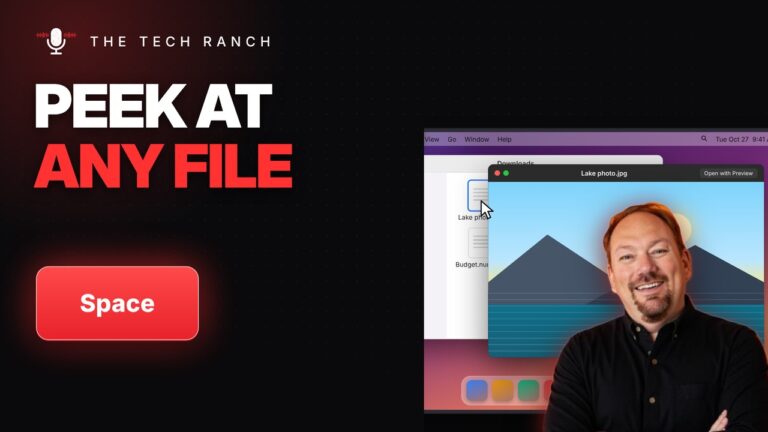
On a Mac, select a file in Finder and press the Space bar to preview it without opening an app. Space