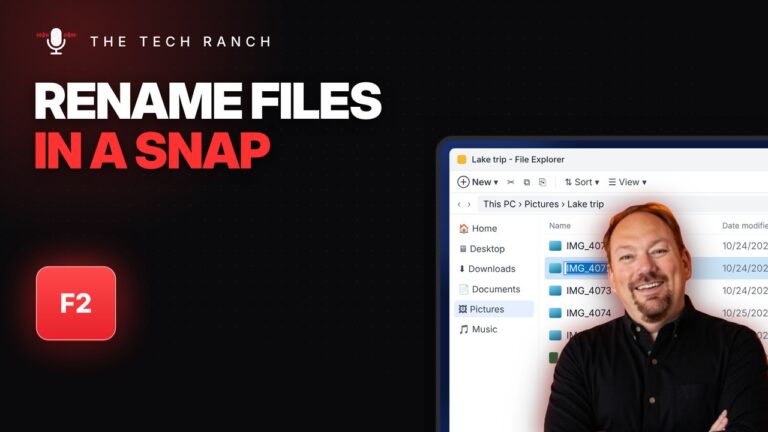
✏️ Rename Files Fast with F2 (Plus the Tab Trick)
Click a file and press F2 to rename it. Press Tab to jump to the next file, then Enter when you’re


Click a file and press F2 to rename it. Press Tab to jump to the next file, then Enter when you’re
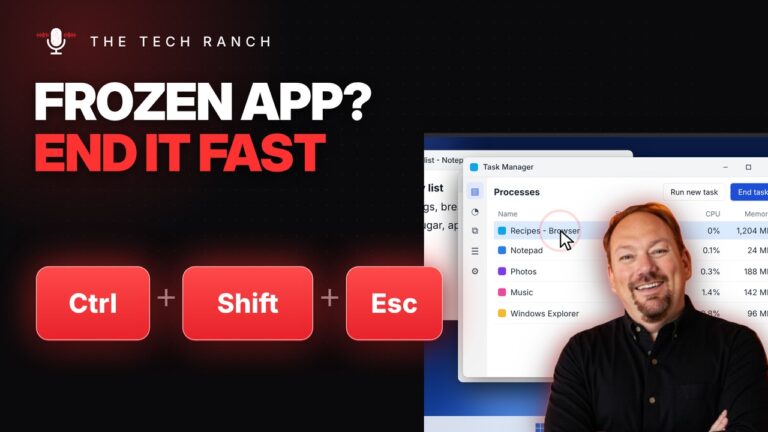
App frozen? Press Ctrl + Shift + Esc to open Task Manager, select the stuck app and click End task. No

Hold Alt and tap Tab to flip through your open windows, then let go to switch. A quick tap jumps back

Press the Windows key + D to show your desktop instantly. Press it again to bring your windows back. Works on

Click a cell and press Ctrl + ; to insert today’s date in Google Sheets or Excel. Unlike =TODAY(), it stays

Press Ctrl + L to jump straight to the address bar, then type a site or a search and press Enter.

Press the Windows key + Period to open the emoji panel in almost any app. Type to search, then click to

Press Command + Shift + 4 and drag a box to screenshot just part of your Mac screen. Press Space to

Press the Windows key + an arrow to snap a window to half the screen, then let Snap Assist fill the

Ctrl + Shift + V pastes just the text, matched to your document. It works in Google Docs and Microsoft Word.