

🎧 Have Chrome Read Web Pages Out Loud on Android

Chrome › ⋮ › Listen to this page. It even reads with the screen off.
⬇️ Where Did That Download Go? Ctrl + J Shows You
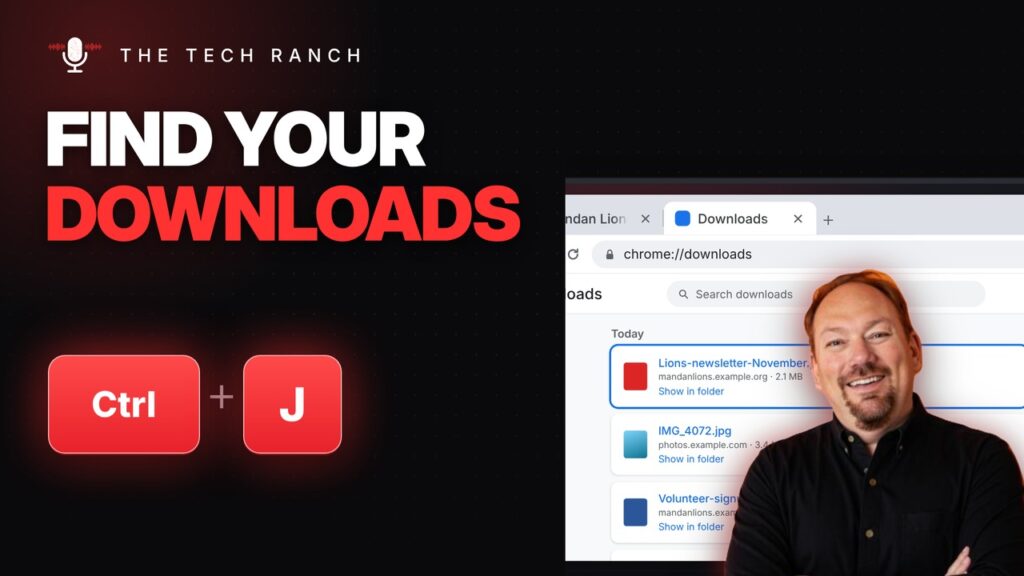
Press Ctrl + J to see your downloads in Chrome, newest first. Click Show in folder to find the file. Mac: Command + Shift + J.
🖱️ Open Links in New Tabs with Ctrl + Click

Hold Ctrl and click a link to open it in a new tab without leaving the page. Mac: Command + Click.
⬅️ Go Back a Page Without the Mouse: Alt + Left Arrow
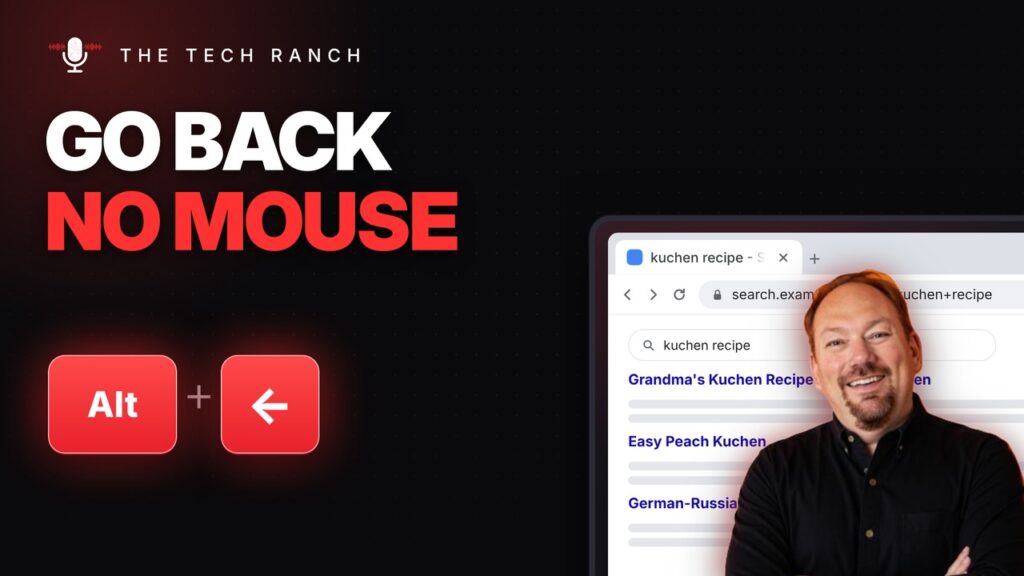
Press Alt + Left Arrow to go back a page in your browser. Mac: Command + [ or Command + Left Arrow.
➕ Open a New Tab Instantly with Ctrl + T
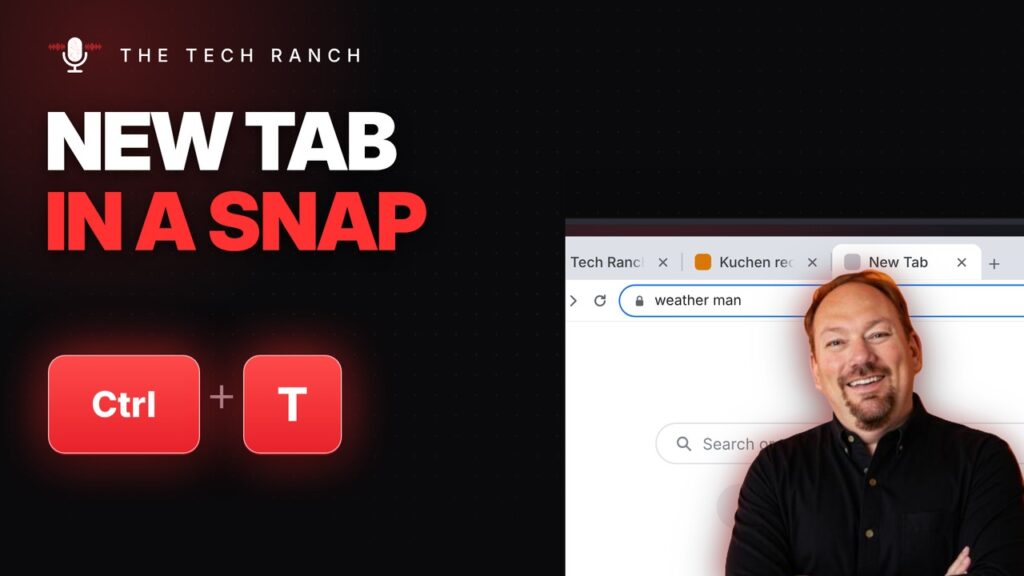
Press Ctrl + T to open a new tab with your cursor already in the address bar. Mac: Command + T.
🔍 Make Text Bigger: Ctrl + Plus Zooms In

Press Ctrl + Plus to zoom in on any web page and Ctrl + Minus to zoom out. Mac: Command + Plus / Minus.
⭐ Bookmark Any Page in One Press with Ctrl + D
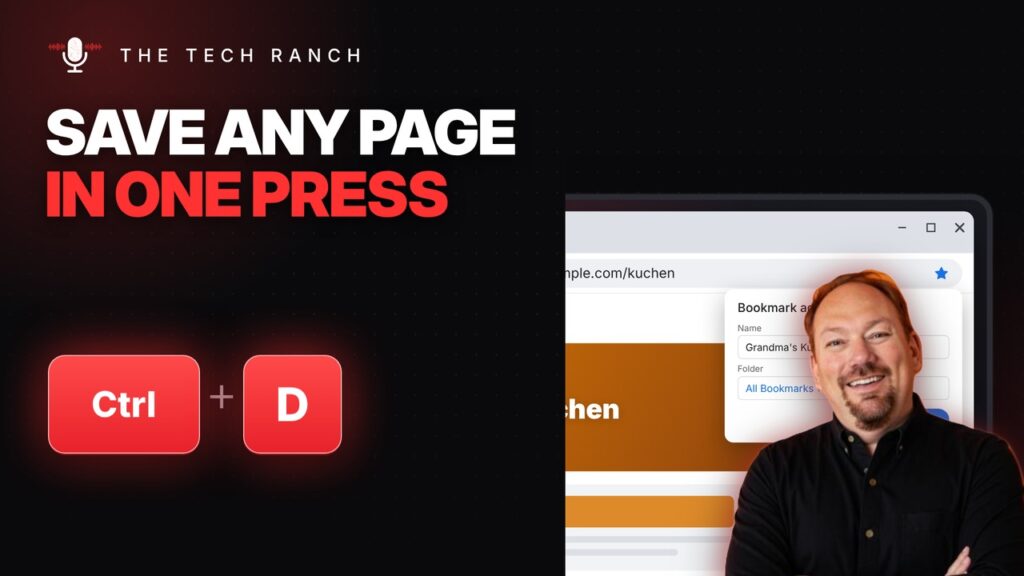
Press Ctrl + D to bookmark the page you’re on. Rename it and click Done. Works in Chrome, Edge and Firefox. Mac: Command + D.
🕶️ Open an Incognito Window with Ctrl + Shift + N
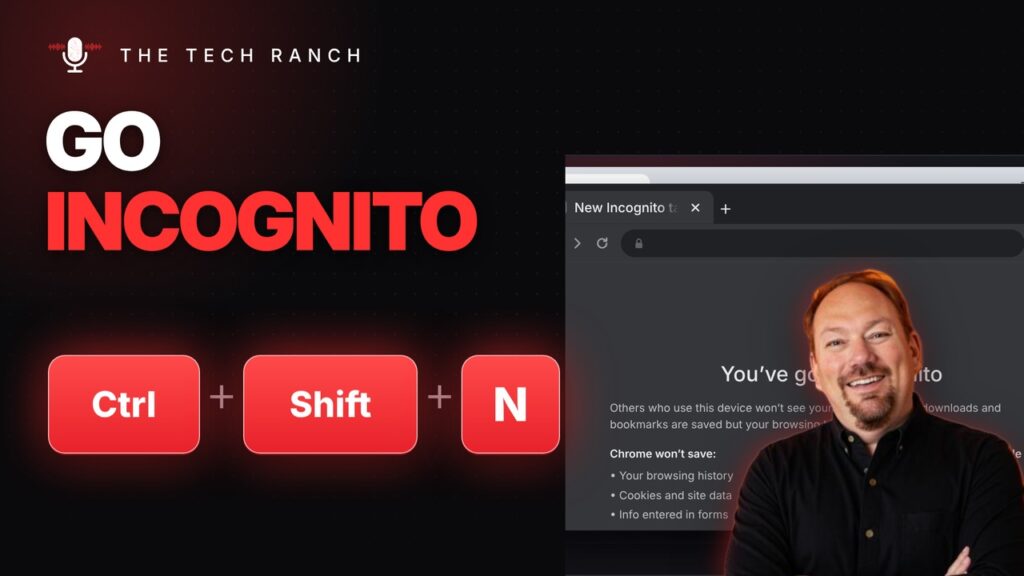
Press Ctrl + Shift + N to open an Incognito window. Your history isn’t saved there, but you’re not invisible online. Mac: Command + Shift + N.
🔎 Find Any Word on a Page with Ctrl + F
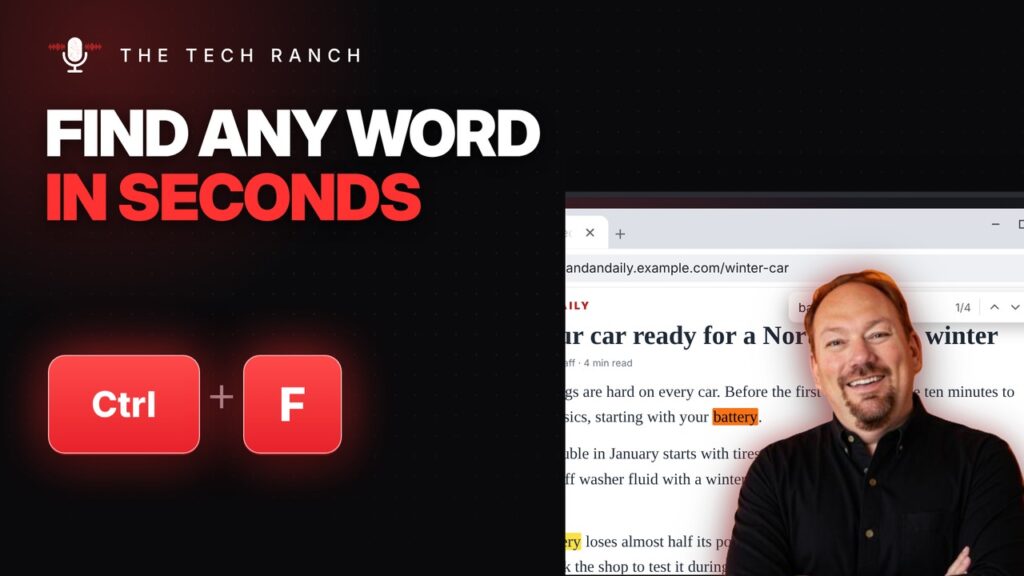
Press Ctrl + F, type a word and every match lights up. Press Enter for the next one. Works in browsers, Word, PDFs and more. Mac: Command + F.
⌨️ Skip the Mouse: Ctrl + L Jumps Straight to Your Browser’s Address Bar
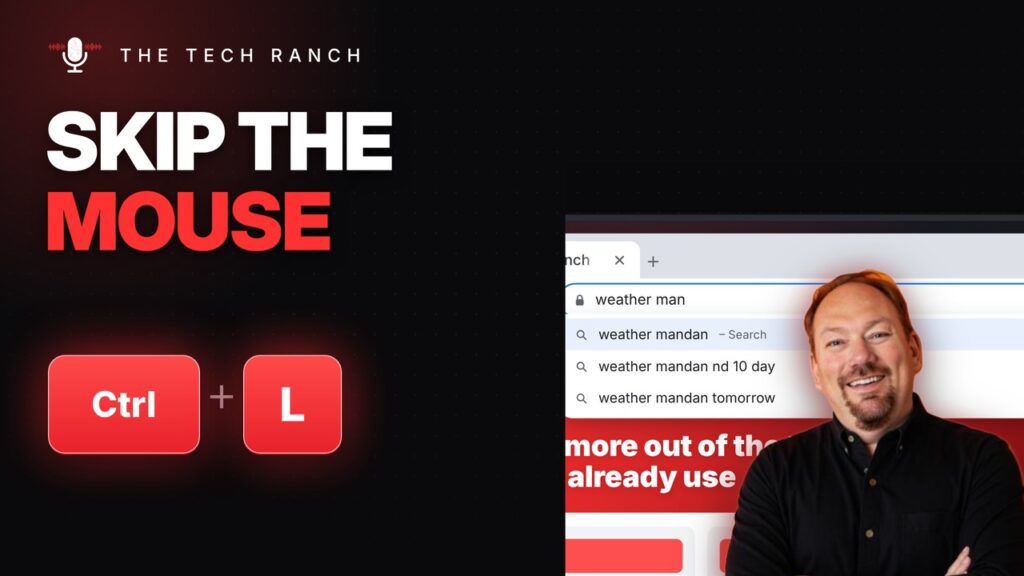
Press Ctrl + L to jump straight to the address bar, then type a site or a search and press Enter. Alt + D and F6 work too. On a Mac, press Command + L.
