

⏬ Jump to the Last Row Instantly with Ctrl + Arrow

Press Ctrl + Down Arrow to jump straight to the last row of your data in Google Sheets or Excel. Mac: Command + Arrow.
🔗 Add a Link in One Press with Ctrl + K

Select text, press Ctrl + K, paste the link and press Enter. Works in Google Docs, Word, Gmail and more. Mac: Command + K.
🔲 Select Everything in One Press with Ctrl + A

Press Ctrl + A to select everything at once, then copy, delete or format it. Works on files too. Mac: Command + A.
↩️ Oops! Undo Almost Anything with Ctrl + Z

Deleted something by accident? Press Ctrl + Z to undo it. Works in almost every app. Mac: Command + Z.
⬅️ Go Back a Page Without the Mouse: Alt + Left Arrow

Press Alt + Left Arrow to go back a page in your browser. Mac: Command + [ or Command + Left Arrow.
➕ Open a New Tab Instantly with Ctrl + T

Press Ctrl + T to open a new tab with your cursor already in the address bar. Mac: Command + T.
🖥️ Screenshot Your Whole Mac Screen with Command + Shift + 3

Press Command + Shift + 3 to screenshot your whole Mac screen. It saves to your desktop. Click the preview to mark it up.
✂️ Screenshot Just Part of Your Screen with Win + Shift + S

Press Windows key + Shift + S, drag a box, and paste your screenshot anywhere with Ctrl + V. Windows 10 & 11.
📁 Open File Explorer Instantly with Windows Key + E
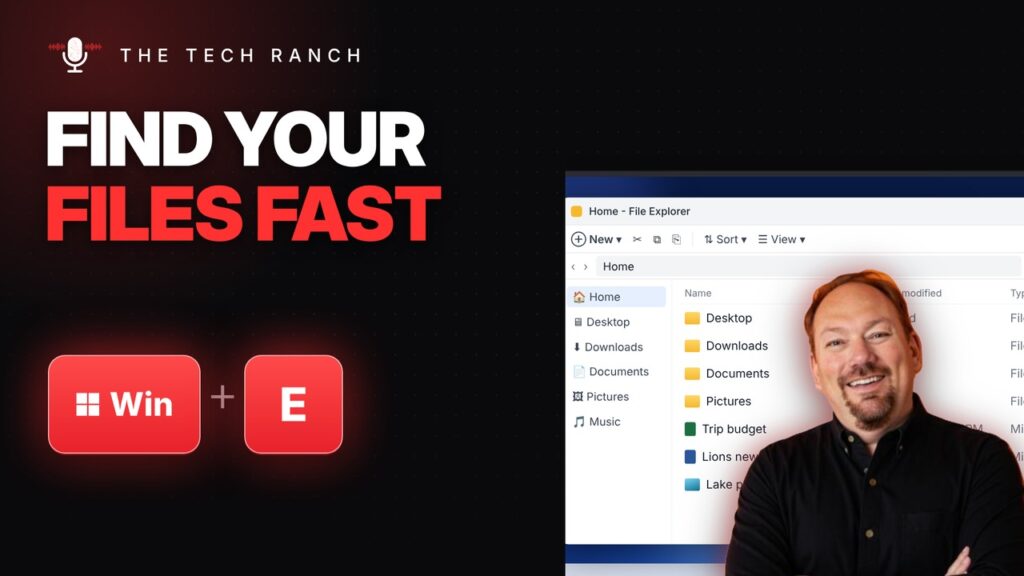
Press the Windows key + E to open File Explorer instantly, right to your pinned folders and recent files. Windows 10 & 11.
🔍 Make Text Bigger: Ctrl + Plus Zooms In

Press Ctrl + Plus to zoom in on any web page and Ctrl + Minus to zoom out. Mac: Command + Plus / Minus.
