

🔎 Find Any Word on a Page with Ctrl + F
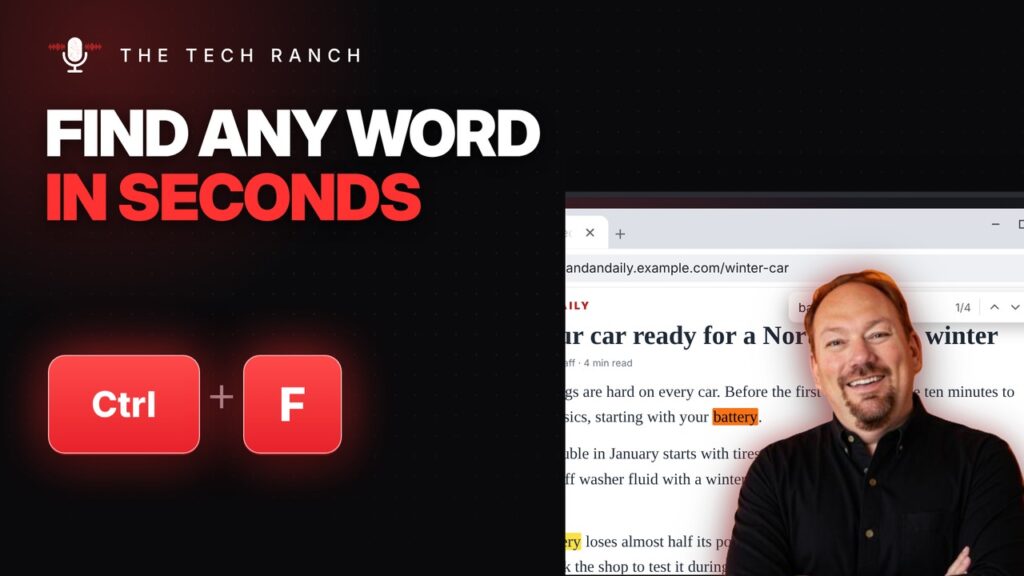
Press Ctrl + F, type a word and every match lights up. Press Enter for the next one. Works in browsers, Word, PDFs and more. Mac: Command + F.
🛑 Frozen Mac App? Command + Option + Esc Force Quits It
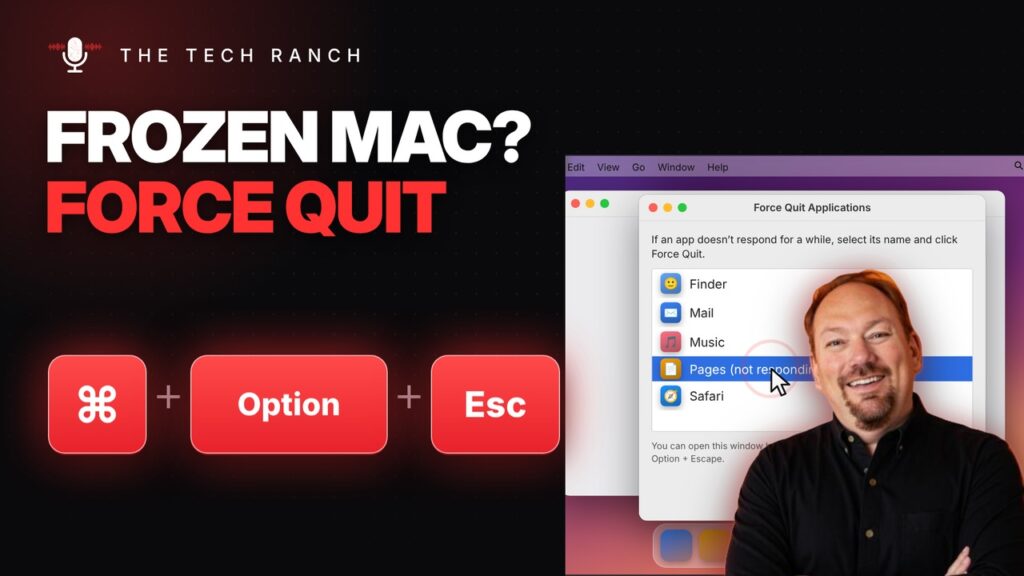
Spinning wheel won’t stop? Press Command + Option + Esc, pick the app that’s not responding and click Force Quit.
🔁 Switch Apps on a Mac with Command + Tab

Hold Command and tap Tab to switch apps on a Mac. Let go to jump to the one you picked. A quick tap flips back to the last app.
✏️ Rename Files Fast with F2 (Plus the Tab Trick)
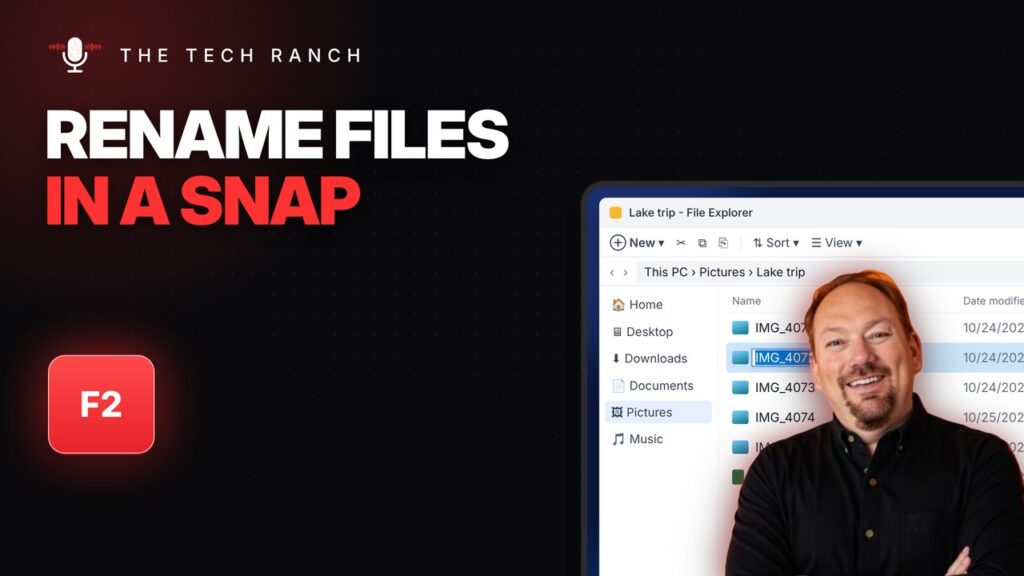
Click a file and press F2 to rename it. Press Tab to jump to the next file, then Enter when you’re done. Windows 10 & 11.
🧊 Frozen App? Ctrl + Shift + Esc Opens Task Manager Instantly
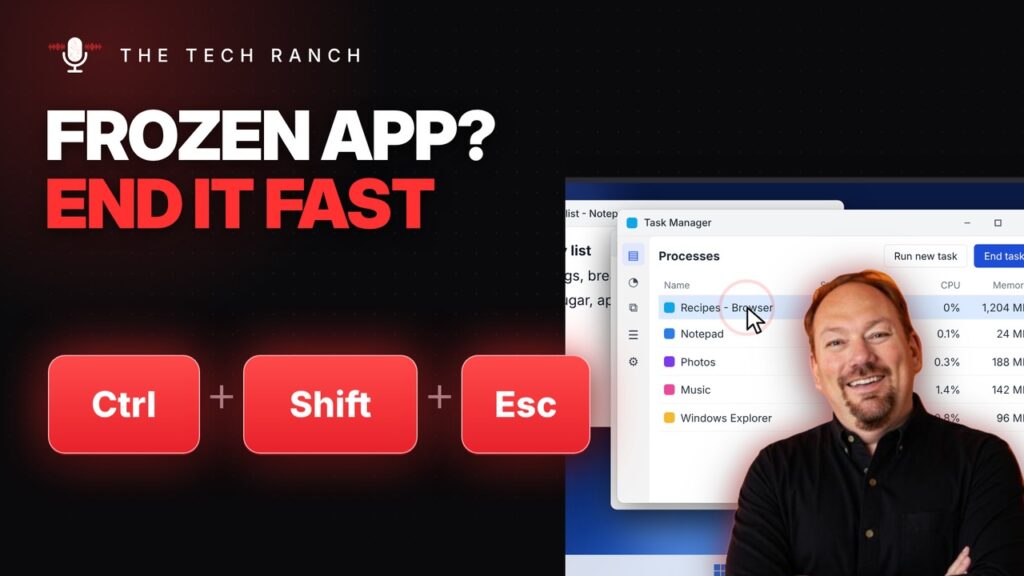
App frozen? Press Ctrl + Shift + Esc to open Task Manager, select the stuck app and click End task. No restart needed. Windows 10 & 11.
🔀 Switch Windows Instantly with Alt + Tab

Hold Alt and tap Tab to flip through your open windows, then let go to switch. A quick tap jumps back to the last one. Windows 10 & 11.
🖥️ Show Your Desktop Instantly with Windows Key + D

Press the Windows key + D to show your desktop instantly. Press it again to bring your windows back. Works on Windows 10 and 11.
📅 Insert Today’s Date in One Press: Ctrl + ; in Google Sheets and Excel
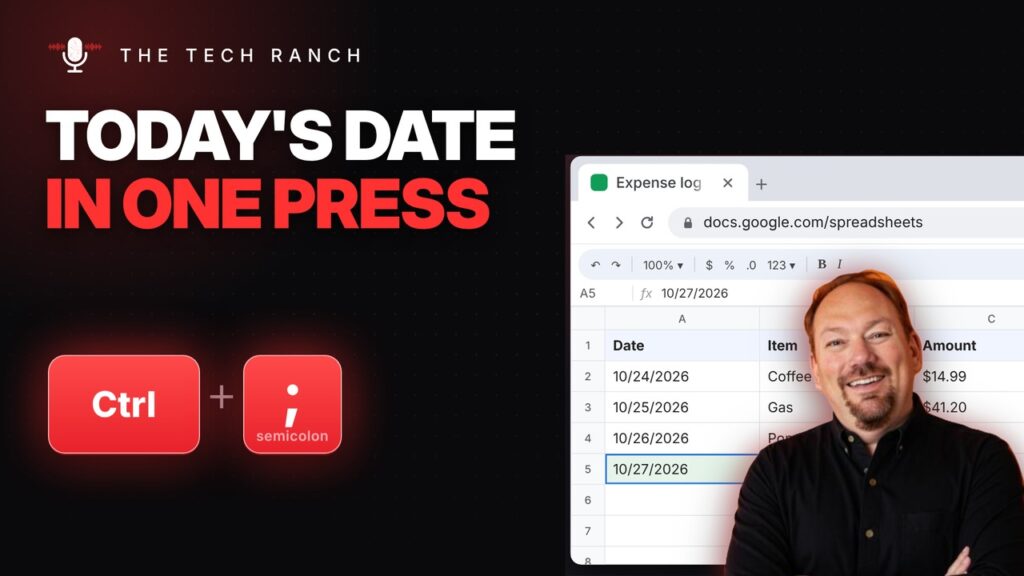
Click a cell and press Ctrl + ; to insert today’s date in Google Sheets or Excel. Unlike =TODAY(), it stays put and won’t change tomorrow.
⌨️ Skip the Mouse: Ctrl + L Jumps Straight to Your Browser’s Address Bar

Press Ctrl + L to jump straight to the address bar, then type a site or a search and press Enter. Alt + D and F6 work too. On a Mac, press Command + L.
😀 Emoji on Your PC: Windows Key + Period Opens the Emoji Panel
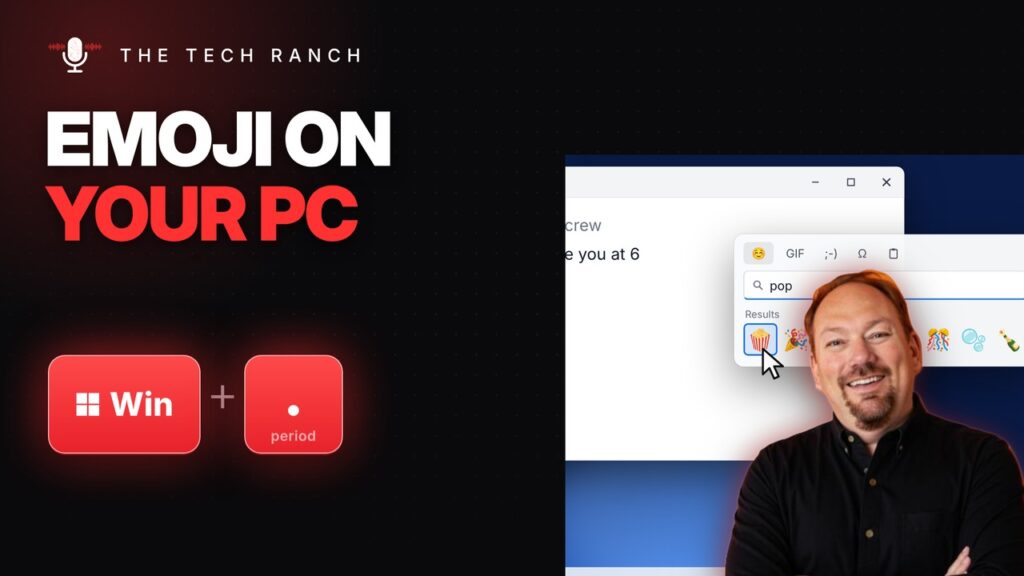
Press the Windows key + Period to open the emoji panel in almost any app. Type to search, then click to insert. Symbols too. Works on Windows 10 and 11.
