

🙈 Hide Any App Fast on a Mac with Command + H

Press Command + H to hide the app you’re using on a Mac. It’s hidden, not closed. Click its Dock icon to bring it back.
😀 Emoji on Your Mac with Control + Command + Space
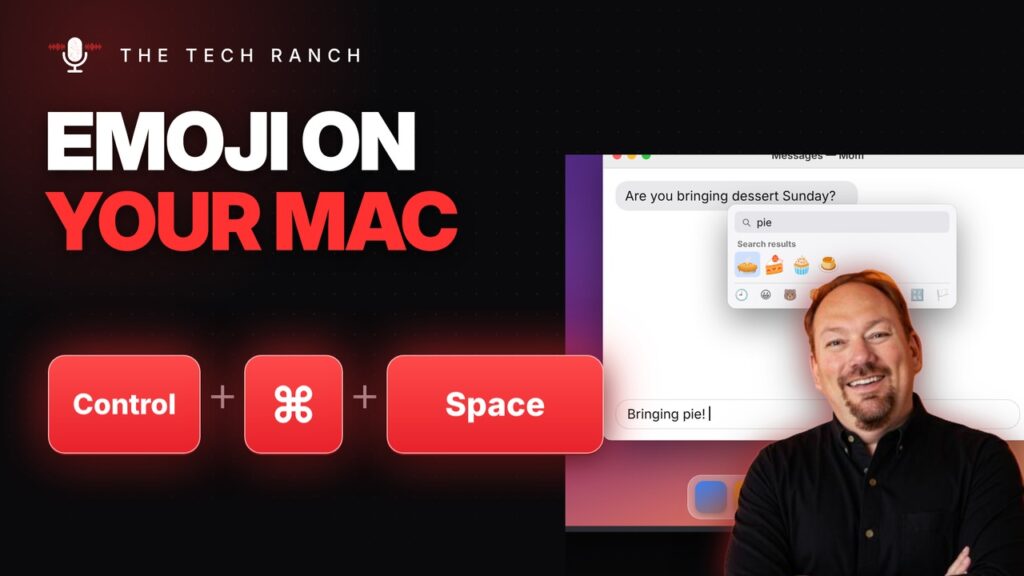
Press Control + Command + Space to open emoji on your Mac. Type to search, click to add. Symbols too.
🖥️ Screenshot Your Whole Mac Screen with Command + Shift + 3
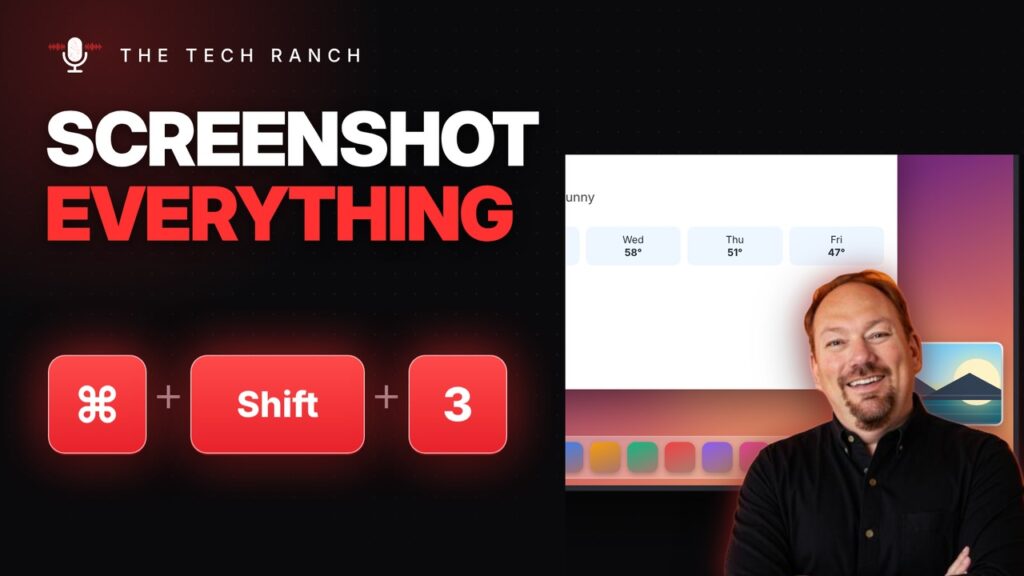
Press Command + Shift + 3 to screenshot your whole Mac screen. It saves to your desktop. Click the preview to mark it up.
🛑 Frozen Mac App? Command + Option + Esc Force Quits It

Spinning wheel won’t stop? Press Command + Option + Esc, pick the app that’s not responding and click Force Quit.
🔁 Switch Apps on a Mac with Command + Tab

Hold Command and tap Tab to switch apps on a Mac. Let go to jump to the one you picked. A quick tap flips back to the last app.
📸 Screenshot Just Part of Your Mac Screen with Command + Shift + 4
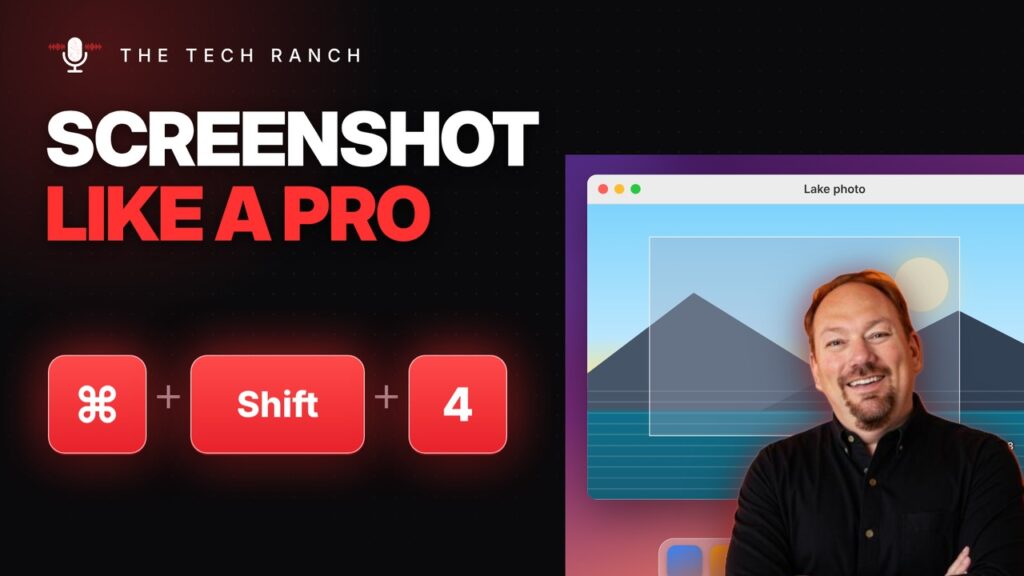
Press Command + Shift + 4 and drag a box to screenshot just part of your Mac screen. Press Space to grab a whole window. It saves right to your desktop.
🔍 Find Anything on Your Mac in Seconds with Command + Space

Press Command + Space, type a few letters and press Return. Spotlight finds files and opens apps on your Mac in a second.
