

↔️ Center Text in Google Docs with Ctrl + Shift + E
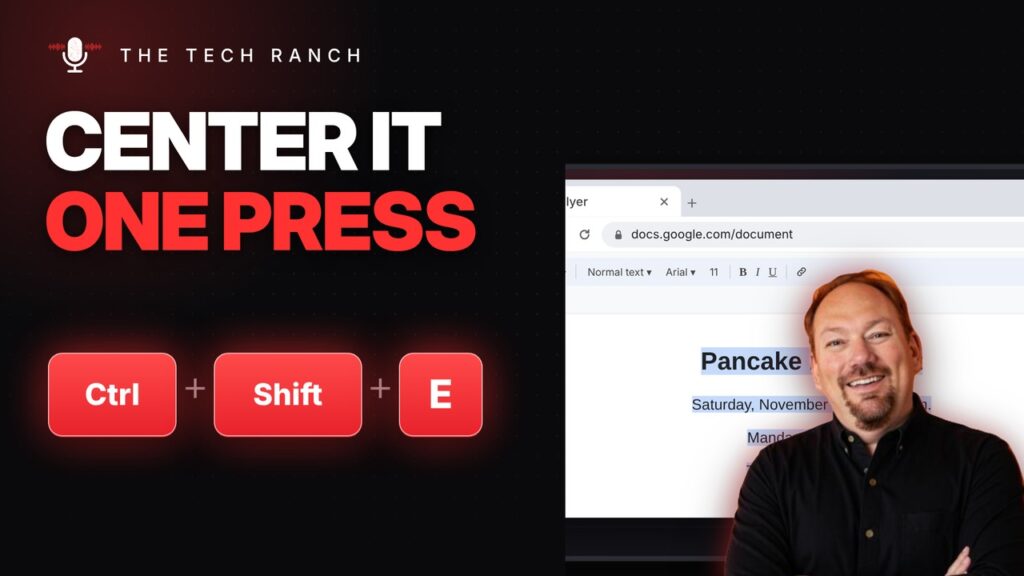
Select text and press Ctrl + Shift + E to center it in Google Docs. Word: Ctrl + E. Mac: Command + Shift + E.
↩️ Reply to Email Faster in Outlook with Ctrl + R
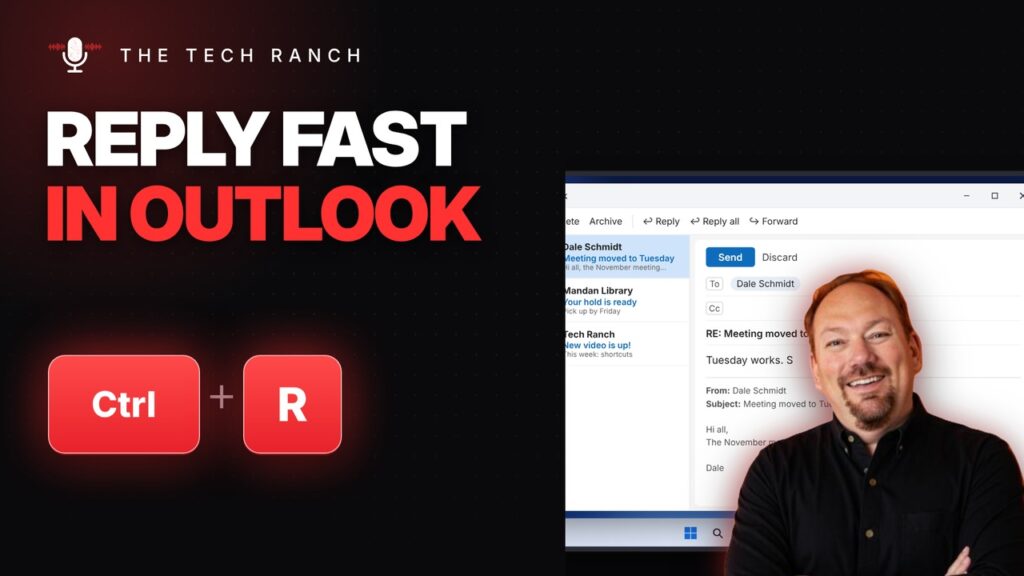
In Outlook, press Ctrl + R to reply and Ctrl + Shift + R to reply all. Mac: Command + R.
📺 YouTube Full Screen with One Key: F
On YouTube, press F for full screen and F again (or Esc) to go back. C turns captions on and off.
➕ Add Up a Column in Excel with Alt + =
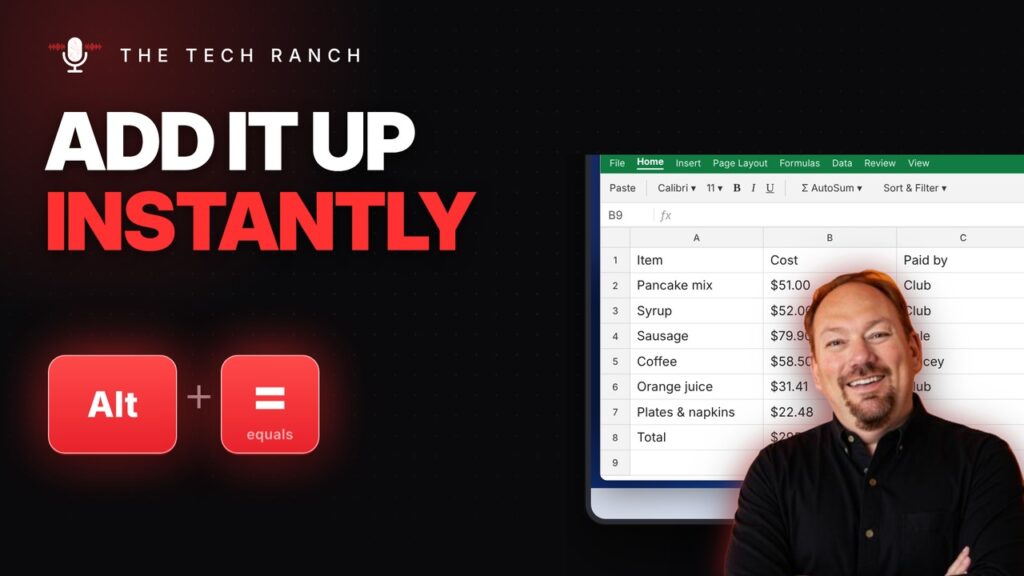
In Excel, click below your numbers and press Alt + = to AutoSum, then Enter. Mac: Command + Shift + T.
📋 Copy and Paste in a Snap with Ctrl + C and Ctrl + V
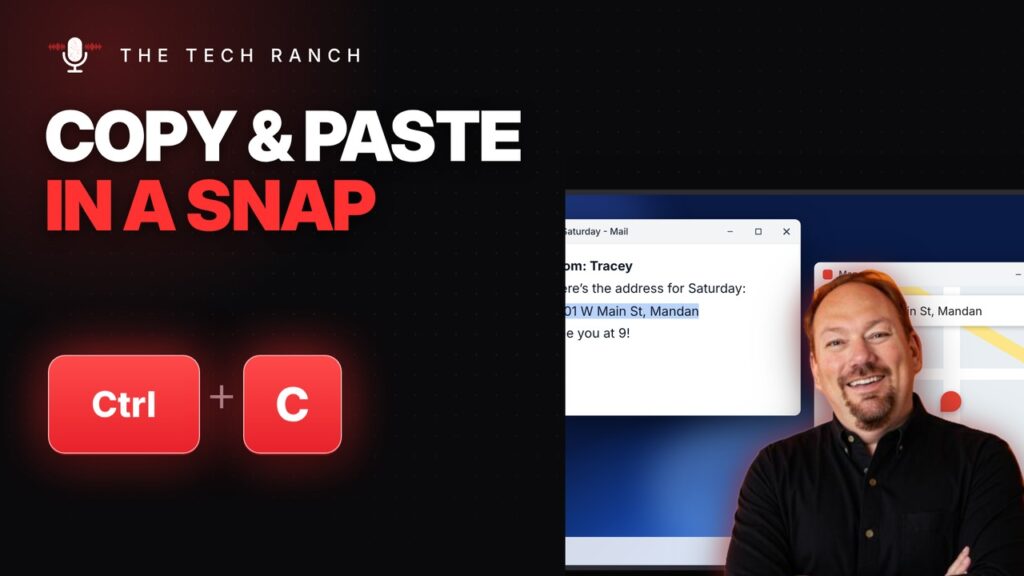
Select text, press Ctrl + C to copy and Ctrl + V to paste. Ctrl + X cuts to move it. Mac: Command + C / V / X.
🖨️ Print or Save Any Page as a PDF with Ctrl + P
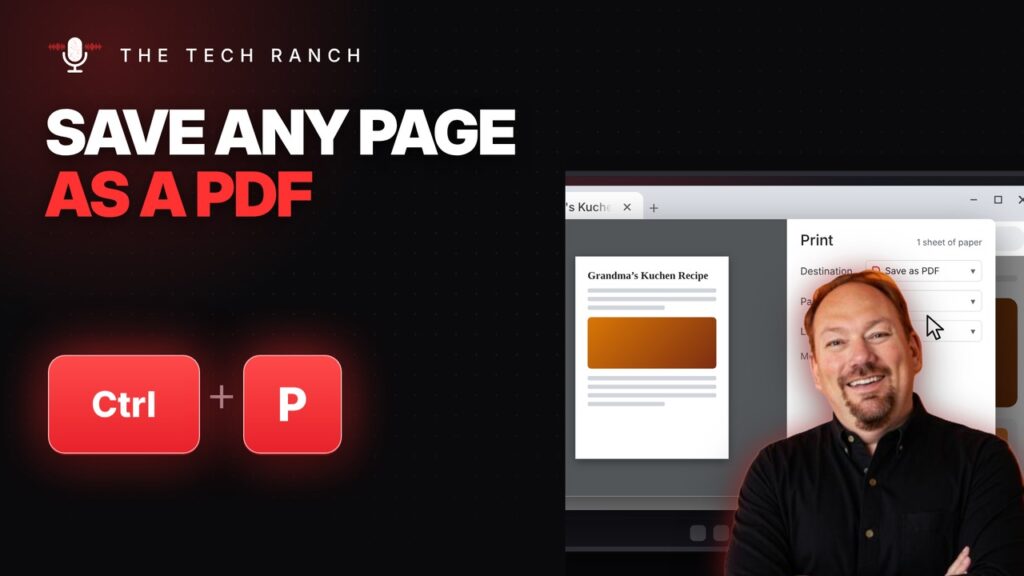
Press Ctrl + P to print, or set Destination to Save as PDF to keep a copy. Mac: Command + P.
🗑️ Delete Files on a Mac with Command + Delete
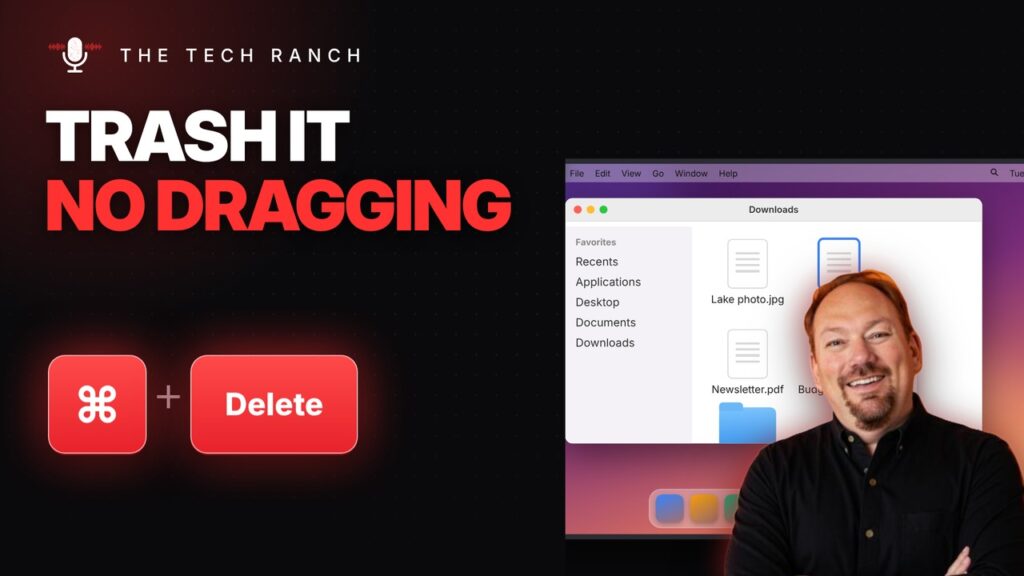
Select a file in Finder and press Command + Delete to move it to the Trash. Command + Z puts it back.
🔒 Lock Your Mac Instantly with Control + Command + Q
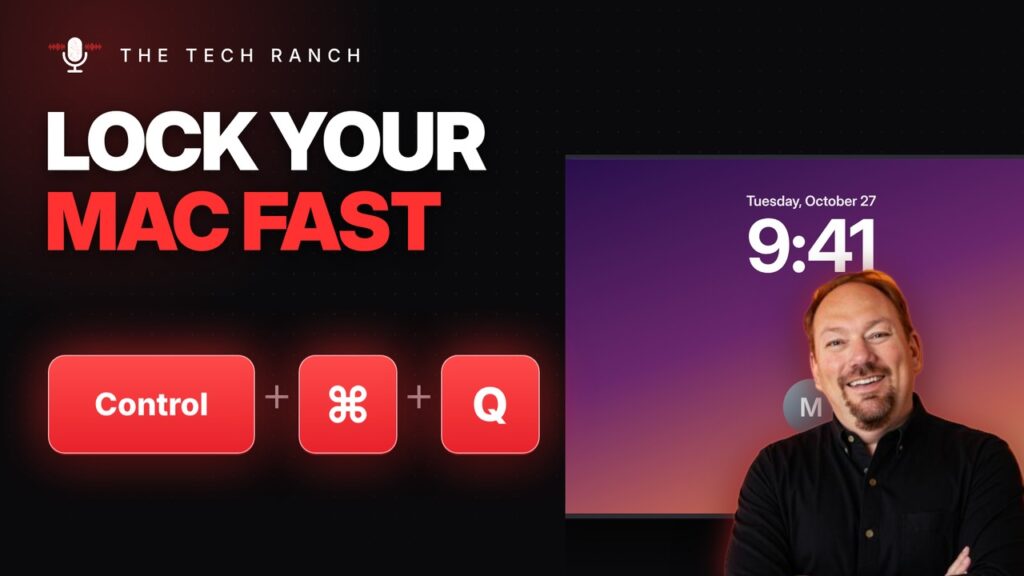
Press Control + Command + Q to lock your Mac instantly. Your apps stay open. On Windows: Win + L.
📽️ Show Your Screen on a TV or Projector with Windows Key + P
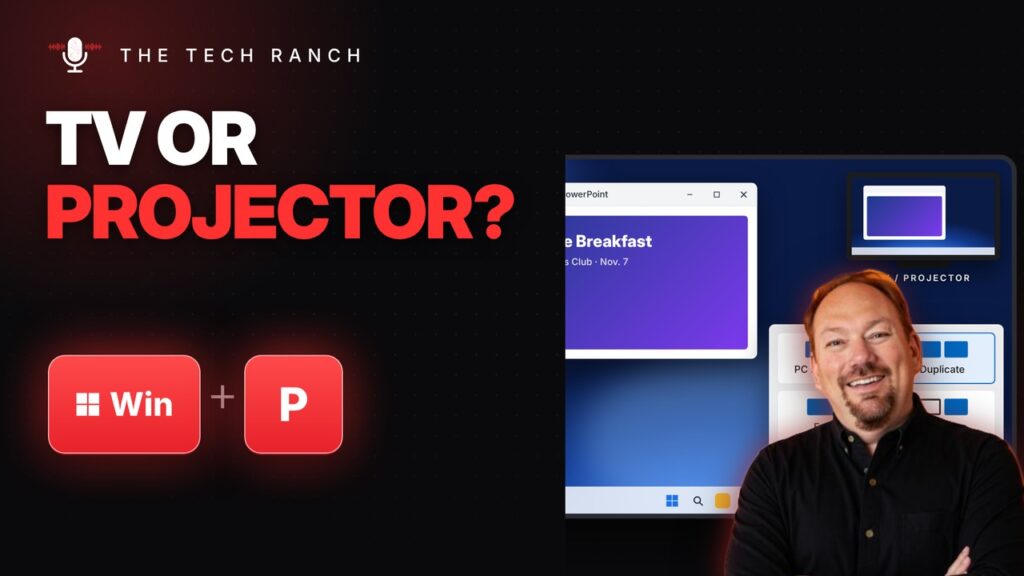
Press the Windows key + P to pick Duplicate, Extend and more for a TV, projector or second monitor. Win + K casts wirelessly.
⬆️ Maximize Any Window with Windows Key + Up Arrow

Press the Windows key + Up Arrow to maximize any window. Win + Down puts it back. Windows 10 & 11.
