

🔍 Zoom In on Anything with Windows Key + Plus

Press the Windows key + Plus to zoom in on anything with Magnifier. Win + Esc turns it off. Windows 10 & 11.
⚙️ Open Windows Settings Instantly with Windows Key + I
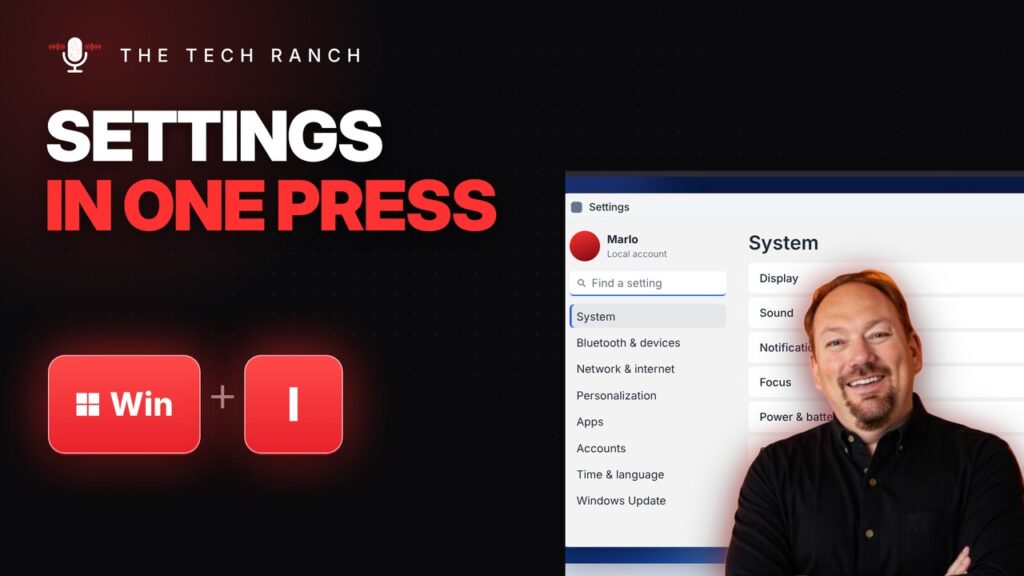
Press the Windows key + I to open Settings instantly, then start typing to find any setting. Windows 10 & 11.
🗂️ Get a Fresh Desktop with Windows Key + Ctrl + D

Press Windows key + Ctrl + D for a fresh, empty desktop. Your other windows wait on Desktop 1. Windows 10 & 11.
✂️ Screenshot Just Part of Your Screen with Win + Shift + S
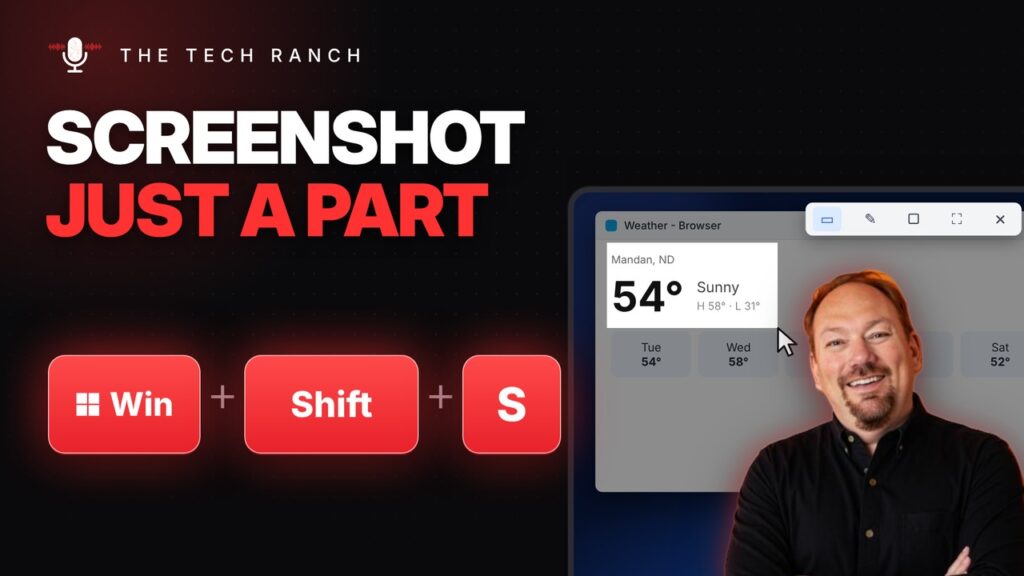
Press Windows key + Shift + S, drag a box, and paste your screenshot anywhere with Ctrl + V. Windows 10 & 11.
📁 Open File Explorer Instantly with Windows Key + E

Press the Windows key + E to open File Explorer instantly, right to your pinned folders and recent files. Windows 10 & 11.
✏️ Rename Files Fast with F2 (Plus the Tab Trick)
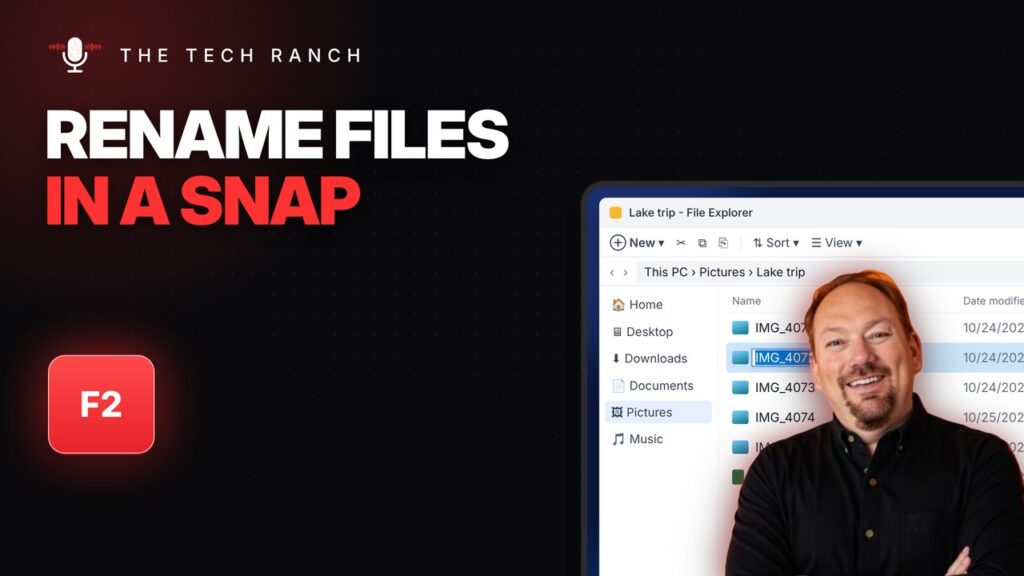
Click a file and press F2 to rename it. Press Tab to jump to the next file, then Enter when you’re done. Windows 10 & 11.
🧊 Frozen App? Ctrl + Shift + Esc Opens Task Manager Instantly
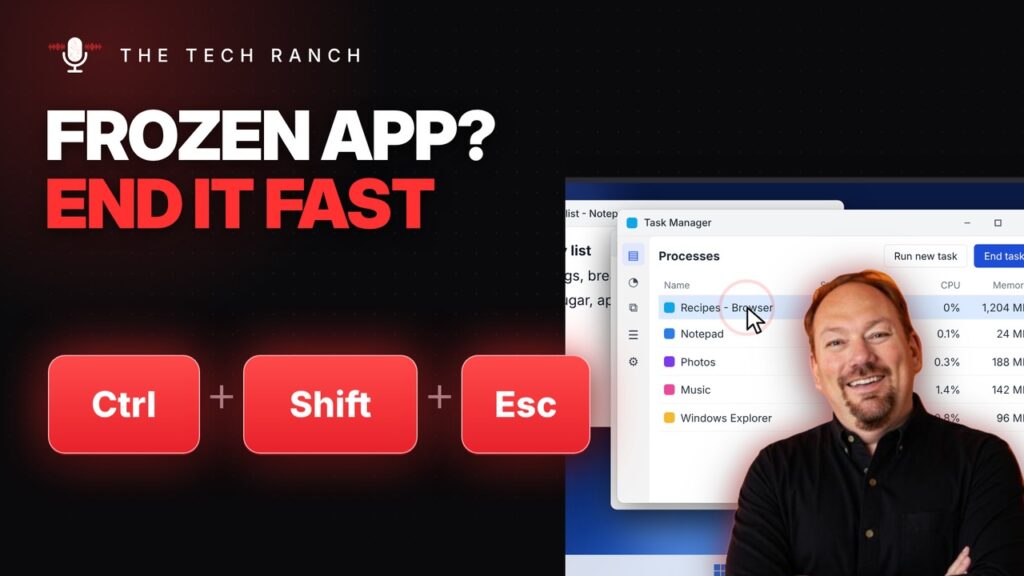
App frozen? Press Ctrl + Shift + Esc to open Task Manager, select the stuck app and click End task. No restart needed. Windows 10 & 11.
🔀 Switch Windows Instantly with Alt + Tab

Hold Alt and tap Tab to flip through your open windows, then let go to switch. A quick tap jumps back to the last one. Windows 10 & 11.
🖥️ Show Your Desktop Instantly with Windows Key + D

Press the Windows key + D to show your desktop instantly. Press it again to bring your windows back. Works on Windows 10 and 11.
😀 Emoji on Your PC: Windows Key + Period Opens the Emoji Panel
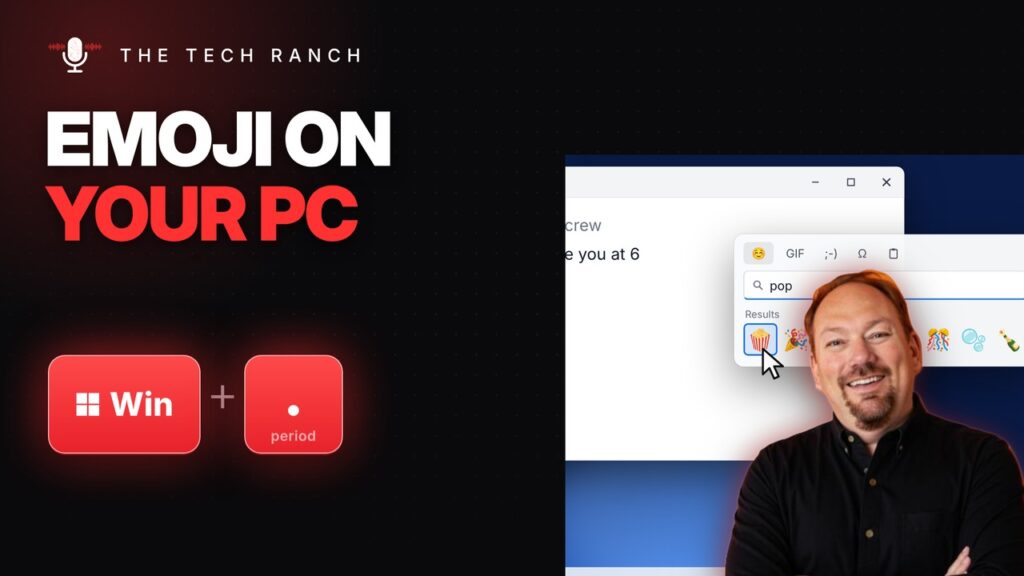
Press the Windows key + Period to open the emoji panel in almost any app. Type to search, then click to insert. Symbols too. Works on Windows 10 and 11.
