

👁️ Preview Files in File Explorer with Alt + P
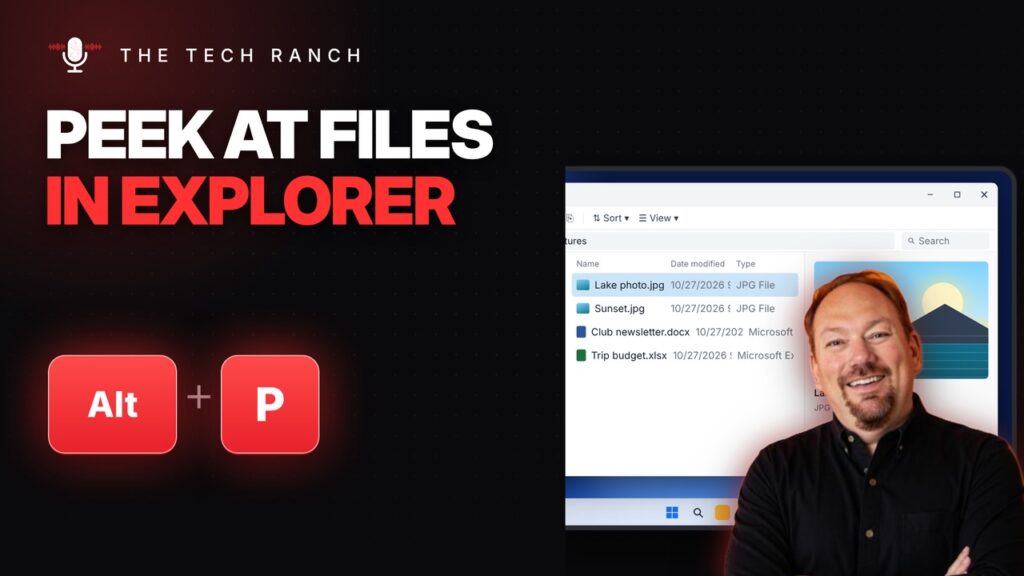
In File Explorer, press Alt + P to preview files without opening them. Ctrl + Shift + 2 shows large icons.
🖥️ Fix a Frozen or Glitchy Screen with Win + Ctrl + Shift + B
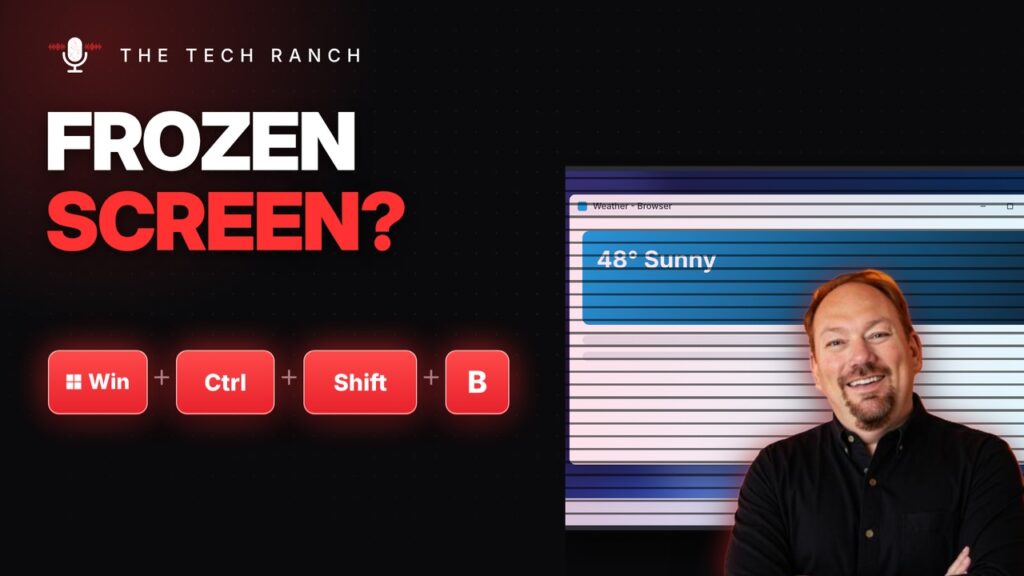
Press Win + Ctrl + Shift + B to restart the graphics driver and fix a frozen or glitchy screen. Apps stay open.
🗑️ Delete a File for Good with Shift + Delete
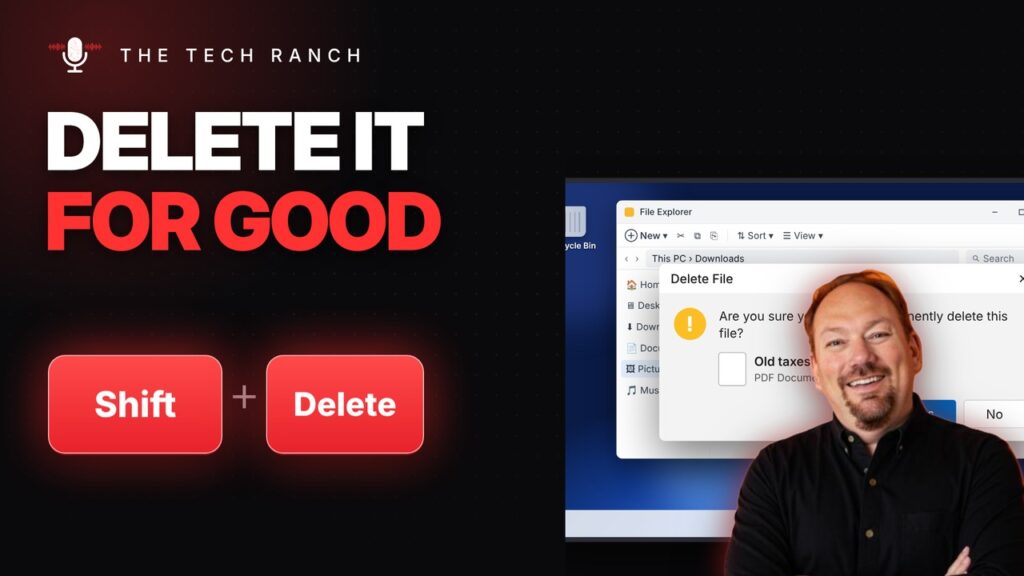
Shift + Delete permanently deletes a file and skips the Recycle Bin. Ctrl + Z undoes a regular delete.
🧹 Minimize Every Window at Once with Windows Key + M
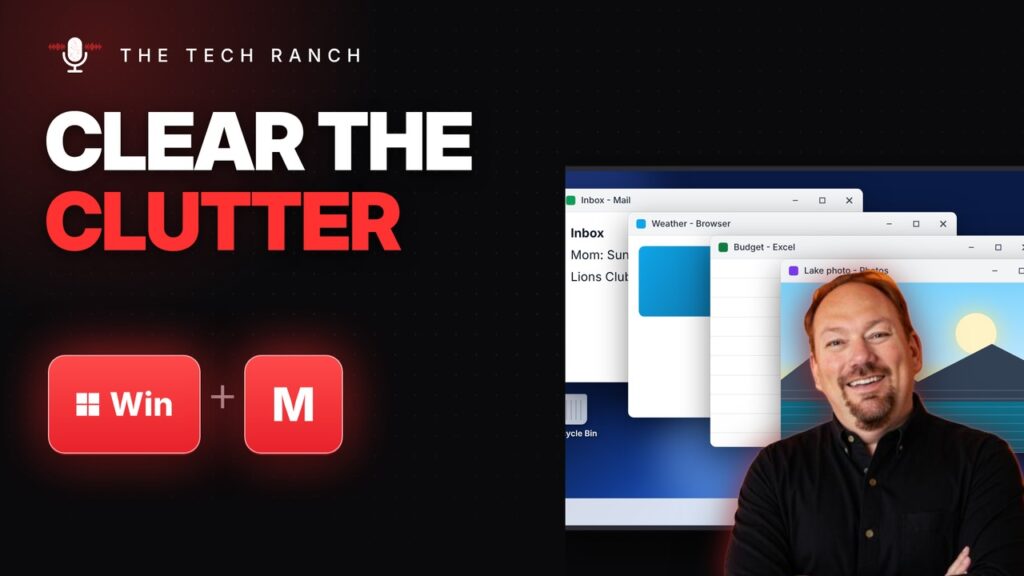
Press the Windows key + M to minimize every window at once. Win + Shift + M brings them all back.
🎥 Record Your Screen for Free with Windows Key + G

Press the Windows key + G to open Game Bar and record your screen. Win + Alt + R starts and stops recording.
🔢 Open Taskbar Apps by Number with Windows Key + 1, 2, 3

Press the Windows key + a number to open that app on your taskbar, counting from the left. Win + T walks the taskbar.
🔎 Find Any App or File Fast with Windows Key + S
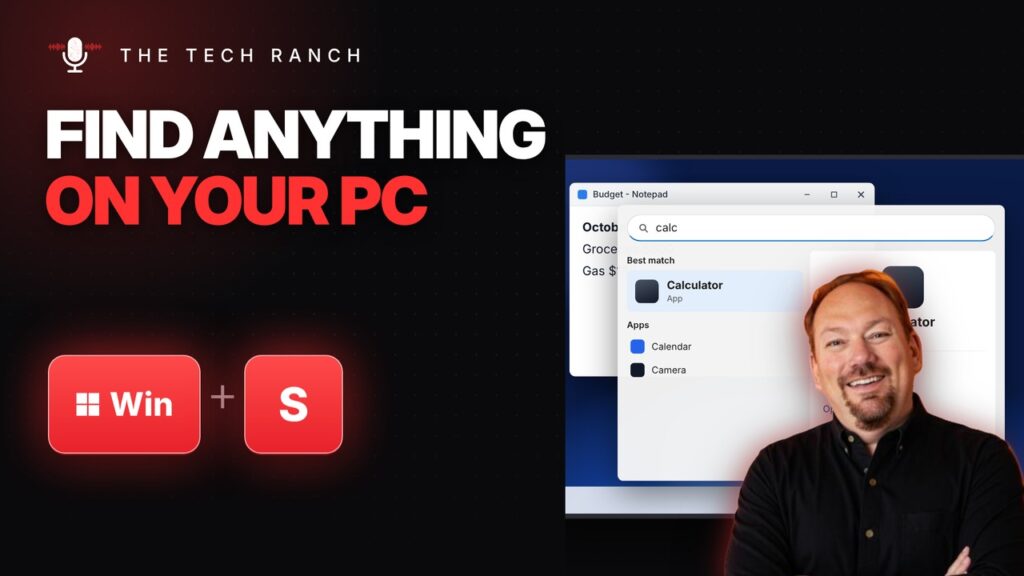
Press the Windows key + S to search for apps, files and settings. Win + X opens the power-user menu.
📽️ Show Your Screen on a TV or Projector with Windows Key + P
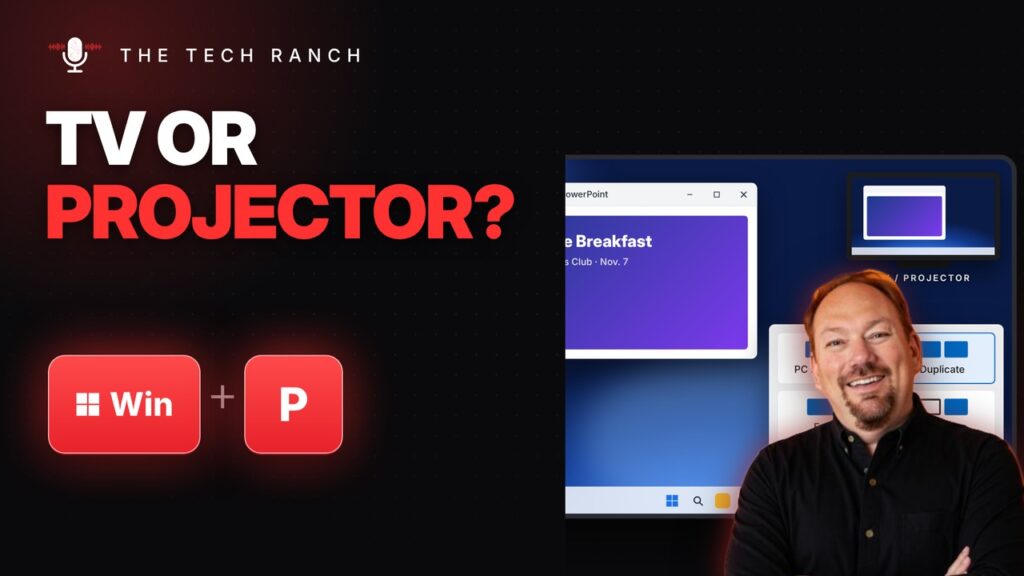
Press the Windows key + P to pick Duplicate, Extend and more for a TV, projector or second monitor. Win + K casts wirelessly.
⬆️ Maximize Any Window with Windows Key + Up Arrow

Press the Windows key + Up Arrow to maximize any window. Win + Down puts it back. Windows 10 & 11.
❌ Close Any App Instantly with Alt + F4
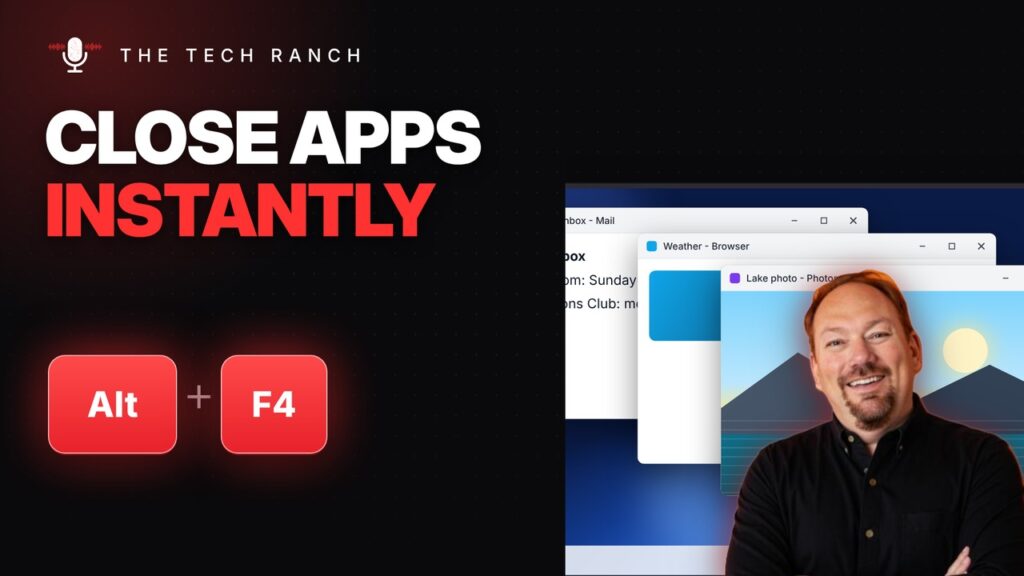
Press Alt + F4 to close the app you’re using on Windows. It asks first if you have unsaved work. Mac: Command + Q.
