

🔍 Find Any File Fast in File Explorer: Ctrl + E
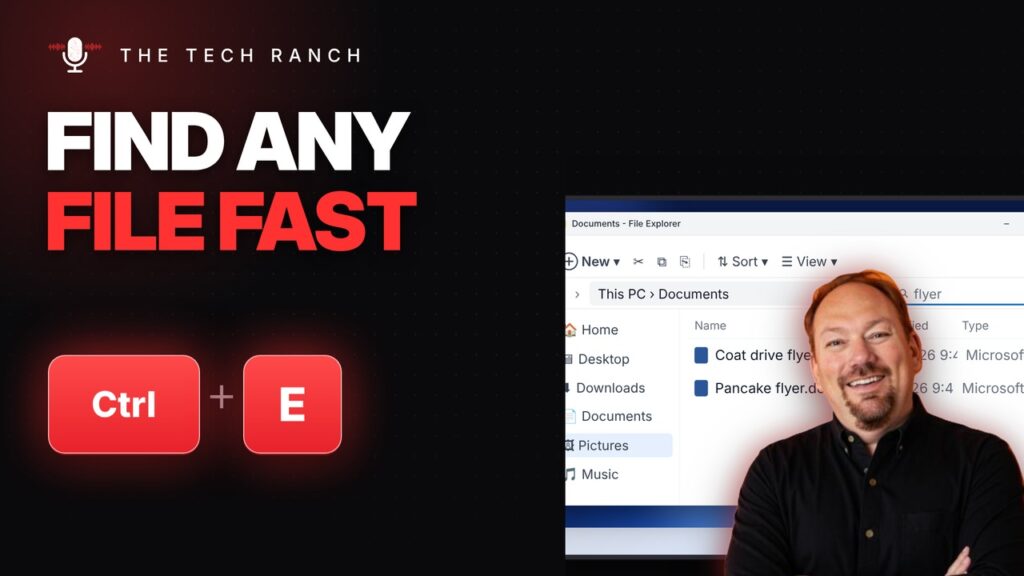
In File Explorer, press Ctrl + E to search the folder you’re in. Ctrl + T opens a new tab in Windows 11.
🪟 Window Stuck Off the Screen? Alt + Space, Then M
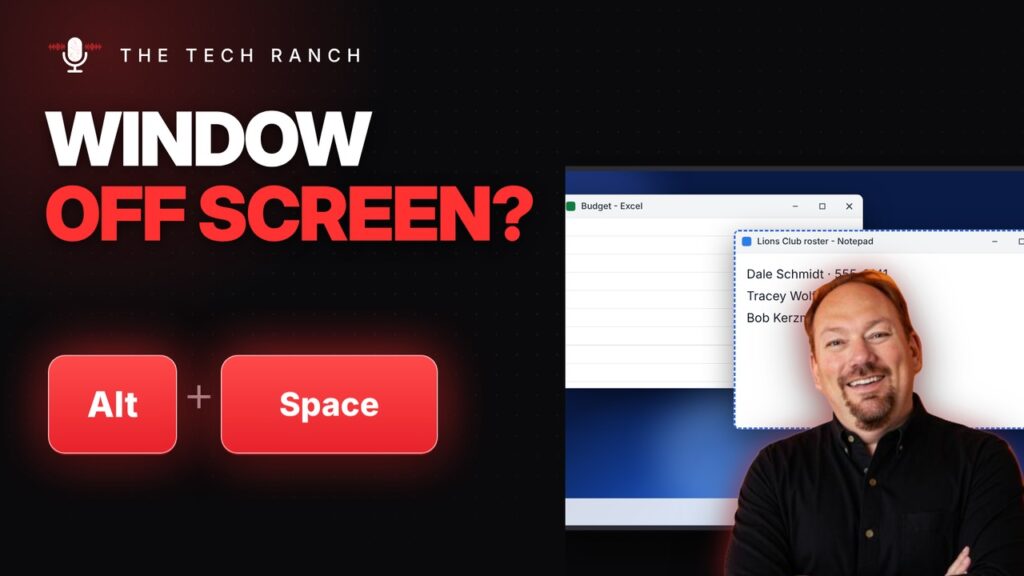
Window off screen? Press Alt + Space, then M, then the arrow keys to bring it back. N minimizes, X maximizes.
🎙️ Talk Instead of Typing: Windows Key + H
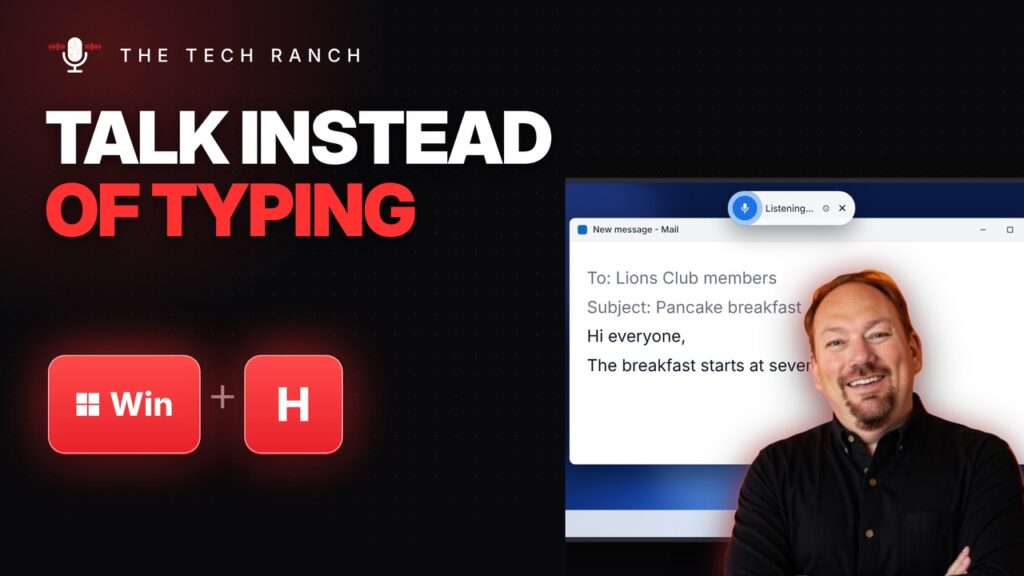
Press Windows key + H to start voice typing. Win + Ctrl + Enter turns on Narrator to read the screen aloud.
🪟 Screenshot Just One Window: Alt + Print Screen
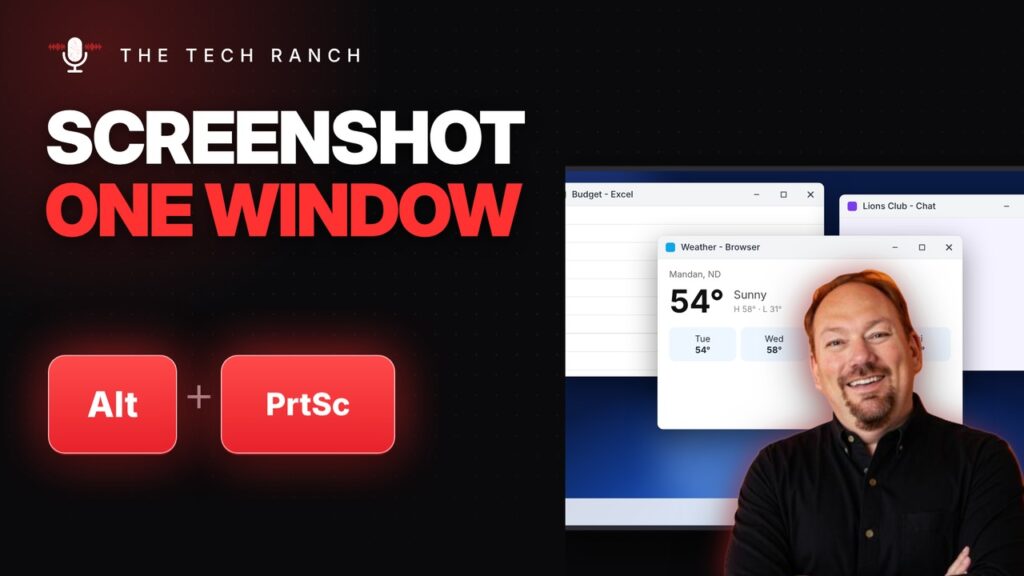
Press Alt + Print Screen to copy a screenshot of just the window you’re in, then Ctrl + V to paste it.
⌨️ Typing Erases the Next Letter? Press the Insert Key
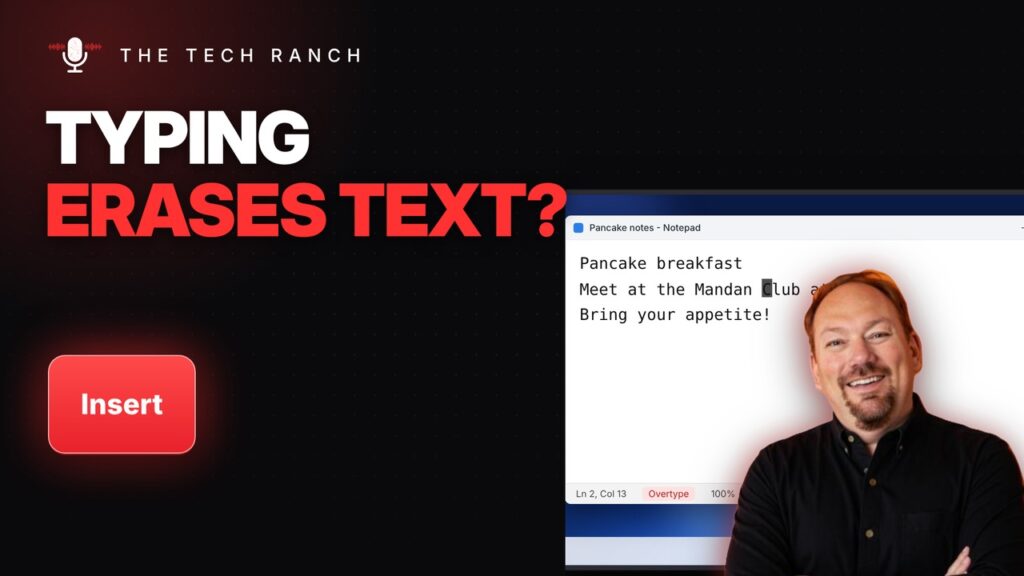
Typing erases the next letter? Press Insert to turn off overtype. Number pad not working? Press Num Lock.
🖱️ Right-Click Without a Mouse: Shift + F10
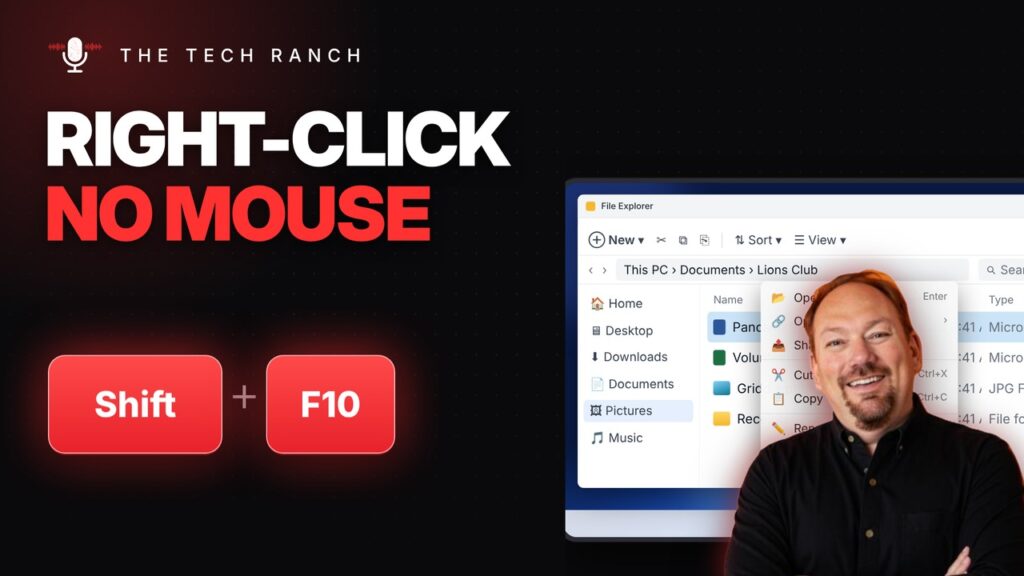
Press Shift + F10 to open the right-click menu without a mouse. Alt + Enter opens a file’s Properties.
🌡️ Type the Degree Symbol ° with Alt + 0176
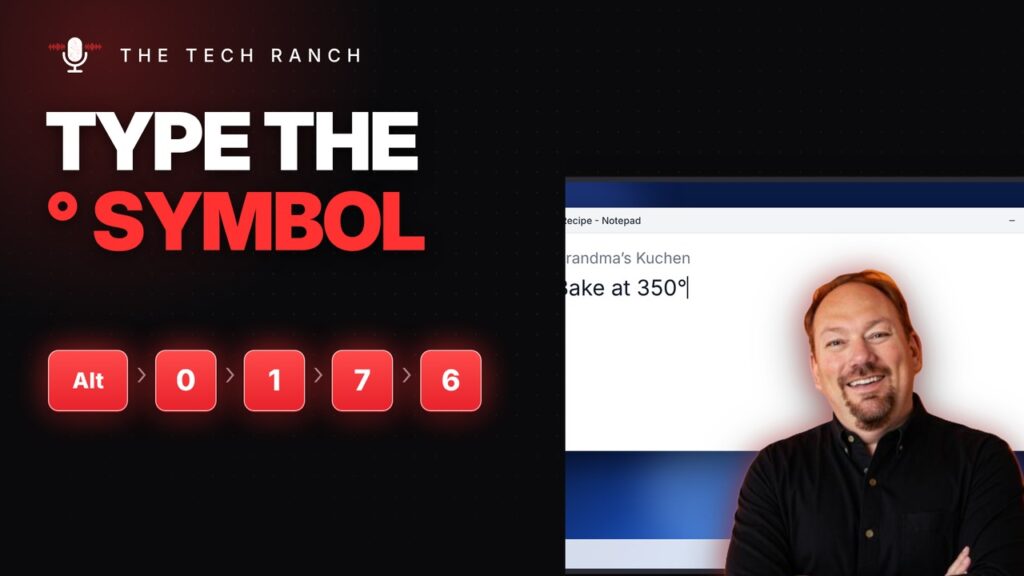
On Windows, hold Alt and type 0176 on the number pad for °. No number pad? Win + . then the Ω tab.
👓 Bigger Text and Easier Viewing with Windows Key + U

Press the Windows key + U to open Accessibility settings: bigger text, bigger pointer, Magnifier and more.
🖥️ Move a Window to Your Other Monitor with Win + Shift + Arrow
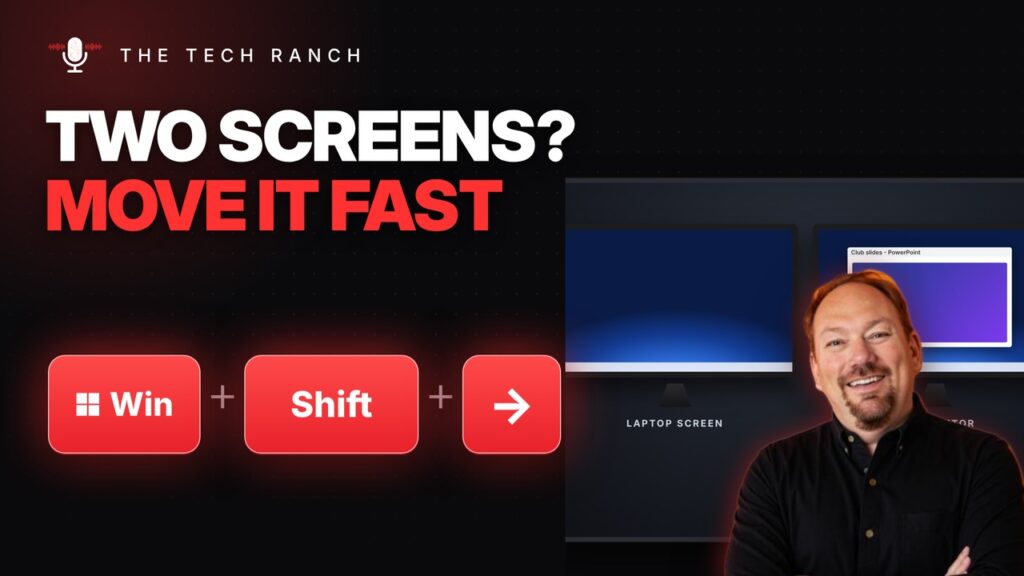
Press Win + Shift + Left/Right Arrow to move a window to your other monitor. Win + Shift + Up stretches it tall.
🏃 Open Any Program Fast with Windows Key + R

Press the Windows key + R, type calc and press Enter to open Calculator instantly. Type control for Control Panel.
