

📋 Copy and Paste in a Snap with Ctrl + C and Ctrl + V

Select text, press Ctrl + C to copy and Ctrl + V to paste. Ctrl + X cuts to move it. Mac: Command + C / V / X.
🖨️ Print or Save Any Page as a PDF with Ctrl + P

Press Ctrl + P to print, or set Destination to Save as PDF to keep a copy. Mac: Command + P.
🗑️ Delete Files on a Mac with Command + Delete
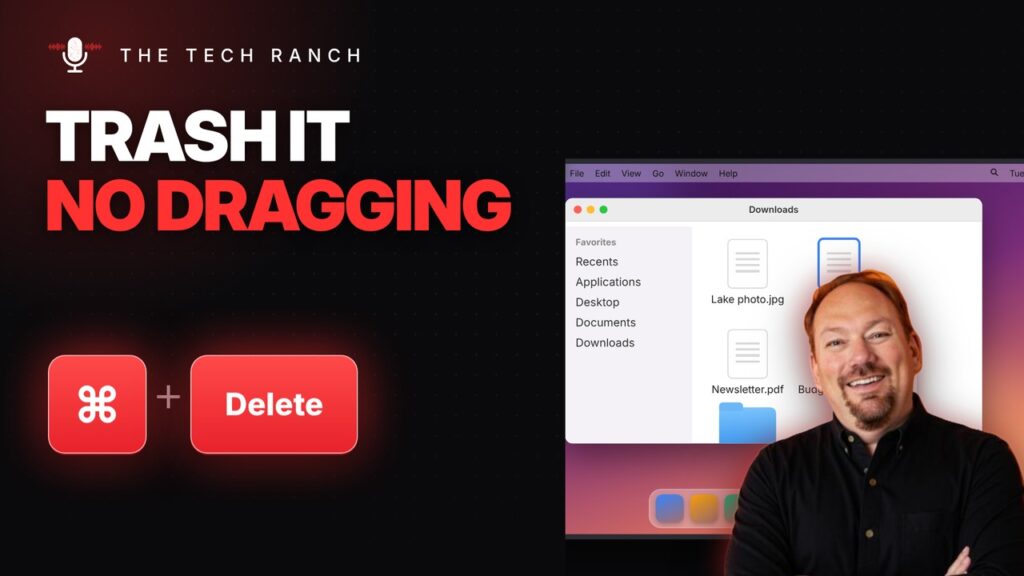
Select a file in Finder and press Command + Delete to move it to the Trash. Command + Z puts it back.
🔒 Lock Your Mac Instantly with Control + Command + Q

Press Control + Command + Q to lock your Mac instantly. Your apps stay open. On Windows: Win + L.
📽️ Show Your Screen on a TV or Projector with Windows Key + P

Press the Windows key + P to pick Duplicate, Extend and more for a TV, projector or second monitor. Win + K casts wirelessly.
⬆️ Maximize Any Window with Windows Key + Up Arrow

Press the Windows key + Up Arrow to maximize any window. Win + Down puts it back. Windows 10 & 11.
🎬 Start a PowerPoint Slide Show Instantly with F5

Press F5 to start your PowerPoint slide show from the beginning. Shift + F5 starts from the current slide. Mac: Command + Shift + Return.
📨 Send an Email Without the Mouse with Ctrl + Enter

Press Ctrl + Enter to send an email in Gmail or Outlook. Mac: Command + Return.
🔢 Check Your Word Count in Google Docs with Ctrl + Shift + C
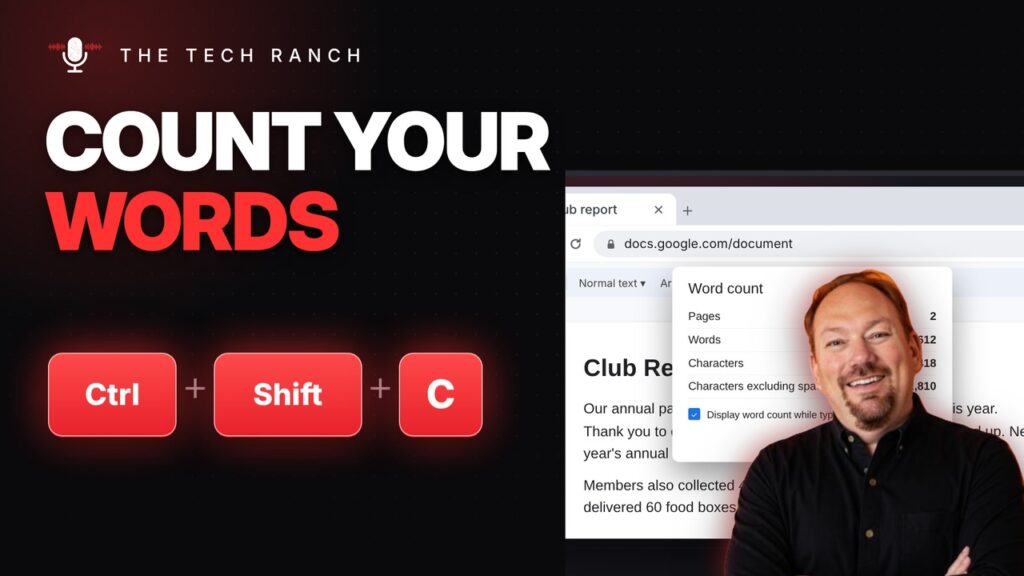
Press Ctrl + Shift + C in Google Docs to see your word count. Mac: Command + Shift + C. Word: Ctrl + Shift + G.
𝗕 Make Text Bold Instantly with Ctrl + B

Select text and press Ctrl + B to make it bold. Press again to undo. Works in Docs, Word, Gmail and more. Mac: Command + B.
