

📜 Scroll a Web Page with the Space Bar

Press the Space bar to scroll a web page down one screen. Shift + Space goes back up. Any browser.
🔄 Reload Any Web Page with Ctrl + R

Press Ctrl + R (or F5) to reload a web page. Ctrl + Shift + R does a hard reload. Mac: Command + R.
👀 Preview Any File on a Mac with the Space Bar
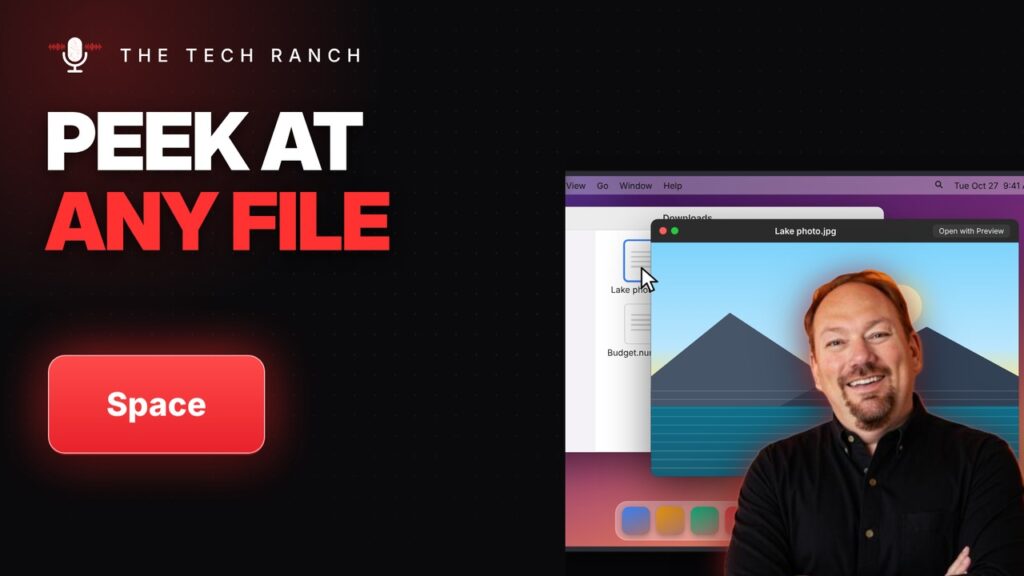
On a Mac, select a file in Finder and press the Space bar to preview it without opening an app. Space again closes it.
⬇️ Minimize a Window on Your Mac with Command + M

Press Command + M to minimize a window to the Dock on your Mac. Click it in the Dock to bring it back.
❌ Close Any App Instantly with Alt + F4

Press Alt + F4 to close the app you’re using on Windows. It asks first if you have unsaved work. Mac: Command + Q.
🔍 Zoom In on Anything with Windows Key + Plus

Press the Windows key + Plus to zoom in on anything with Magnifier. Win + Esc turns it off. Windows 10 & 11.
🔇 Mute Yourself in Zoom Instantly with Alt + A
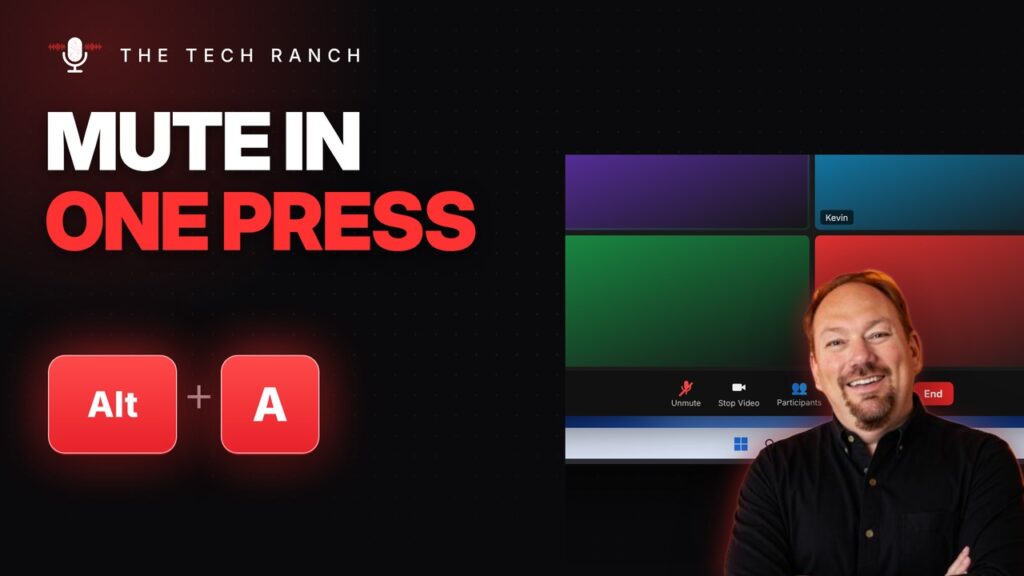
Press Alt + A to mute or unmute yourself in Zoom. Mac: Command + Shift + A. Teams: Ctrl + Shift + M.
⬇️ Fill Down in One Press with Ctrl + D

Select a cell and the cells below it, then press Ctrl + D to fill down in Google Sheets or Excel. Mac: Command + D.
📝 Instant Bullet Lists in Google Docs with Ctrl + Shift + 8
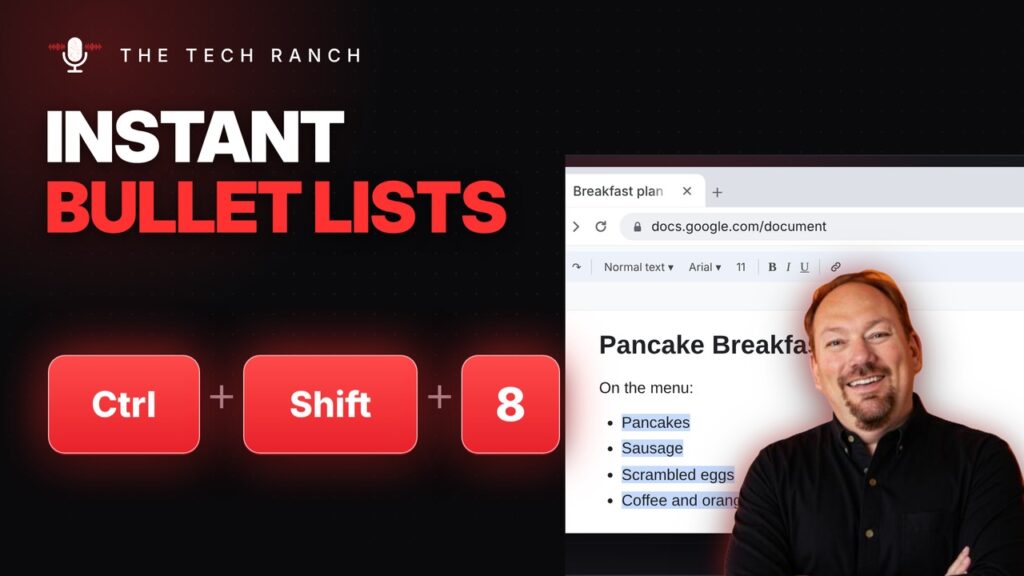
In Google Docs, select your lines and press Ctrl + Shift + 8 for bullets or Ctrl + Shift + 7 for numbers. Mac: Command + Shift + 8 / 7.
⏮️ Jump to the Start or End of a Line with Home and End

Press Home to jump to the start of a line and End to jump to the end. Mac: Command + Left or Right Arrow.
